SR5 MechTool
TM
Manual TSP012.doc Issue 2.1 – June 2004
©Money Controls 2004. All rights reserved.
Page 20 of 24
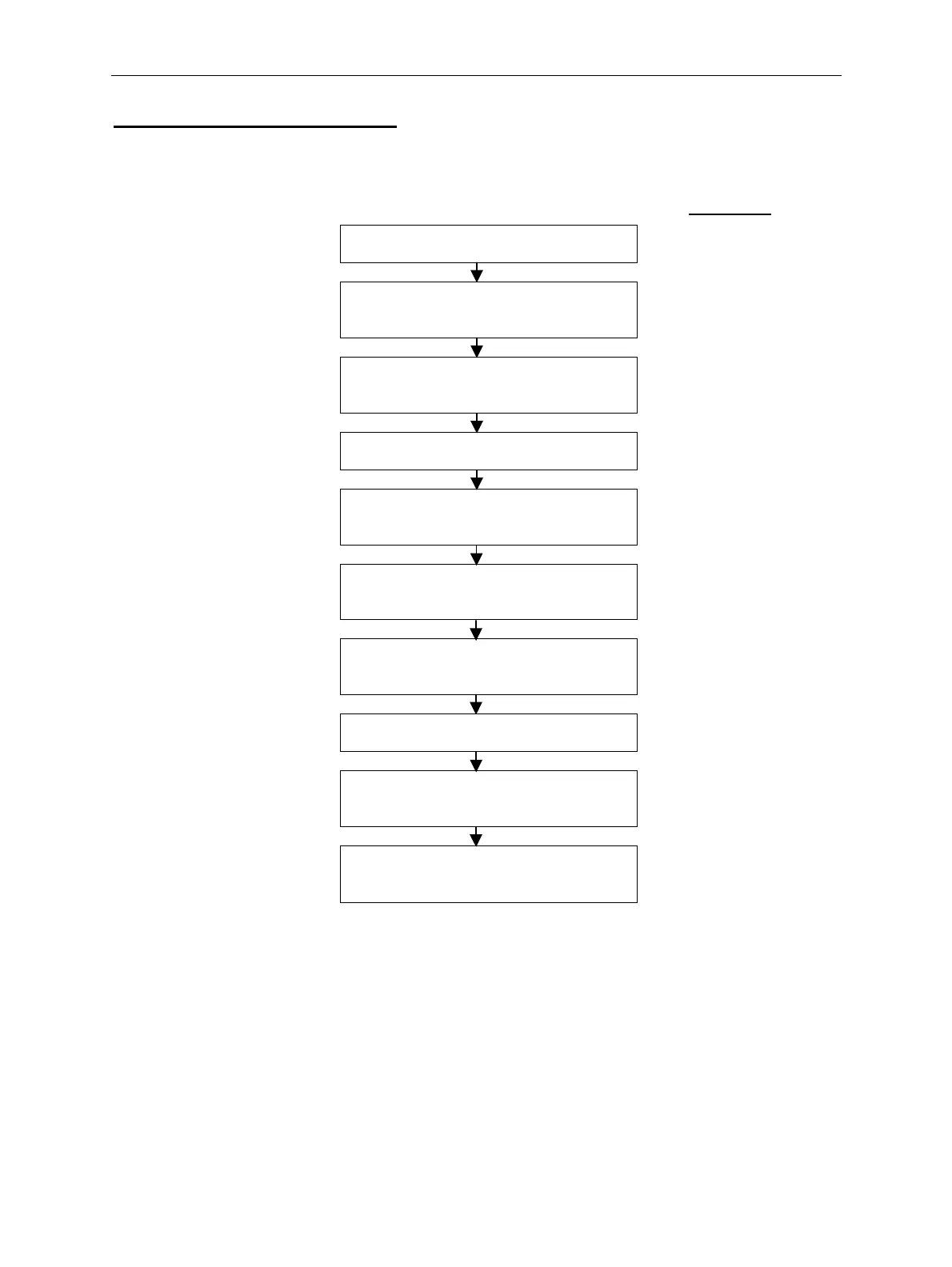
Flow Chart 5: Test Accept Gate
RS = Rotary Switch Position
LED Colour
RS = 0
MechTool
TM
Mode - Entry
Set RS to position 0 Green
Press and hold program button for a
minimum of 2 seconds.
Red
Release the program button when the
LED flashes Yellow.
Flashing Yellow
RS = 5
Test Accept Gate
Set RS to position 5 Flashing Yellow
Press and release the program button
to start accept gate testing.
Yellow-Green
The accept gate will be
pulsed 500ms ON, 500ms OFF.
Press and release the program button
to stop accept gate testing.
Flashing Yellow
RS = 0
MechTool
TM
Mode - Exit
Set RS to position 0 Flashing Yellow
Press and hold program button for a
minimum of 2 seconds.
Yellow-Green
Release the program button when the
LED = Yellow-Green.
Green



 To Next Page