SR5 MechTool
TM
Manual TSP012.doc Issue 2.1 – June 2004
©Money Controls 2004. All rights reserved.
Page 9 of 24
5. Token Selection.
The rotary switch and the program button allow the user to disable tokens or select another
programmed token.
To select the token, ensure that the SR5 is powered up through the main parallel connector.
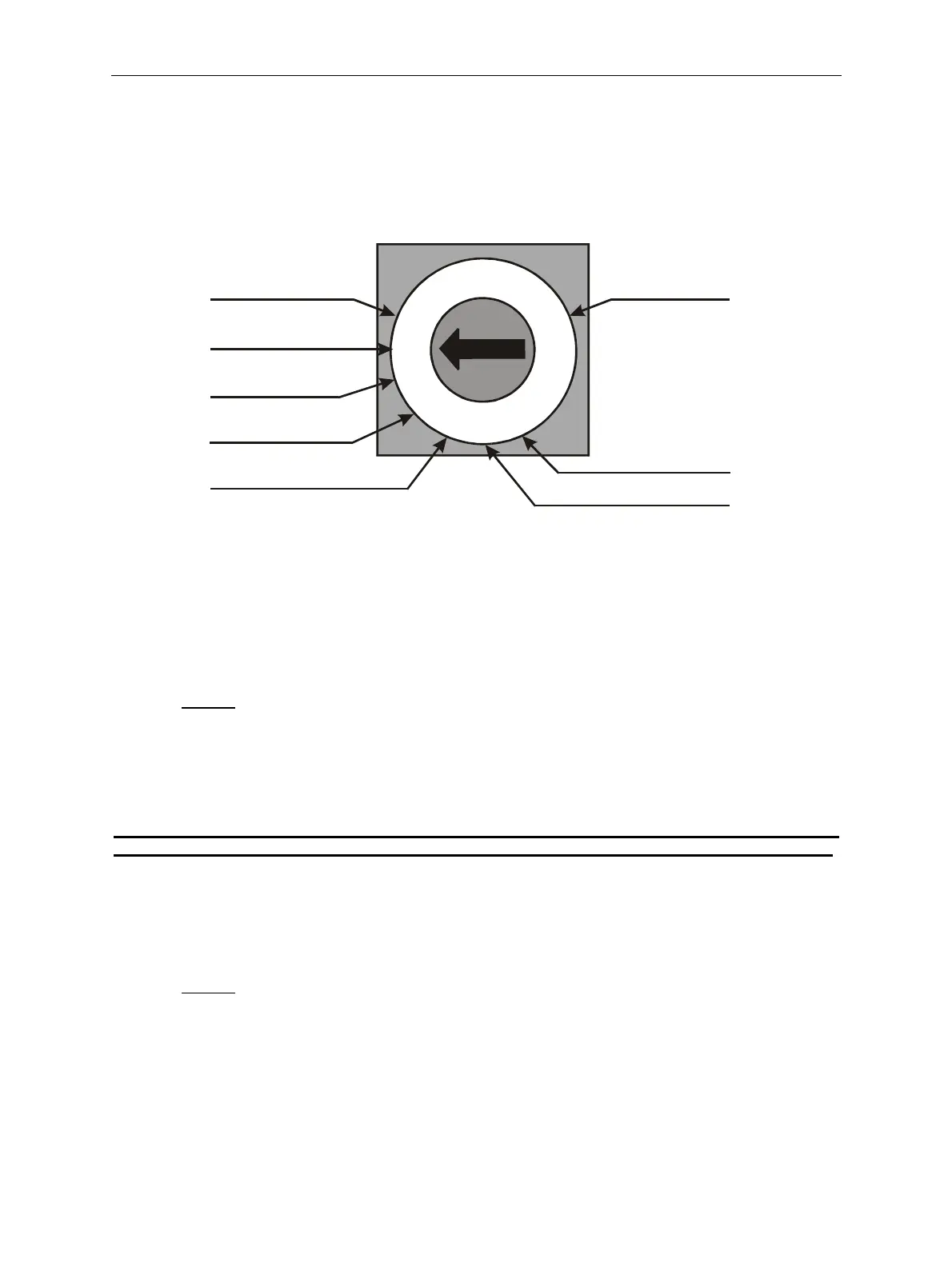
Figure 2: Rotary switch features
5.1 Token Disable - Position 0.
In this position, token acceptance is disabled.
To use:
¾ Turn the rotary switch to position 0.
¾ Press and hold the program button, the LED will change to RED.
¾ Release the program button.
¾ The LED will change back to GREEN.
Note: The program button must be released when the LED changes colour to RED, otherwise
the SR5 will enter MechTool
TM
mode if the program button is pressed for more than 2 seconds.
5.2 Token Selection - Position 1 to C
11 tokens can be pre-programmed into the SR5 and selected on the rotary switch. Token
12, (position C), is reserved for the Teach & Run
TM
token.
To use:
¾ Turn the rotary switch to the desired token position, 1 to C.
¾ Press and hold the program button, the LED will change to RED.
¾ Release the program button.
¾ The LED will change back to GREEN.
0
1
2
3
4
5
6
7
8
9
A
B
C
D
E
F
Token group 7Token group 1
No tokens
Routing control
Teach mode
Program options
Token group 11
ccept taught token



 To Next Page