SR5 MechTool
TM
Manual TSP012.doc Issue 2.1 – June 2004
©Money Controls 2004. All rights reserved.
Page 14 of 24
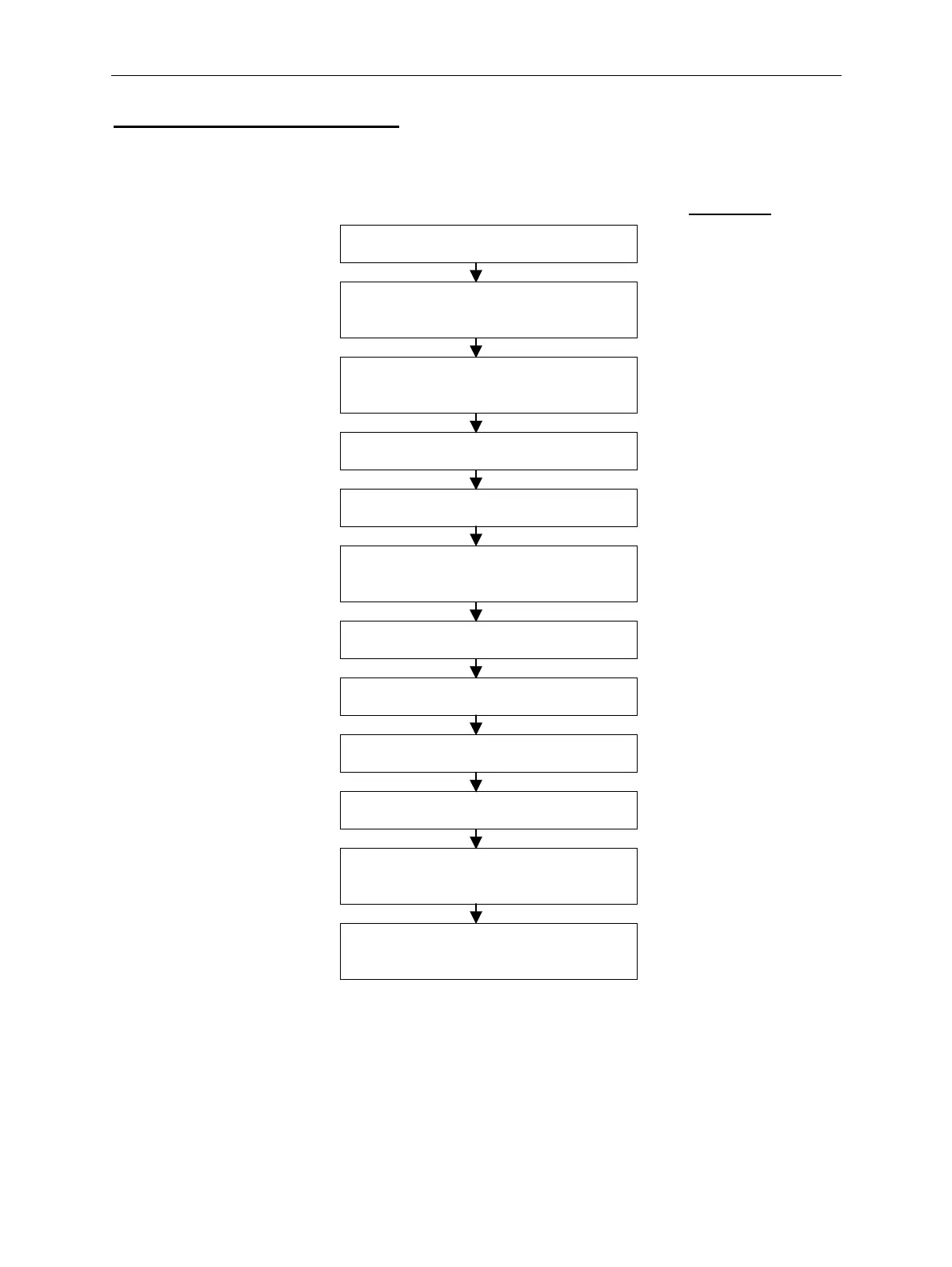
Flow Chart 1: Teach Coin Mode
RS = Rotary Switch Position
LED Colour
RS = 0
MechTool
TM
Mode - Entry
Set RS to position 0 Green
Press and hold program button for a
minimum of 2 seconds.
Red
Release the program button when the
LED flashes Yellow.
Flashing Yellow
RS = 1
Teach Coin Mode
Set RS to position 1 Flashing Yellow
Press and release the program button. Yellow-Green
Set the rotary switch corresponding to
the window number to be taught.
i.e. position 1 = window 1,
position F = window 15,
position 0 = window 16.
Press and release the program button. Flashing Red
Enter coins – minimum 8 Flashing Green
Press and release the program button. Flashing Yellow
RS = 0
MechTool
TM
Mode - Exit
Set RS to position 0 Flashing Yellow
Press and hold program button for a
minimum of 2 seconds.
Yellow-Green
Release the program button when the
LED = Yellow-Green.
Green
If an error occurs during teach then the LED colour changes to red (instead of flashing green)
and remains red until the program button is pressed.



 To Next Page