SR5 MechTool
TM
Manual TSP012.doc Issue 2.1 – June 2004
©Money Controls 2004. All rights reserved.
Page 17 of 24
Caution must be observed when using this function.
Window narrowing should be used when trying to reject a fraud coin.
Incorrect use can result in 0% acceptance of true coins.
Window widening is used to increase true coin acceptance.
Incorrect use could see the acceptance of fraud coins.
NOTE: Money Controls program the SR5 to optimum coin acceptance at the factory. Should
true coin acceptance start to decline, this would indicate a fault and we DO NOT recommend
window widening as a ‘fix’.
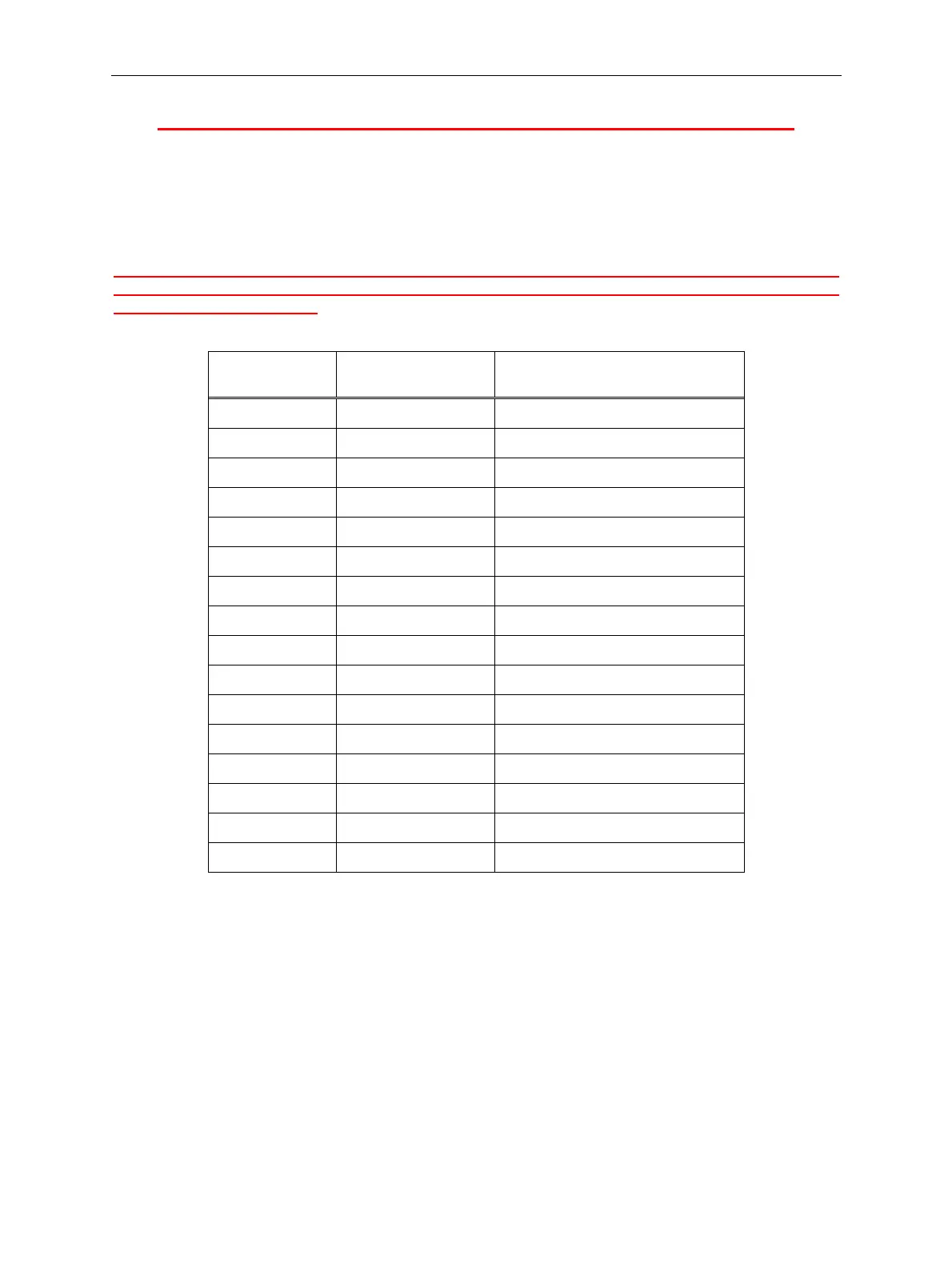
Rotary Switch
setting
Window offset
applied
Change in window width
0 0
$
Windows not modified
1 1
$
Narrowed by 2 counts
2 2
$
Narrowed by 4 counts
3 3
$
Narrowed by 6 counts
4 4 Narrowed by 8 counts
5 5 Narrowed by 10 counts
6 6 Narrowed by 12 counts
7 7 Narrowed by 14 counts
8 Not used
9 7 widened by 14 counts
A 6 widened by 12 counts
B 5 widened by 10 counts
C 4 widened by 8 counts
D 3 widened by 6 counts
E 2 widened by 4 counts
F 1 widened by 2 counts
$
Recommended window adjustments.
Table 3: Rotary Switch to Window Tuning Values



 To Next Page