8
5. Setting up the device
Menu level Parameterisation level
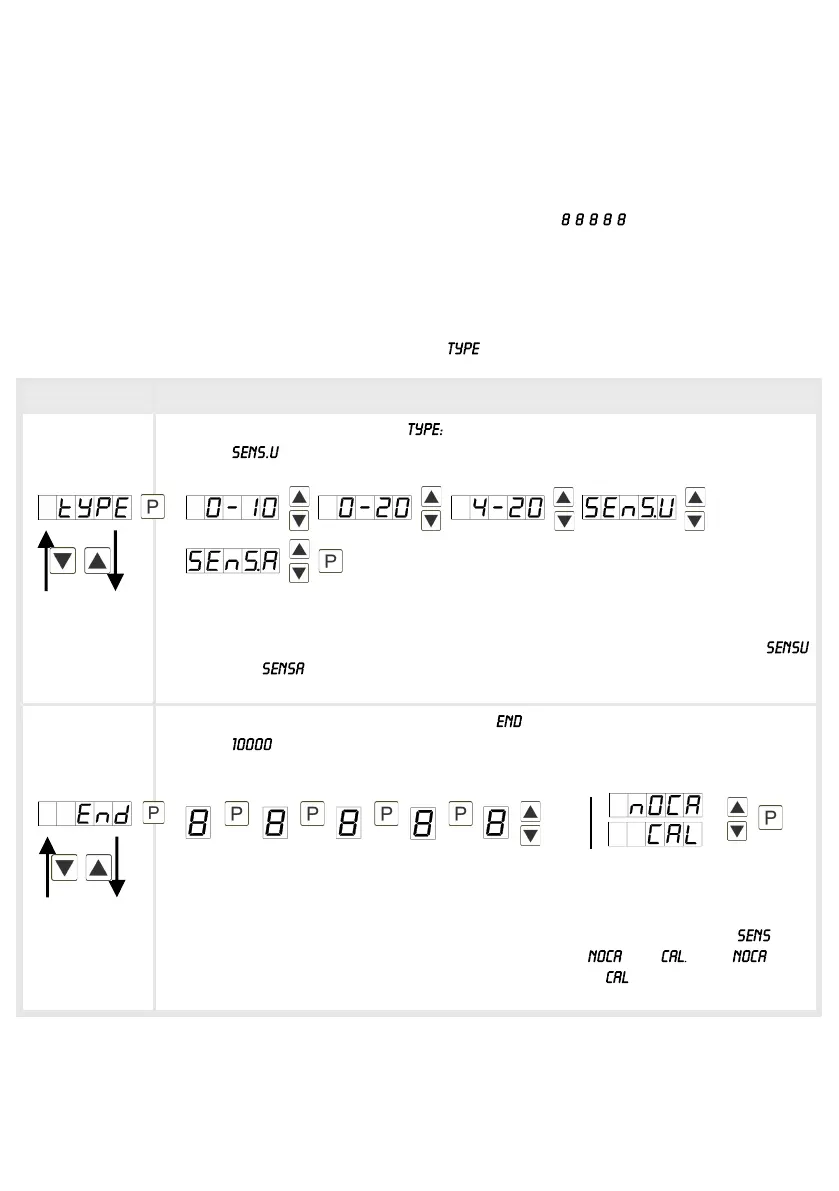
Selection of the input signal,
Default:
There are several measuring input options: 0-20 mA, 4-20 mA or 0-10 VDC
signals as works calibration (without application of the sensor signal) and
(voltage) or (current) as sensor calibration (with the sensor applied). Confirm
the selection with [P] and the display switches back to menu level.
Setting the measuring range end value, :
Default:
Set the end value from the smallest to the highest digit with [▲] [▼] and confirm
each digit with [P]. A minus sign can only be parameterized on the highest value
digit. After the last digit, the display switches back to the menu level. If was
selected as input option, one can only select between and With , only
the previously set display value is taken over, and with , the device takes over
both the display value and the analogue input value.
5. Setting up the device
5.1. Switching-on
Once the installation is complete, start the device by applying the voltage supply. First, check
once again that all electrical connections are correct.
Starting sequence
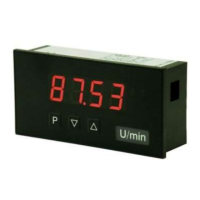
For 1 second during the switching-on process, the segment test ( ) is displayed followed
by an indication of the software type and, after that, also for 1 second the software version. After
the starting sequence, the device switches to operation/display mode.
5.2. Standard parameterisation: (Flat operation level)
To parameterise the display, press the [P]-key in operating mode for 1 second. The display then
changes to the menu level with the first menu item .


 To Next Page