www.miinet.comMoore Industries-International, Inc.
- 45 -
User’s Manual
225-748-00P
August 2024
Programmable RTD, T/C, Ohms, mV and Potentiometer Safety Trip Alarm
STA
TPRG
SECTION 4
Configuration Exit
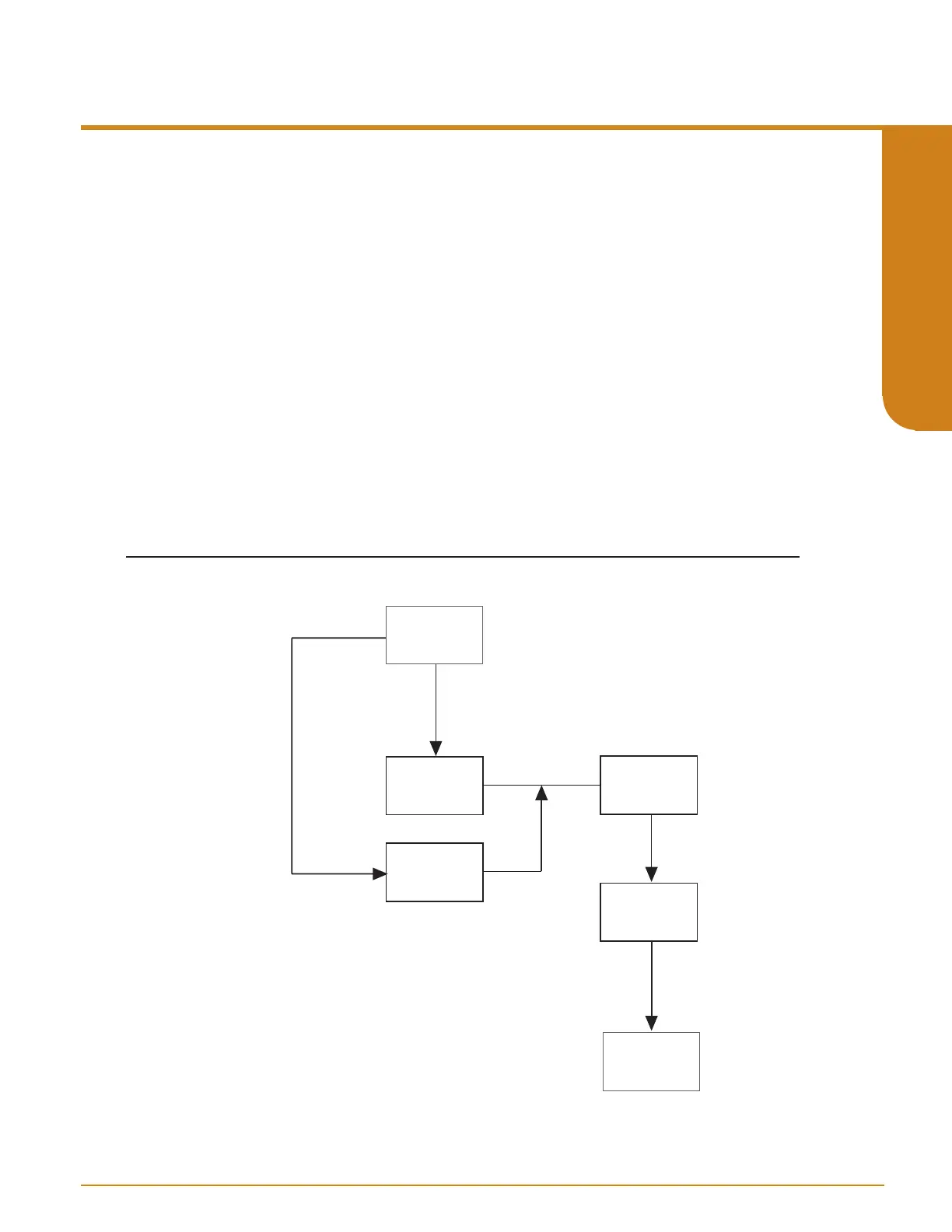
Figure 4.14 gives an overview of the Confg Exit menu.
1. At “CONFG EXIT”, press SELECT.
2. If no error is present use the UP and DOWN buttons between “SAVE NO?” and “SAVE
YES?”.
3. If “SAVE NO?” is selected, you will be returned to View menu and no changes will be
applied to unit (previous configuration will remain unchanged).
4. If “SAVE YES?” is selected, you will be returned to View menu and changes will be applied
to unit and stored in non-volatile memory.
5. If error is present two options are available “ERROR LIST” and “ERROR UNDO”. Use the
UP and DOWN buttons to cycle these two options.
6. If “ERROR LIST” is selected, you see the list of configuration errors, press SELECT and
this will return you to the Main menu to make changes where needed.
7. If “ERROR UNDO” is selected, you will be returned to View menu and no changes will be
applied to unit (previous configuration will remain unchanged).
Figure 4.14. CONFG EXIT Menu
CONFG
EXIT
VIEW
MENU
ENTER
PASS
ENTER
XXX
Selection:
ERROR LIST?
ERROR UNDO?
SEL LIST
SEL UNDO
SEL
SEL (no error)
SEL
CONFG
INPUT
SEL (error)



 To Next Page