www.miinet.comMoore Industries-International, Inc.
- 43 -
User’s Manual
225-748-00P
August 2024
Programmable RTD, T/C, Ohms, mV and Potentiometer Safety Trip Alarm
STA
TPRG
SECTION 4
Password Configuration
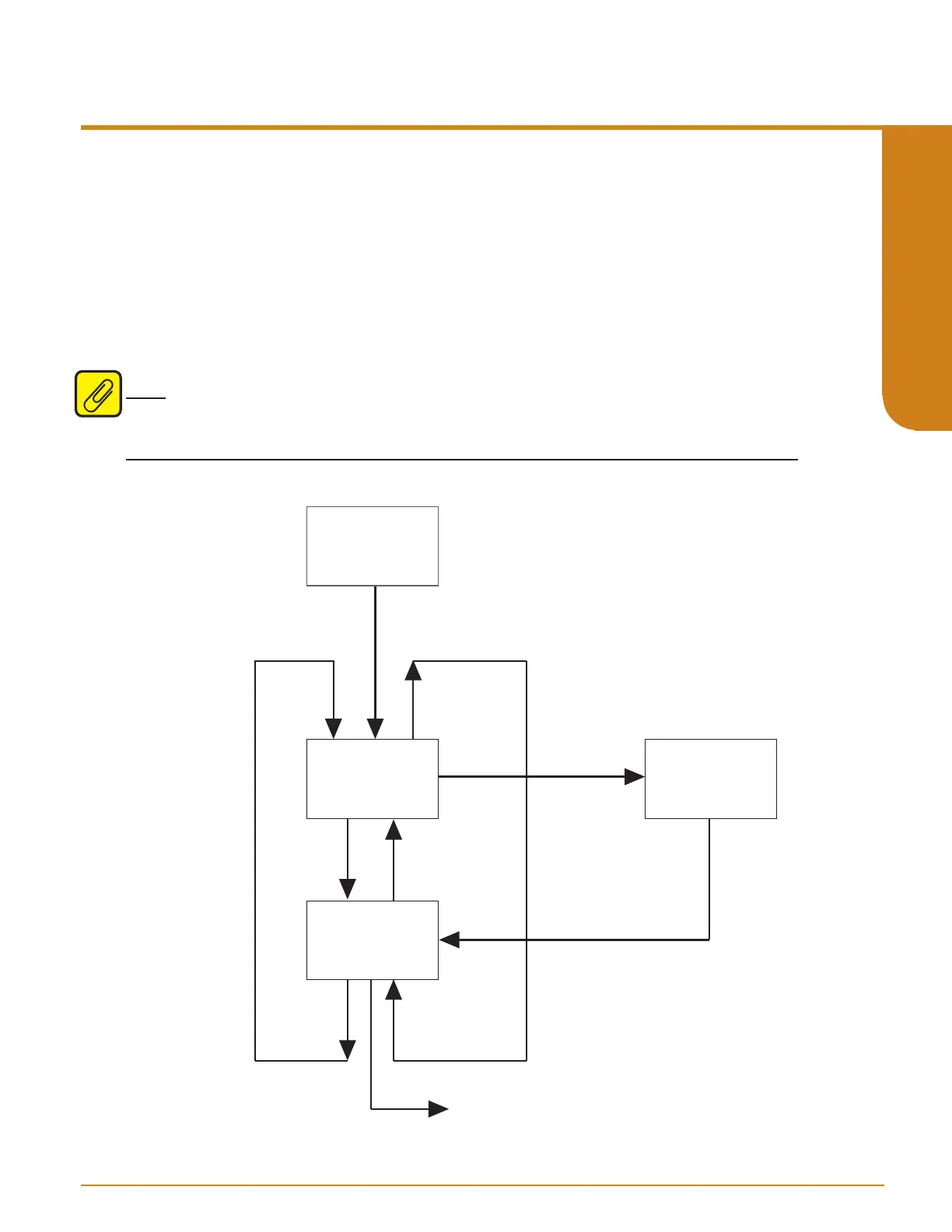
Figure 4.12 gives an overview of the Password Configuration menu.
The “CONFG PASWD” menu, is for setting a new password.
1. At “CONFG PASWD”, press SELECT. This puts you in the “PASS” menu. The previously
saved password appears.
2. Use the UP and DOWN buttons to set a new password to any number between 0 and
9999. Press SELECT.
3. The “EXIT PASWD” appears. Press SELECT , to exit, “RESET FAULT” menu will appear.
Note: If the security is set to Full Access, a password can be set but will not be requested to use
and configure the STA unit. Please refer to Security Settings in Section 3.
D
D
D
U
U
U
CONFG
PASWD
CONFG
PASWD
EXIT
PASWD
Value Change:
XXXX
PASS
SEL
SEL
SEL
RESET FAULT menu
Figure 4.12. CONFG PASWD Menu



 To Next Page