5
3. ELECTRONICS UNIT
3.1. First commissioning
When switching on the electronics unit for the first time, carry out the following programming.
• Français
• English
• Deutsch
• Español
• Italiano
• Nederlander
• Portugués
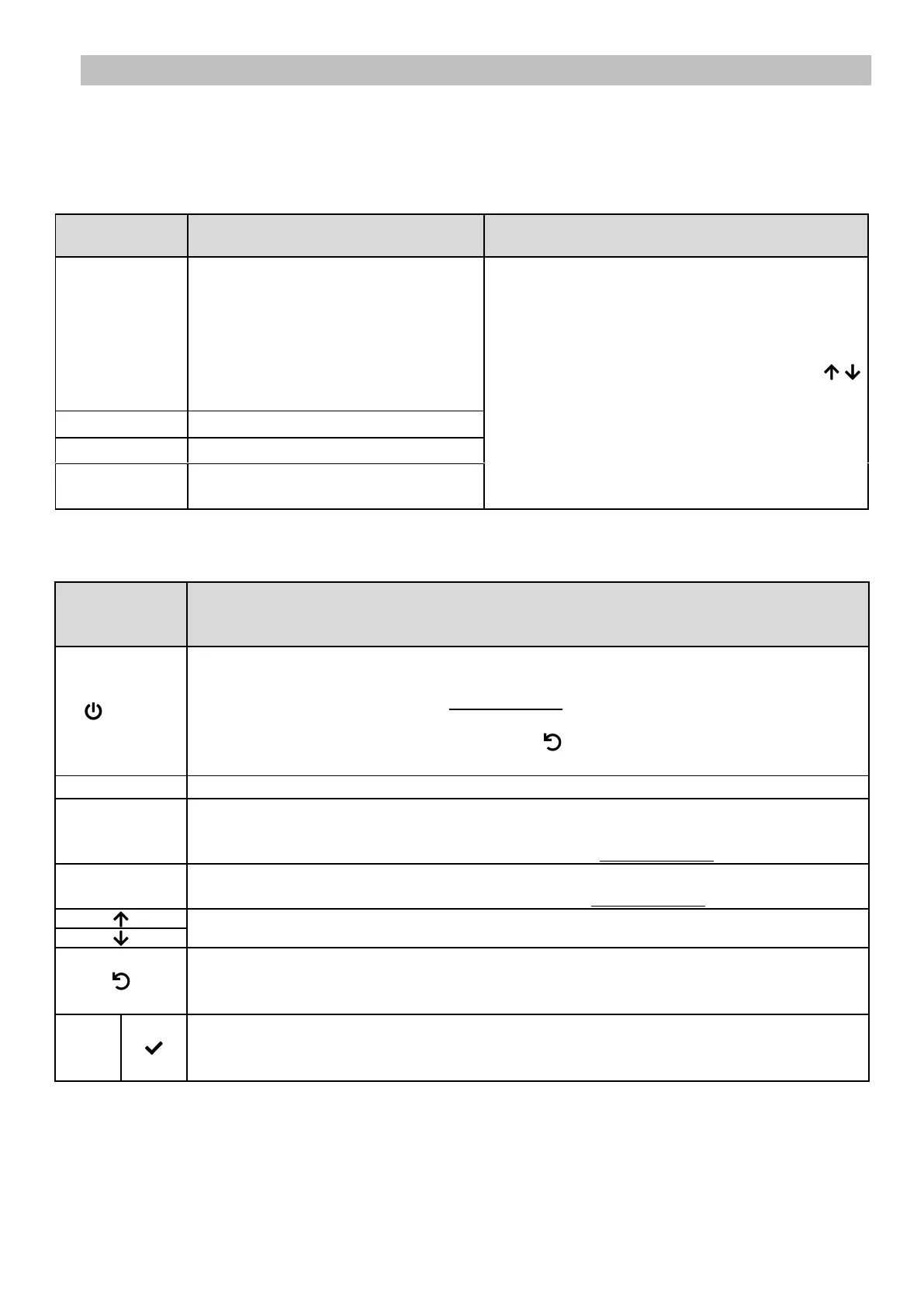
For each parameter, select a data item with the
buttons, then confirm with the OK button.
COMMAND KEY
(depending on
model)
• Switching on the electronics unit.
→ A few minutes after switching on, production starts automatically.
• Switching off the electronics unit (press and hold).
→ When switching off, the screen and the green LED turn off while the red LED comes on.
→ If an alarm has been activated, press first on to switch off.
• Access the menus.
Boost mode starts for 24 hours.
• Water temperature display for a few seconds (only if the default display is set to « In line
display »).
• Direct access to the « Parameters - Temp. Adjust » menu (press and hold).
• Salt level display for a few seconds (only if the default display is set to « In line display »).
• Direct access to the « Parameters - Salt Adjust » menu (press and hold).
Selecting a value or data element.
• Cancellation of an entry
• Back to previous menu.
• Stopping Boost mode.
• Command confirmation.
• Entering a menu.
• Dismissing an alarm.



 To Next Page