11
a) Remove the probe from the probe holder, without disconnecting it.
b) Remove the probe holder nut and replace it with the stopper supplied.
If the probe is not already installed :
Connect the probe to the electronics unit.
4) Turn on the electronics unit.
5) Go to the « pH Regulation - Calibration » menu.
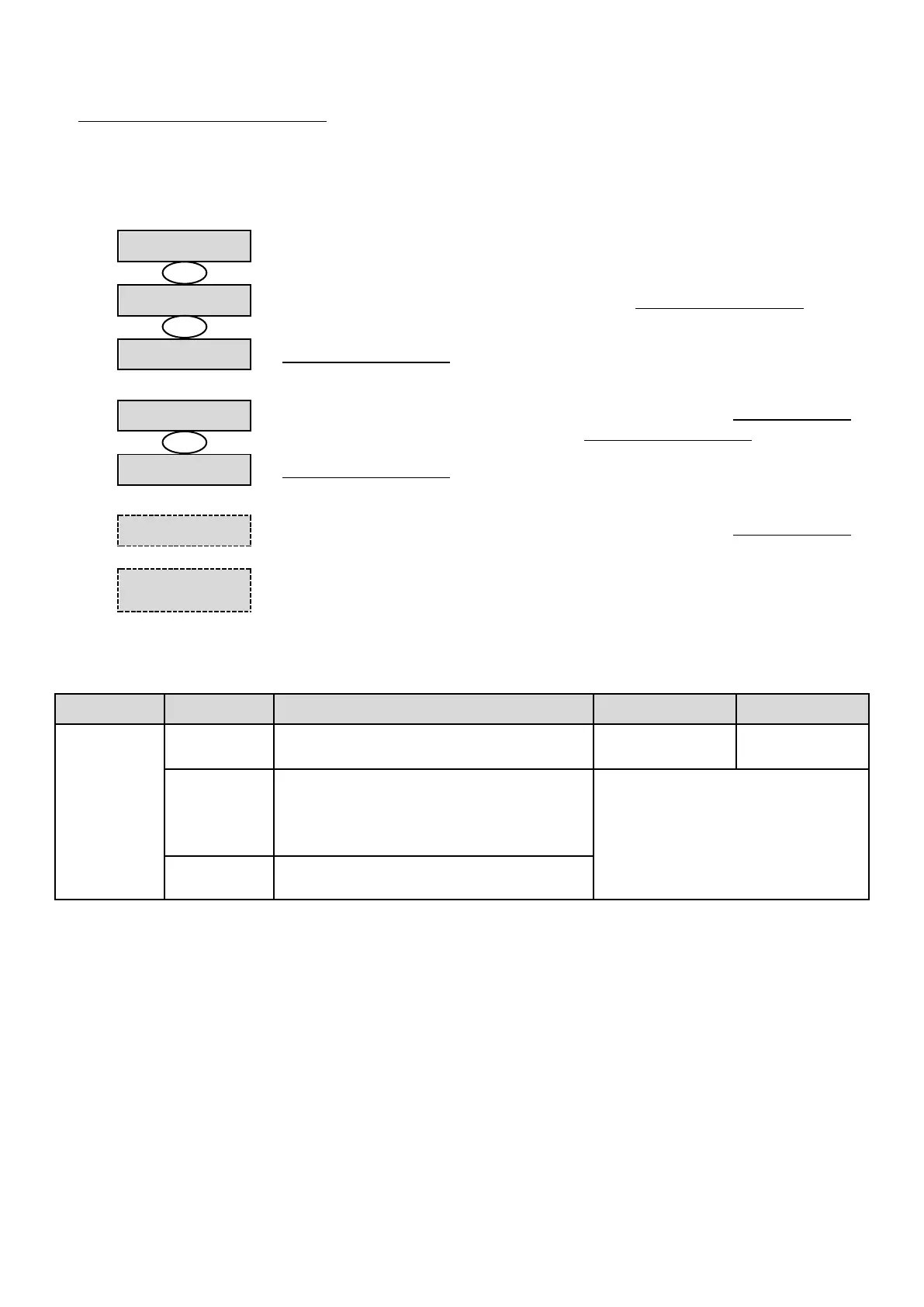
6) Navigate through the menus following the instructions below :
pH Regulation
Calibration
pH Calibration
Solution 7.0
→ Insert the probe into the pH 7 calibration solution, then wait a few minutes.
pH Calibration
In Progress
→ Do not touch the probe.
pH Calibration
Solution 10.0
→ a) Rinse the probe under running water, then leave to drip-dry it without wiping it.
b) Insert the probe into the pH 10 solution, then wait a few minutes.
pH Calibration
In Progress
→ Do not touch the probe.
→ a) Rinse the probe under running water, then leave to drip-dry it without wiping it.
b) Install the probe into the probe holder.
→ Carry out the navigation again with the above instructions, several times if necessary.
If calibration still fails, replace the probe and carry out another calibration.
3.6.15. Bluetooth communication
Activation/deactivation of Bluetooth
communication.
• Detection of connectible devices near
the electronics unit (within 60 seconds).
• Networking of the electronics unit and
connected devices.
Removal of the network connecting the
electronics unit to the connected devices.
→ During an update of the software of the electronics unit carried out using Bluetooth, the 2 LEDs (red and green)
flash alternately.



 To Next Page