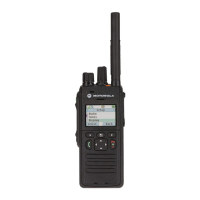
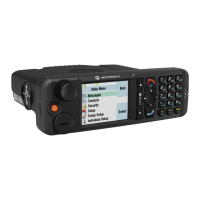
2. Perform one of the following actions:
Options Actions
The terminal is in Trunked Mode Continue with step step 3.
The terminal is not in Trunked Mode: Perform one of the following actions:
a. To access Options, press Lower soft key.
b. To scroll to Trunked Mode, press Down
soft key.
c. To select, press Lower soft key.
3. Check the result.
The IFR Manual Test screen displays the registration and the terminal ID.
Example:
ITSI:---/----/01490199
NOTE: The number 01490199 is the displayed terminal ID (ISSI) when you turn on the terminal.
4.5.1.2
RSSI Test
Perform the following procedures to conduct an RSSI test.
Prerequisites: Enable the Test page field using CPS, and record the Insertion loss (dB) of the cable loss
value as -(X) dB.
Procedure:
1. In the IFR Manual Test Mode, press RF Gen Level and enter -90 dBm.
2. Press * → # → Menu → Right soft key.
3. Press the Down soft key to scroll to Cells Info and press the Lower soft key to select.
4. Press the Right soft key to scroll to the RSSI monitoring screen.
5. Press the Lower soft key to access Trace.
The screen flashes every few seconds. The display shows:
SERV:0/34348
RSSI: -90
CX:20
CHQ:99/E0
NOTE: Disregard SERV, CX, CHQ results.
Actual RSSI Measurement = IFR RF Gen Level - Cable insertion loss ± other stray losses.
Range of Actual RSSI measurement = –90 dBm - X dB (cable) ± 1 dB.
The Terminal RSSI result should be within the range of Actual RSSI.
Stopping the Trace process
6. Press * → # → Menu → Right soft key.
7. Press the Lower soft key to select.
MN009999A01-AA
Chapter 4: Test Setup and Testing
53


 To Next Page