Repair Section
50
6.3 Troubleshooting Chart
• To accurately troubleshoot the problem, it is important to carefully confirm the nature of the
problem.
• If conditions persist after the above actions have been taken, turn the unit off, disconnect the
power and contact your MovinCool reseller or a qualified technician.
• Self-diagnostic codes are not displayed for the MWT. To identify the cause, check the LED on
the relay board and refer to the charts on page 44 to 46.
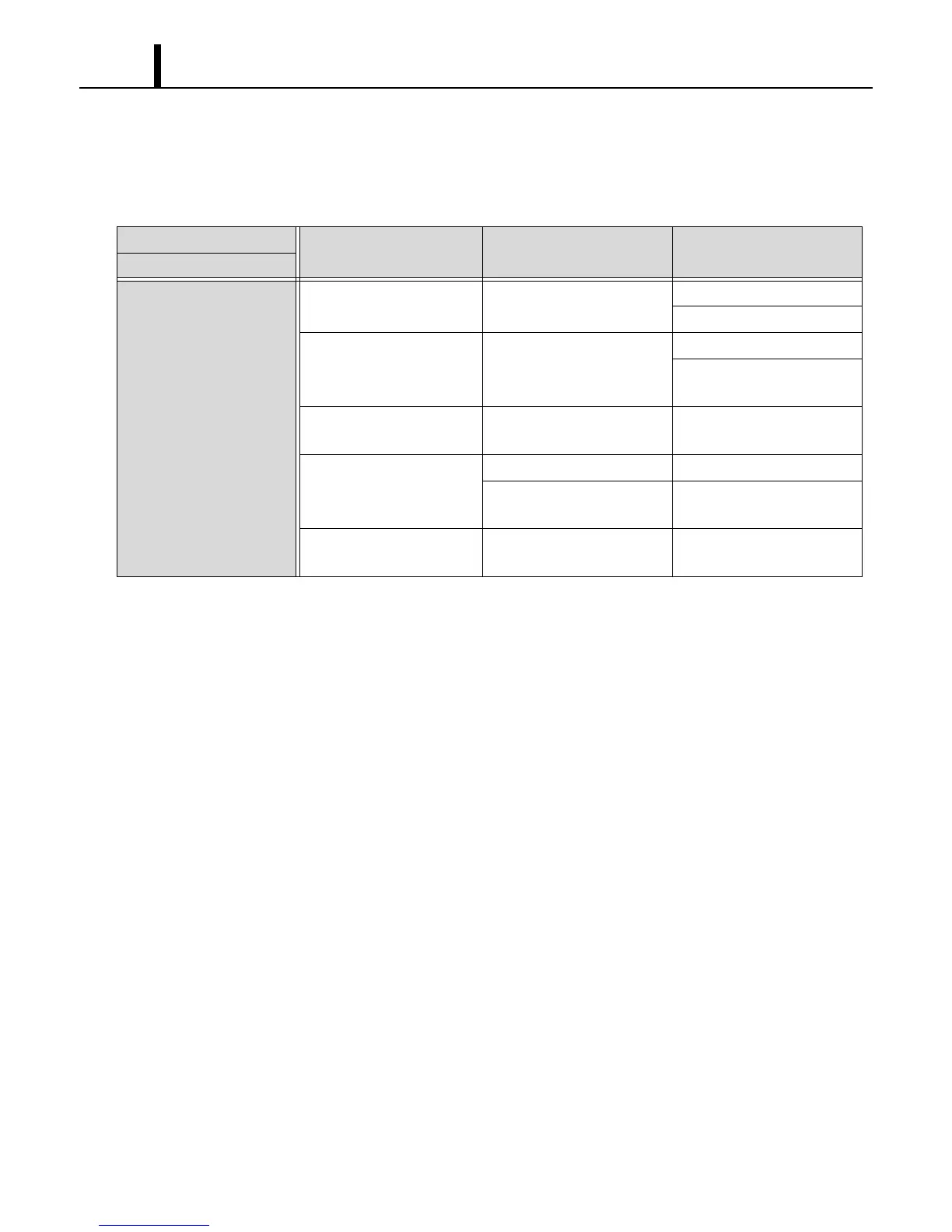
Condition
Check Area Possible Cause Remedy
Unit does not operate.
LCD display turns off.
1. Voltage Power failure. Repair power supply.
Turn the circuit breaker on.
2. Ground fault breaker trip Ground fault or defective
ground fault.
Repair ground fault section.
Reset or repair circuit
breaker.
3. Fuse Fuse is blown. Replace fuse on the relay
board.
4. WMC/MWT Incorrect connection. Connect the wires correctly.
DIP switch setting is
incorrect.
Correct DIP switch setting.
5. Stop switch Stop switch is in the STOP
position.
Turn the stop switch to
OPERATE.









 To Next Page