10 Maintenance
Maschinenfabrik Reinhausen GmbH 2023 774001150/12 EN MSENSE
®
DGA 2/3
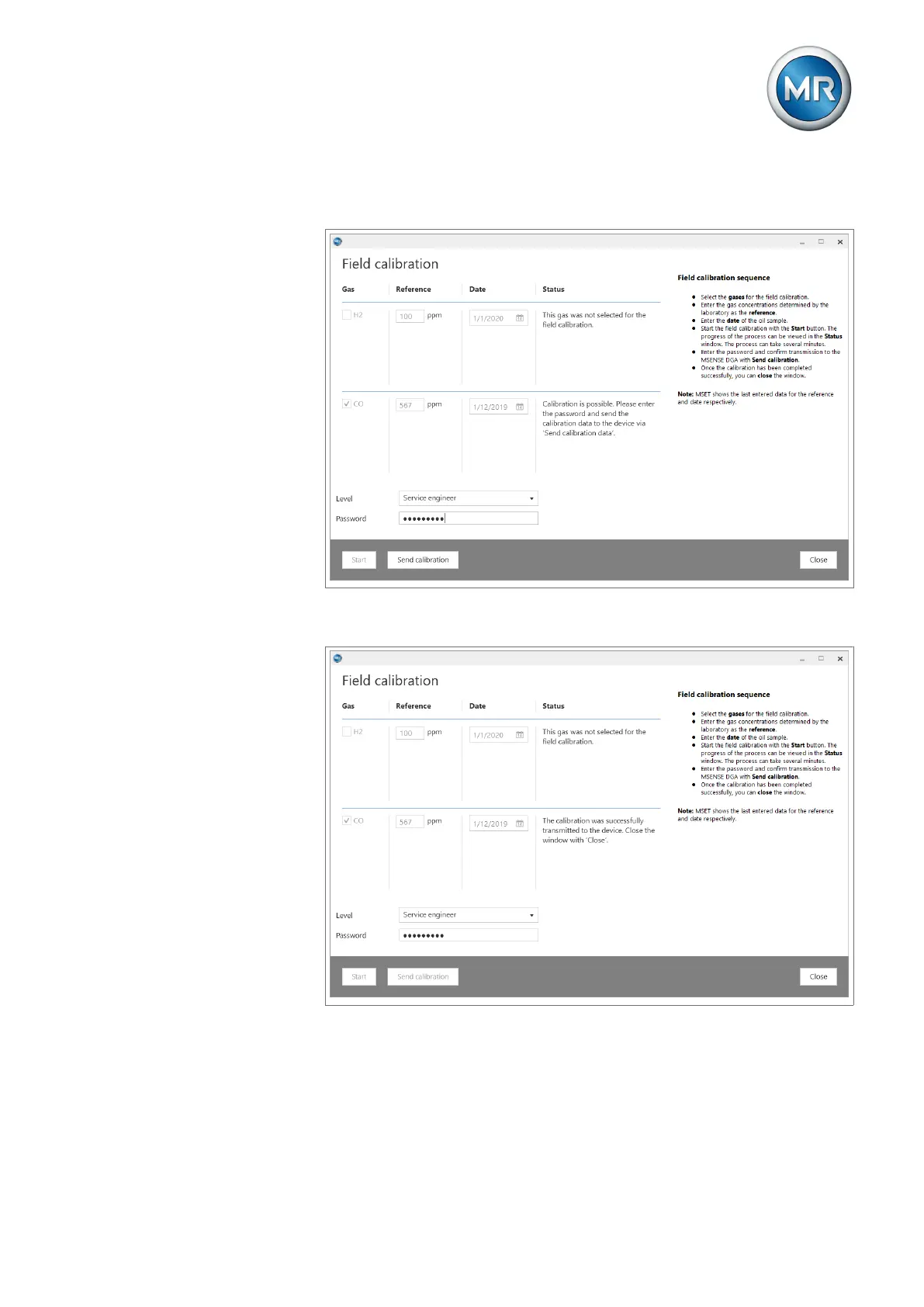
8. If the calibration is possible, enter the password and initiate the transmis-
sion of the calibration data to the device via Send calibration.
Figure56: Password entry and sending the calibration
9. Wait until the result of the calibration is displayed in the status column.
Figure57: Calibration successful
10. Upon successful calibration, you can close the window and disconnect
the connection between the MSENSE DGA 2/3 and the laptop.
11. Unscrew the USB service adapter.



 To Next Page