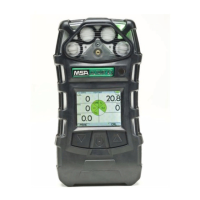
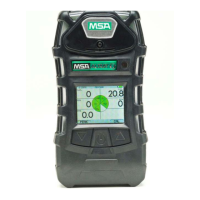
ALTAIR 5X PID
16
Description
US
3.3 Alarms
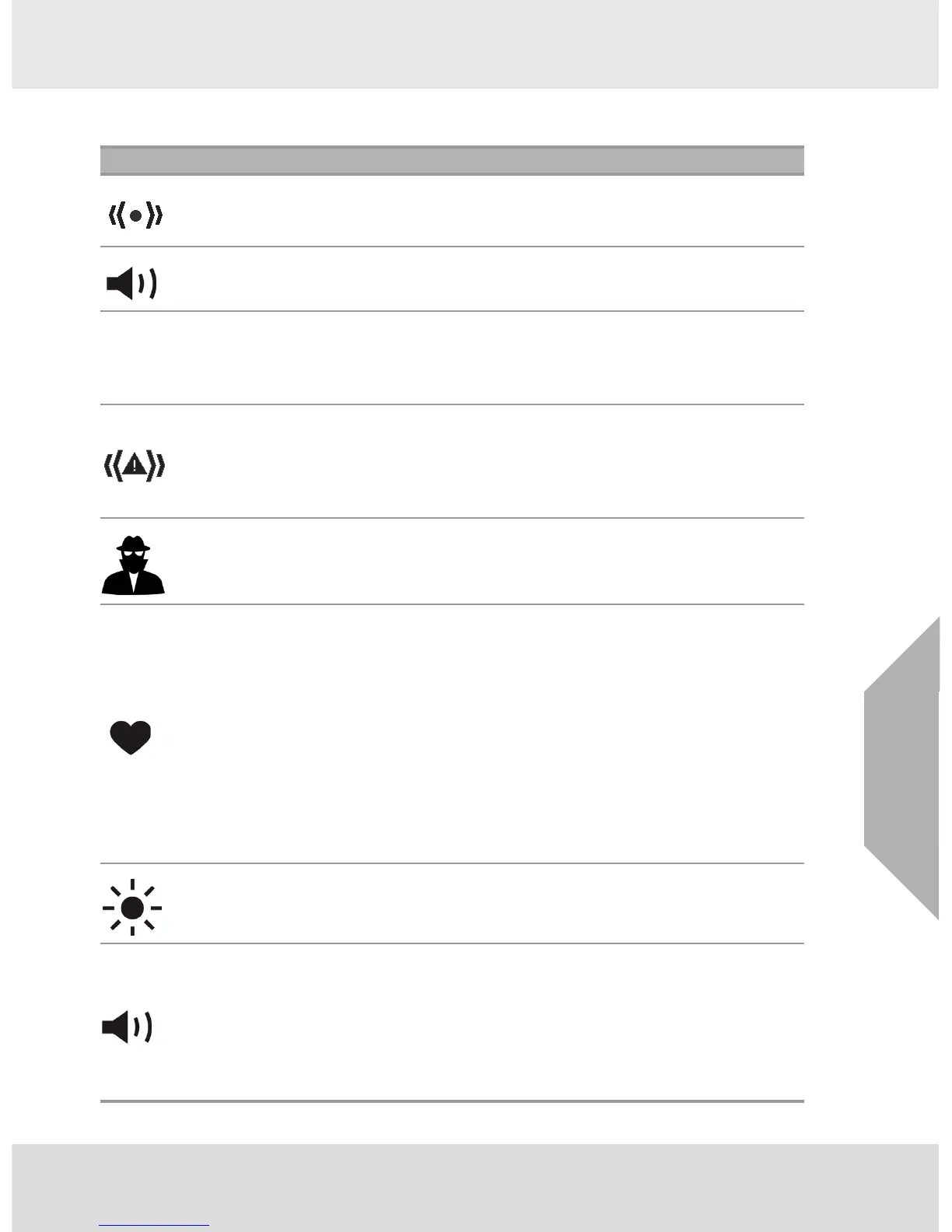
The device is equipped with multiple alarms for increased user safety:
Icon Alarm
Vibrating Alarm
The device vibrates when any alarm condition is active. This can be turned OFF
through the SETUP- ALARM OPTIONS menu (→ chapter 4.5).
Horn
The device is equipped with an audible alarm.
The horn can be turned OFF through the SETUP- ALARM OPTIONS menu
(→ chapter 4.5).
InstantAlert™
Alarm
The InstantAlert exclusive feature allows the user to manually activate an audible
alarm to alert those nearby to potentially dangerous situations. Holding the
T button for approximately 5 seconds while in Normal Measure Mode activates
the InstantAlert alarm. Access to this feature may be restricted by user settings.
See chapter 4.5 for means to allow/disallow user access.
MotionAlert™
Alarm
If MotionAlert is turned ON (→ chapter 4.5), the device activates a "Man Down"
alarm if motion is not detected within 30 seconds. The Alarm LEDs flash, and the
horn activates with an increasing audible frequency. MotionAlert is always turned
OFF when the device is turned OFF.
Access to this feature may be restricted by user settings. See chapter 4.5 for
means to allow/disallow user access.
Stealth Mode
Stealth Mode disables the visual, audible and vibrating alarms. MSA recommends
that this feature be left in its default "OFF" state. Stealth mode can be turned ON
through the SETUP - INSTRUMENT OPTIONS menu (→ chapter 4.5). On the
display, all three alarm icons are shown as OFF.
Sensor Life
Alarm
The device evaluates the condition of the sensors during Calibration.
As the end of a sensor’s life approaches, a warning is provided. While the sensor
is still fully functional, the warning gives the user time to plan for a replacement
sensor to minimize downtime. The Sensor Life indicator ♥ displays during ongoing
operations as a reminder of a sensor’s pending end of life.
When a sensor’s end-of-life is reached, sensor calibration will not be successful,
and the user is then alerted by a Sensor Life Alarm. A flashing Sensor Life
indicator ♥ displays during ongoing operations until the sensor is replaced and/or
successfully calibrated.
On the display, each displayed gas will have its own Sensor Life indicator. If a
sensor is in end-of-life warning, its indicator will be an orange ♥. If a sensor has
reached end-of-life, it is in alarm and its Sensor Life indicator will be a continuous
blinking red ♥.
See chapter 4.10 for additional details on Sensor Life determination and indication.
Backlight
The backlight automatically activates when any front panel button is pressed and
remains ON for the duration of user-selected timeout.
This duration can be changed using the SETUP - INSTRUMENT SETUP
(→ chapter 4.5) or through MSA Link software.
Operating
Beep
This operating beep activates every 30 seconds by momentarily beeping the horn
and flashing the alarm LEDs under the following conditions:
- Operating beep is enabled
- Device is on normal Measure Gases page
- Device is not in battery warning
- Device is not in gas alarm.
The Operating Beep can be disabled using the SETUP - INSTRUMENT OPTIONS
(→ chapter 4.5) or through MSA Link software.


 To Next Page