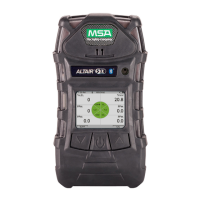
ALTAIR 5X PID
48
Operation
US
Calibration with an Automated Test System
The device can be calibrated using the GALAXY GX2 Automated Test System - contact MSA for a list
of compatible gases and concentrations.
Similar to the successful (manual) calibration described in chapter 4.10, a √ symbol displays on the
MEASURE page after successful GALAXY GX2 calibration.
This √ symbol appears on the display in the upper feature bar.
The √ symbol displays for 24 hours after the calibration and then turns off.
4.11 Time of Day Testing
This feature permits the device to be automatically calibrated on a user-defined interval. The most
common use of this feature allows the user to configure the ALTAIR 5X PID and the GALAXY GX2
System to automatically calibrate a device prior to the start of work-shift. See the GALAXY GX2 Oper-
ating Manual ("Automated Testing Features" section) for a complete description of how to configure
the GALAXY GX2 for this mode.
On ALTAIR 5X PID devices, the following settings must be configured using either MSA Link or the
GALAXY GX2 → Instrument Setup page:
- For automated calibration testing, Calibration Due must be enabled and a non-zero Calibration
Interval must be entered for automatic calibration testing
- For automated bump testing, Bump Due must be enabled and a non-zero Bump Interval must be
entered for automatic bump testing
Carefully follow all GALAXY GX2 set-up directions as described in the GALAXY GX2
Operating Manual for proper setup.
4.12 Device Shutdown
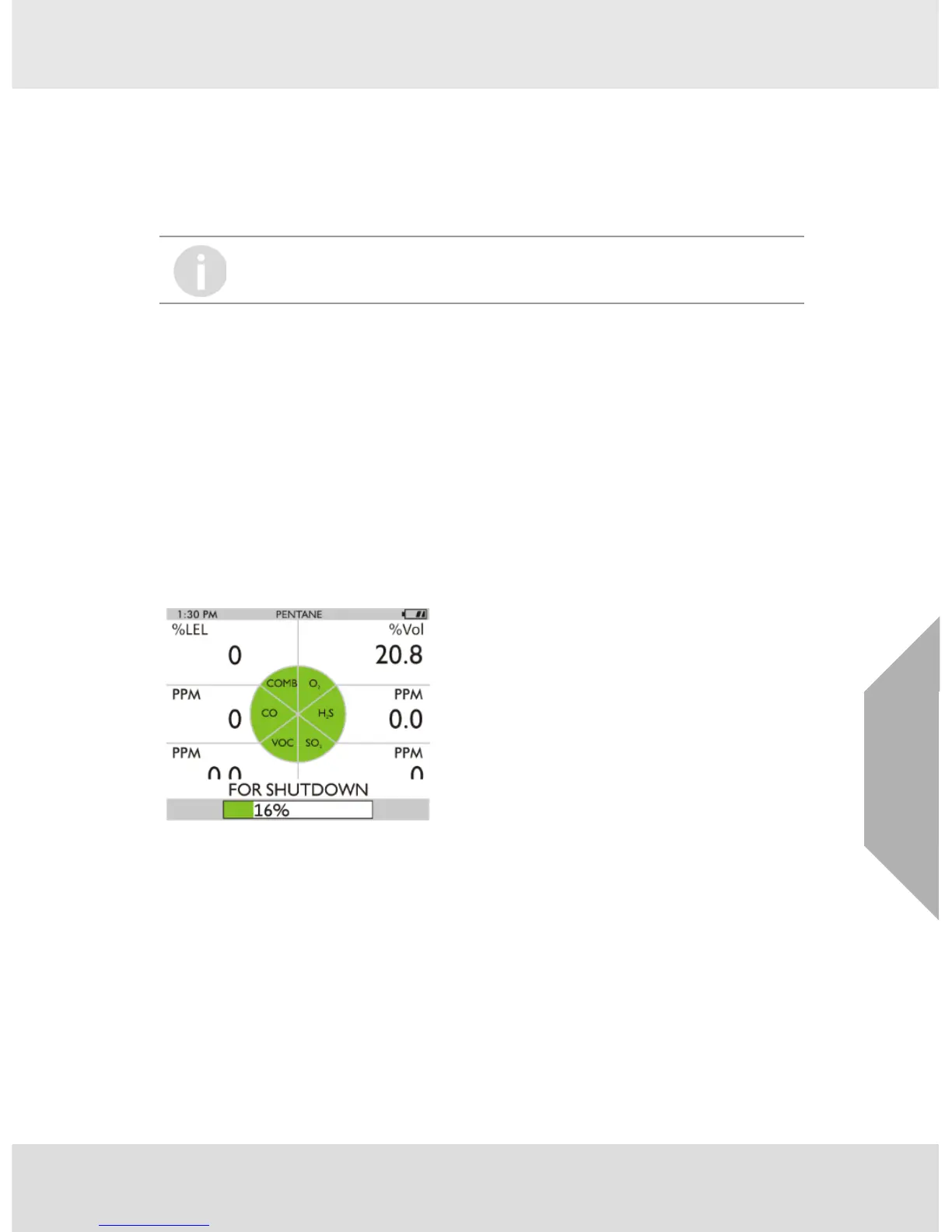
For device shutdown press and hold the q button.
Fig. 11 Shutdown
The device displays a blinking "HOLD BUTTON FOR SHUTDOWN" and a progress bar shows the user
how much longer to hold the button to complete the shutdown.
If the horn alarm is turned OFF, the calibration √ symbol does not appear on the color
display.


 To Next Page