• "CHARGE" flashes on the Solaris display when the unit is installed
on the charge stand
• This is not an indication that the charge is complete
Battery Replacement (Alkaline Battery Version Only)
Do not remove the intrument’s batteries in a hazardous area
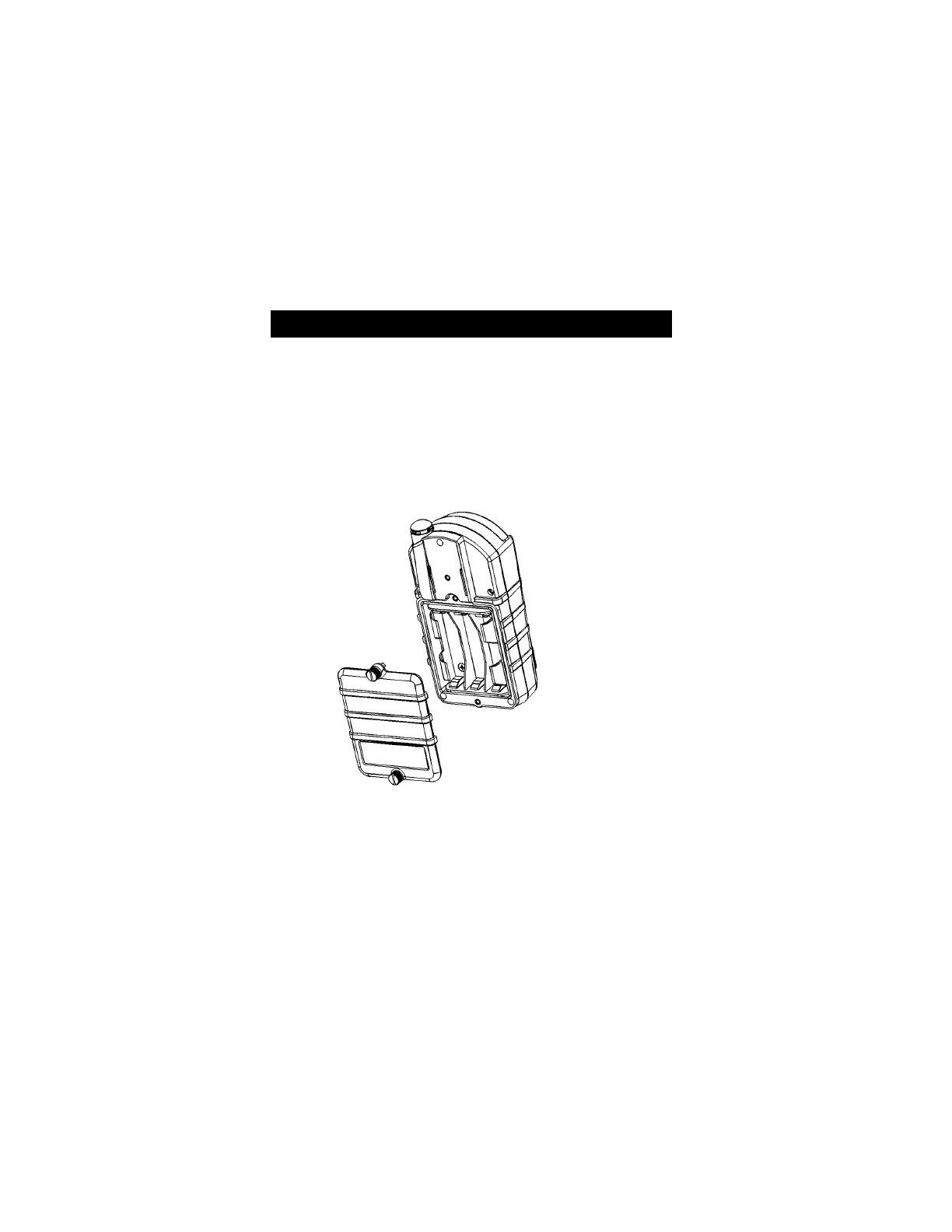
To replace Solaris Multigas Detector batteries:
1. Unscrew the captive screws from the bottom and top of the battery
door.
2. Replace the batteries, using only batteries listed on the Approval
Label.
3. Attach battery door to instrument and tighten the screws.
Changing Instrument Settings
• Many options can be set using the instrument buttons.
• If the Solaris Multigas Detector was ordered with the optional
datalogging, the MSA FiveStar LINK software can be used to set
most of the instrument selections, including some that cannot be
changed from the instrument's front panel buttons.
Figure 3-1. Battery Replacement
""
WARNING
3-2



 To Next Page