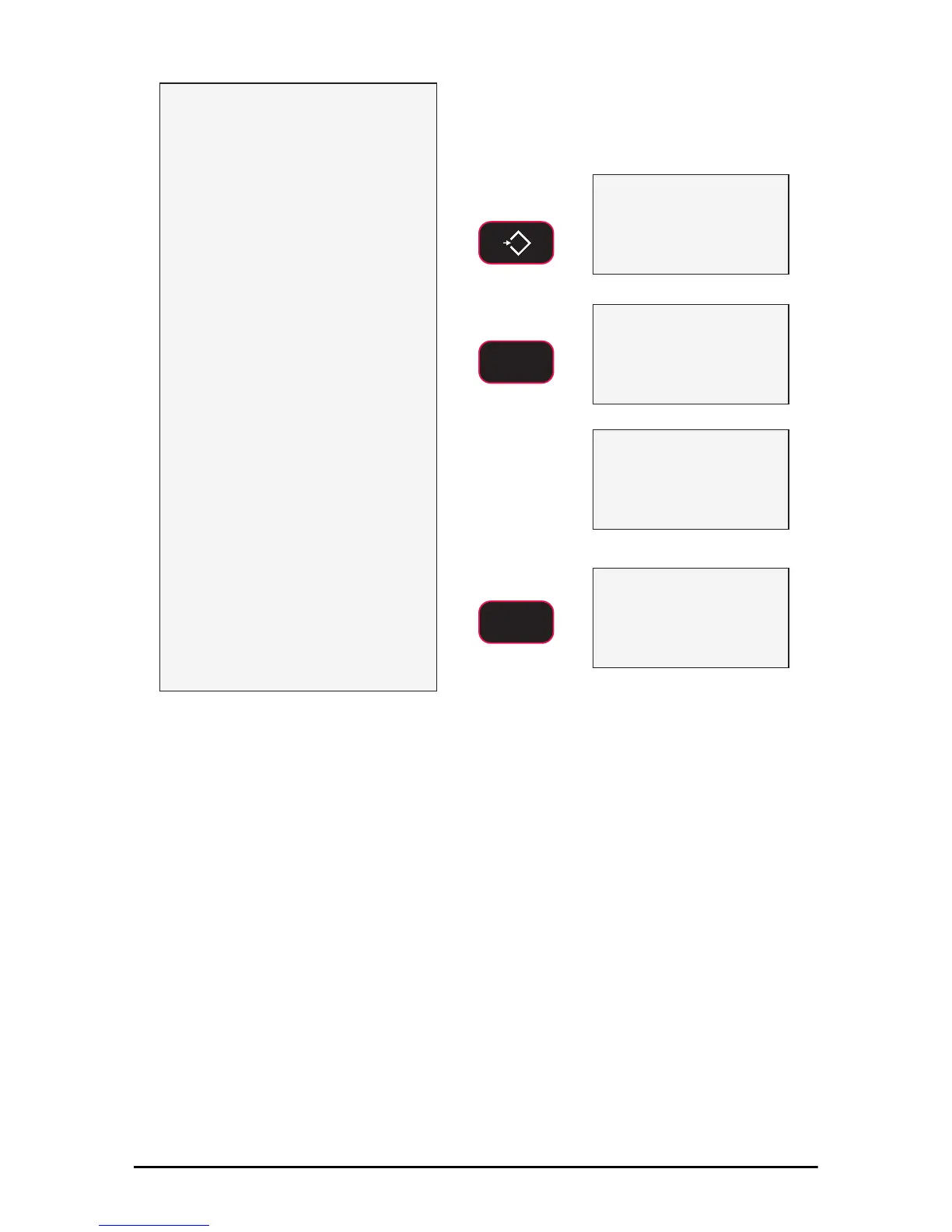
1) Program a function key to Peak
Hold (P-Hld)
In this example we’ll use F1 for Peak Hold.
2) Prepare the test stand and test
sample.
3) Press ZERO to zero out any
residual strain on the link.
4) Press F1 PkHold . Confirm that
the “Pk” annunciator is on.
A small jump in the reading may occur
depending on the stability of your test
stand.
5) Apply the test force. The F1 LED
will blink three times for every
new peak it detects.
6) When the test force is removed,
the Peak value can be recorded.
7) To run a new test, press
F1 PkHold to clear the peak
value. Confirm the “Pk”
annunciator is off. Then repeat
steps 3-6.
Peak Hold
kg
lb
M
kN
Ton
kg
lb
M
kN
Ton
Pk
kg
lb
M
kN
Ton
kg
lb
M
kN
Ton
Pk
Example Peak Captured Value
Peak Hold
kg
lb
M
kN
Ton
kg
lb
M
kN
Ton
kg
lb
M
kN
Ton
kg
lb
M
kN
Ton
Peak Cleared Value
F1
F1
0
ZERO
16 MSI-7300 Operator’s Manual
Figure 3-1. Capture Peak Force
3.8 2-UNITS/ 5-UNITS
The Fx-2.Unit key will switch the force units between pounds force and kilograms
force. Selecting the Fx-5.Unit setting will scroll through all available units: lb, kg,
tons (U.S. short), metric tons, and kilonewtons.



 To Next Page