Communication Setup 37
6.2 Printer Setup
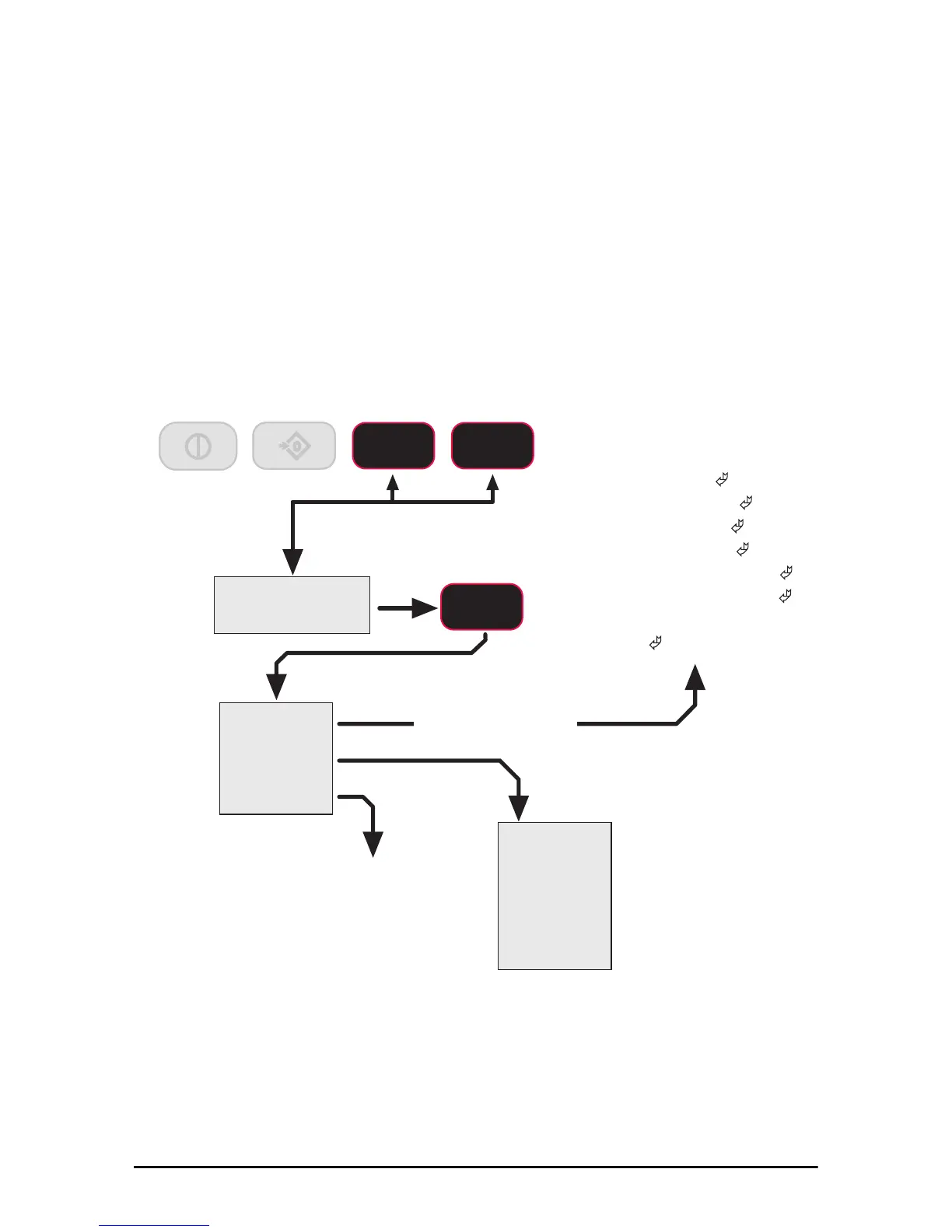
The RS-232 comm port is capable of outputing tension data. All the weight modes the
Dyna-Link can measure are available in user formatted form. The control mode
program is what causes the Dyna-Link 2 to print.
• USER – the assigned F-Key is pressed, then one transmission of the selected
stri
ng type is output.
• On Load – when the tension on the link is stable, one transmission will output,
then
the tension must return to zero to enable another print to output.
• Continuous – program the interval in seconds up to 65,535 seconds.
Setting the interval to 0 will set an interval as fast as the system can go. To disable
pri
nting, simply don’t program an F-Key to print and set the control to “USER” or
turn the control mode to “OFF.”
PRINT STRINGS
6WUQ*
&QWUO
5DWH
2II
8VHU
/RDG
&RQW
Off
(default)
F key
On Stable Load
Continuous
PRINT CONTROL
Print String Output Rate
Number entry screen
(0-65535 seconds)
3ULQW
ENTER/SELECT
F1
Print String Format
Number entry screen
1= Current Wt
(Wt-Unit-Mode ©)
2= Net Wt
(Wt-Unit-Net
)
3= Gross Wt (Wt-Unit-Grs
)
4= Tare Wt (Wt-Unit-Tare
)
5= Total Wt (Wt-Unit-Total
)
6= Total Count (#Samples-TCNT
)
7= Current Wt (no units or mode
)
8=
(Reserved)
9= CR-LF (
)
0
ZERO
F1 F2
Affects continuous mode only
Press Simultaneously



 To Next Page