Calibration 35
5.6 Service Counters
The MSI-7300 maintains two service counters for safety.
• The first counter counts the number of times the scale has been overloaded.
• The second counter counts lifts above 25% of capacity.
These counters serve to warn the user to in
spect the load train after a number of
overloads, also when there is a chance of fatigue failure. The power up routine will be
interrupted when the lift counter exceeds 16383 lifts or the overload counter exceeds
1023 overloads. If the screen displays LFCnt when unit is powered on :
1. Push TARE to display the 25% lift counter.
2. Push TARE again to see the overload lift counter.
3. Push the ZERO key to acknowledge the warning and return to standard scale
operatio
n.
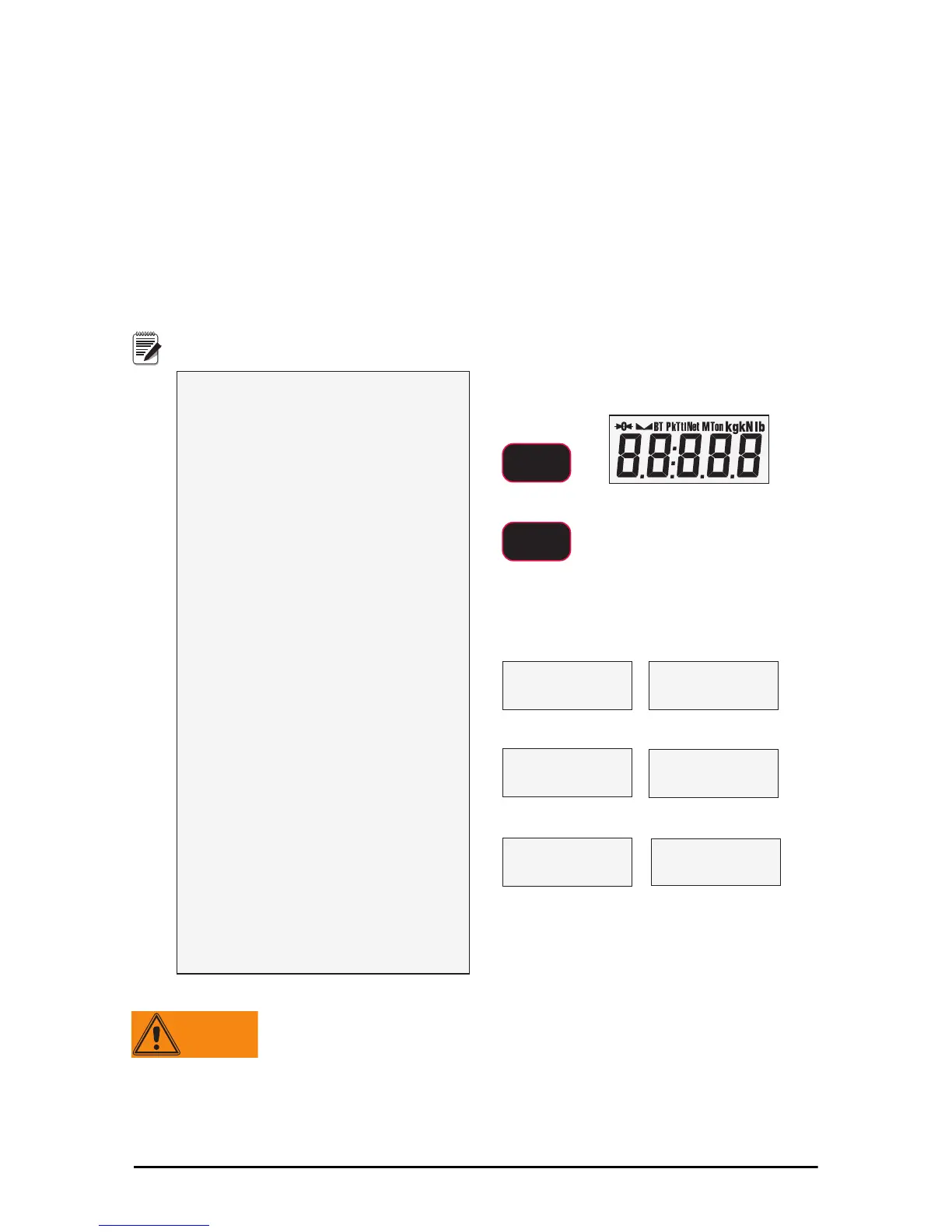
1) Program a user function key to
be TEST (see function key setup)
For this example, F1is
programmed as TEST.
2) Press F1- TEST .
3) Within two seconds of pressing the
F1– TEST key, press F1 again
(must be F1 regardless of which key is
programmed as TEST).
The test will sequence through steps 4
to 7 automatically unless you stop it by
pressing F2 immediately, then using
F1 and F2 each parameter can be
observed statically.
4) The display flashes LFCnt (for
lift counter) followed by the
number of times the weight has
exceeded 25% of capacity.
5) Next, the display flashes OLCnt
(for overload counter) followed
by the number of times the
weight has exceeded capacity.
6) Next,the display flashes the C-
Cal value.
7) The Dyna-Link returns to
standard weighing mode. If you
interrupted the auto sequence,
press ZERO to return to tension
link mode.
/)&QW
2/&QW
Return to standard weight display
ENTER/SELECT
F1
Number of Lifts above 25% of Capacity
Number of Lifts that exceeded Capacity
example value
example value
Start of Test Sequence
All segments on
&&D/
blinking
blinking
example C-Cal value
Fx
Only a MSI factory representative can reset the service counters,
as these are important safety warning features. Depending on
the circumstances, a thorough load train inspection might be
necessary to ensure user safety.
Reference MSI’s “Crane Scale Safety and Periodic Maintenance manual” (Pub.
243-08-94D) for proper loadi
ng techniques to improve the safety and longevity of
your
MSI-7300
crane scale. This publication is available at www.msiscales.com
and is included in the CD shipped with your crane scale.



 To Next Page