20 MSI-7300 Operator’s Manual
4.3 Auto-Off
When enabled, the Auto-Off prolongs the battery life of the unit by turning the power
off when it is not in use.
Any key press or detected tension in motion exceeding 10d, resets the time limit and
the un
it remains on.
When disabled, the unit will only turn off by pressing the POWER key (or if the
batt
ery is depleted).
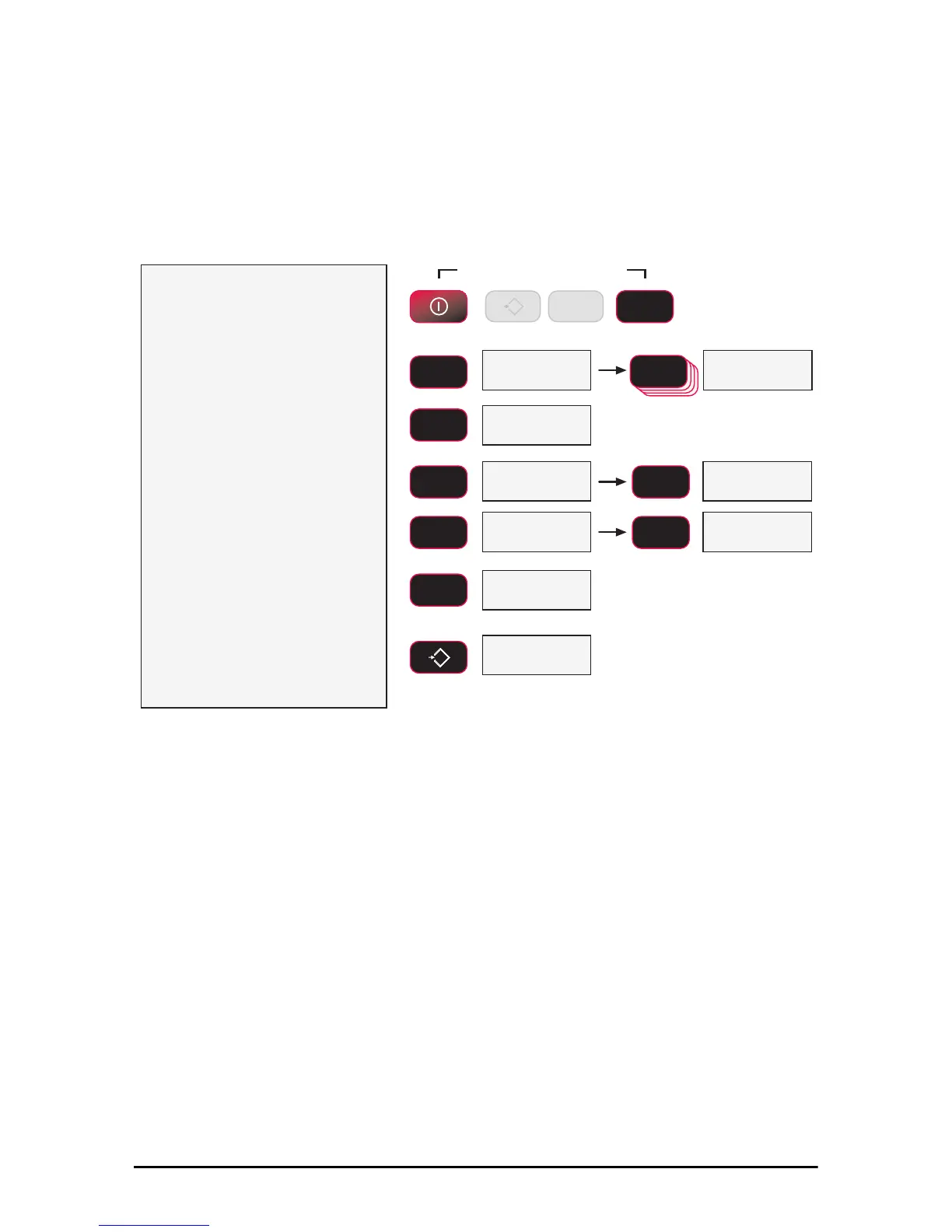
1)
With the 7300 on, press the
F2
key and the POWER key
simultaneously.
2)
The first item of the Setup Menu
is Func1. Scroll to A-OFF with
theF2 key.
3)
To set up the A-Off timing, press
F1. The current auto-off time is
displayed.
4)
Select the auto off time by
scrolling through the choices with
the F2 key.
In this example, we’ll set 60 minutes as
the auto-off time.
5)
When the desired time is
displayed, press F1. The next
item in the setup menu appears.
6)
Either press ZERO to exit setup
and store all changes, or
continue to another setup menu
item using the F2 key.
)YQF $2))
Press Simultaneously
POWER
F2
SCROLL
F2
SCROLL
F2
SCROLL
F2
SCROLL
F2
SCROLL
F2
ENTER/SELECT
F1
0
EXIT/SAVE
ZERO
F2
SCROLL
ENTER/SELECT
F1
2II
blinking
blinking
blinking
6W3W
Next Setup Menu Item
Store and return to
weight display
6WRUH
blinking
blinking
0
ZERO
F1



 To Next Page