32 MSI-7300 Operator’s Manual
5.4 C-Cal Calibration
When adequate test weights are not available, the MSI-7300 Dyna-Link 2 can be
calibrated using a cal number calibration which is referred to as C-Cal. To use C-Cal,
a factory generated C-Cal number must be known. MSI supplies replacement load
cells for the MSI-7300 Dyna-Link 2 with the C-Cal value stamped on the serial
number label. When a calibration is preformed with test weights, a new C-Cal is
generated.
The C-Cal number must be known prior to starting this
procedure. For a MSI-7300 with its original load cell, MSI prints
this number on the Calibration Record, the serial number tag. C-
Calibration reduces slightly the absolute accuracy of the system
and is intended for non-critical use only. For highest accuracy,
calibrate the MSI-7300 with precision test weights.
XQ/G
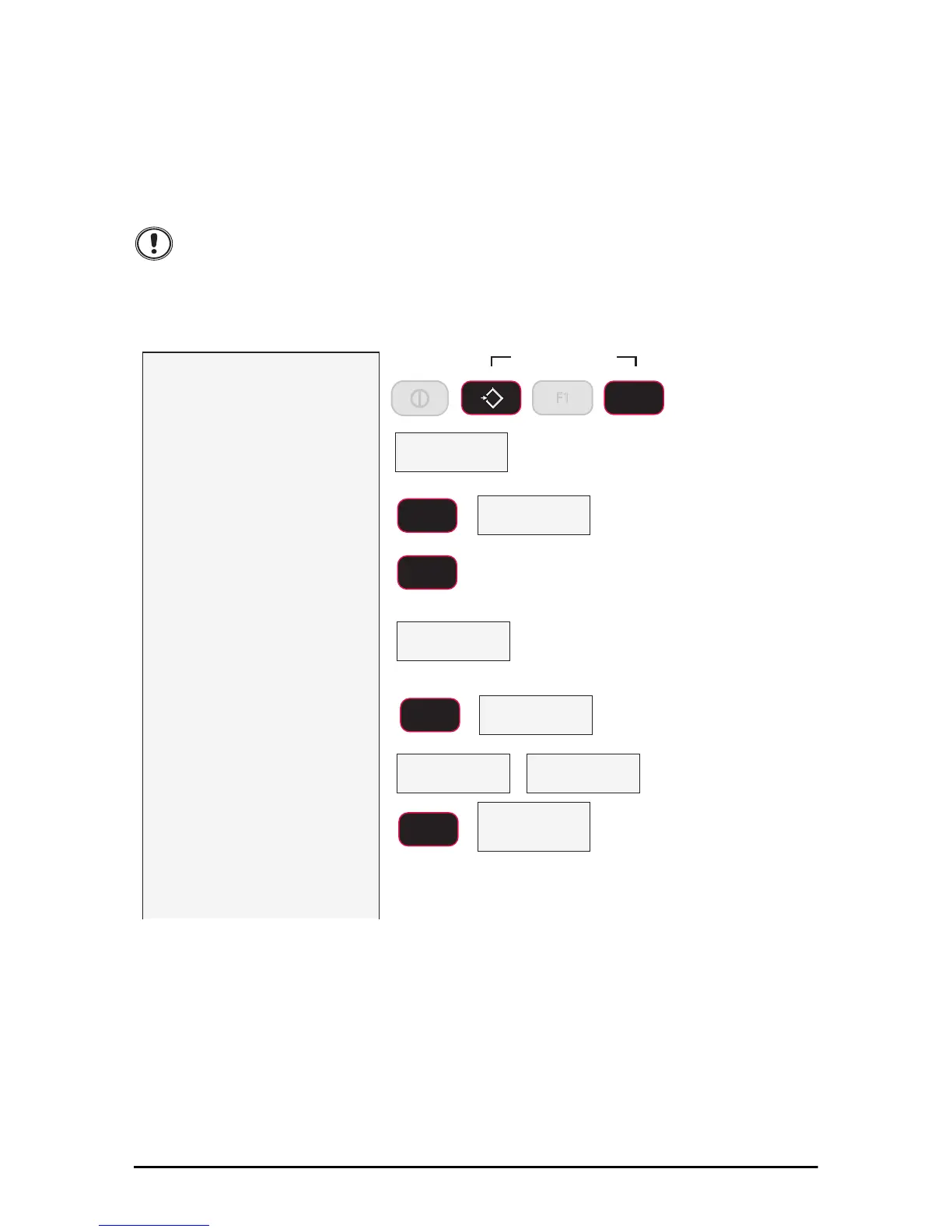
1) With the power on, initiate
calibration by holding down
the F2 and ZERO keys until
the display reads CAL.
The CAL setup menu
appears.
2) Press F2 to scroll to the
C–Cal selection.
3) Press F1 to start the C-Cal
calibration procedure.
3) The display reads UnLd
(unload) indicating you
should remove all weight
from the link.
You can choose to
leave bottom fittings on the Link as
long as they are always part of the load
train.
4) Press F1. The 7300 sets the
zero calibration point.
5) If the zero is in range, the
scale will display PASS.
Then C-CAL is displayed.
6) Press F1. The last known
C–Cal value is displayed.
If the offered C-Cal value is correct,
push F1 and jump to step 10.
In this example we’ll enter 15200 as
an C-Cal value. You must use your
known C-Cal value, not 15200.
&$/
3$66
No weight
on link
Flashes
Zero
ENTER/SELECT
F1
ENTER/SELECT
F1
SCROLL
F2
&&$/
&&D/
lb
example C-Cal Value
ENTER/SELECT
F1
Press
Simultaneously
F2
0
ZERO
F1



 To Next Page