8)
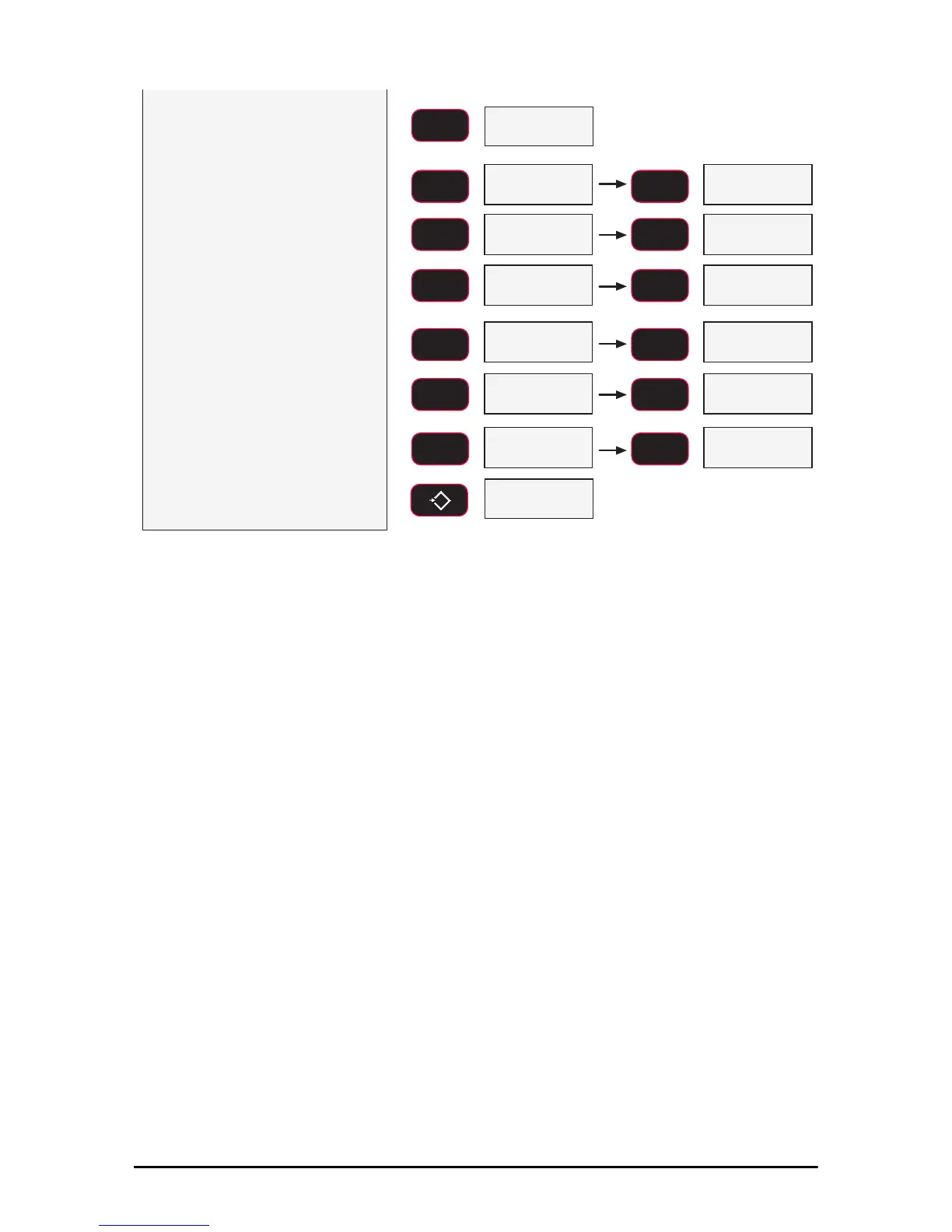
Press the F2 key. The first digit
blinks at zero. Use the F2 key to
scroll through the numbers.
When the desired number is
shown, push F1.
In this example,
we’ll enter 240 as a setpoint value.
To enter a decimal point, push
POWER while the digit is blinking.
Error Correction: If you input a
wrong value, press ZERO to step
back one digit and change the digit
with the F2 key.
blinking
ENTER/SELECT
F1
SCROLL
F2
SCROLL
F2
SCROLL
F2
SCROLL
F2
SCROLL
F2
SCROLL
F2
fixed
blinking blinking
blinking
blinking blinking
9)
When the desired number is
shown, push F1 a second time
to set the value. The next setup
menu item is displayed.
10)
Either press ZERO to exit setup
and store all changes, or
continue to another setup menu
item using the F2 key.
xed blinking
blinking blinking
6W3W
fixed next setup menu item
Store and return to
weight display
6WRUH
SCROLL
F2
SCROLL
F2
SCROLL
F2
ENTER/SELECT
F1
ENTER/SELECT
F1
ENTER/SELECT
F1
0
EXIT/SAVE
ZERO



 To Next Page