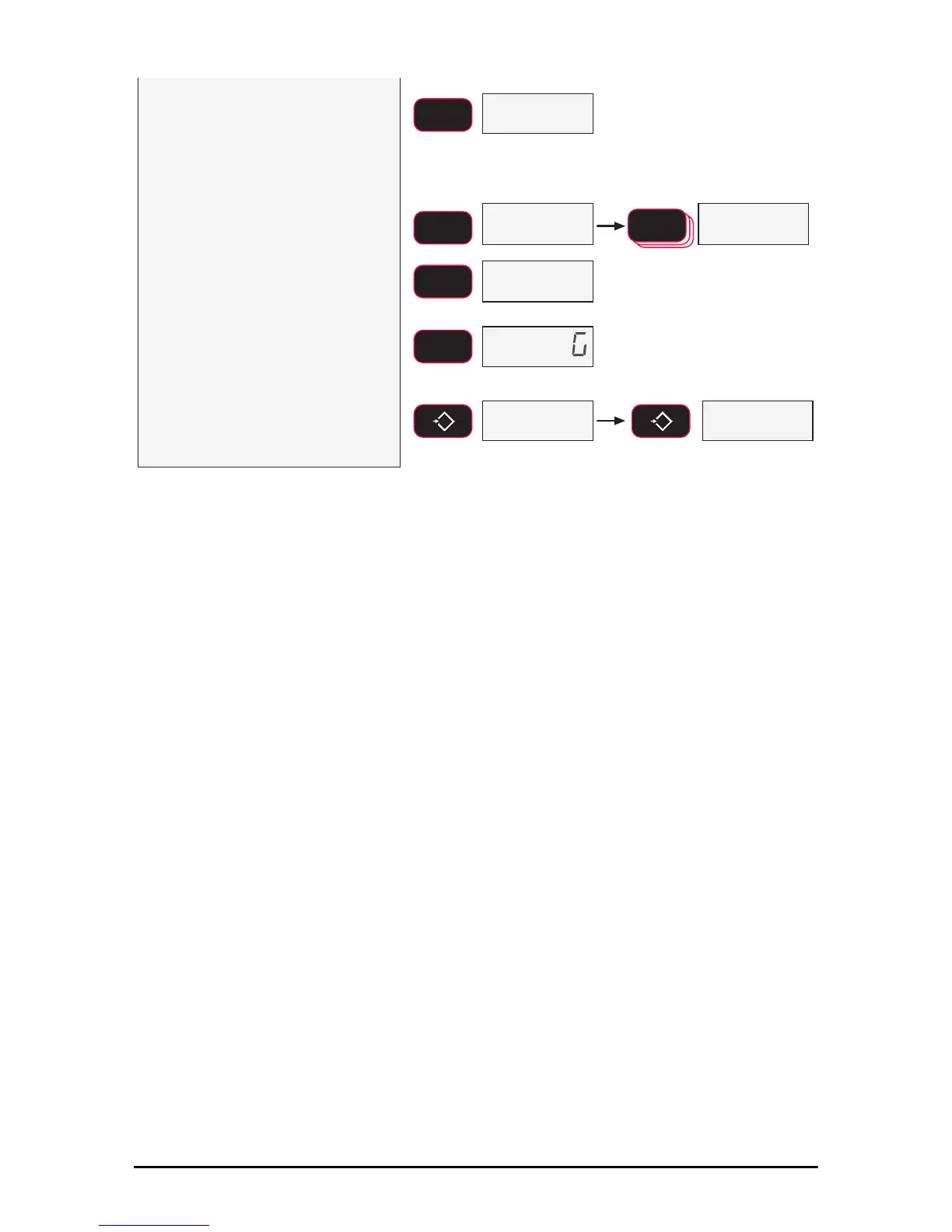
12) Press F1 to enter the print rate
number entry screen. The current
print rate appears on the LCD.
In this example, we’ll set the print rate
to an output rate of once every two
seconds.
13) Press F2 to change the print rate.
Use F2 to scroll the number,
enter each number with the F1
key.
14) When the entire number is
displayed, press F1 again to
finalize the seconds entry. The
next print menu Item appears,
String.
15) Exit the print setup menu by
pressing ZERO twice. The
message
Store appears briefly
then normal link operation starts.
ENTER/SELECT
F1
blinking
Example Value
blinking
SCROLL
F2
blinking
fixed
ENTER/SELECT
F1
SCROLL
F2
ENTER/SELECT
F1
6WUQ
0
EXIT/SAVE
ZERO
0
EXIT/SAVE
ZERO
U) 6WRUH
The number represents the print
interval rate in seconds. Use 0 for the
fastest the Dyna-Link can go (~5
times per second). To set a once a
minute transmission, set the rate to
60. To set once per hour, set the rate to 3600, etc. Largest
possible entry is 65535 which is >18 hours.



 To Next Page