USER MANUAL V1.2 | Updated August 30, 2022
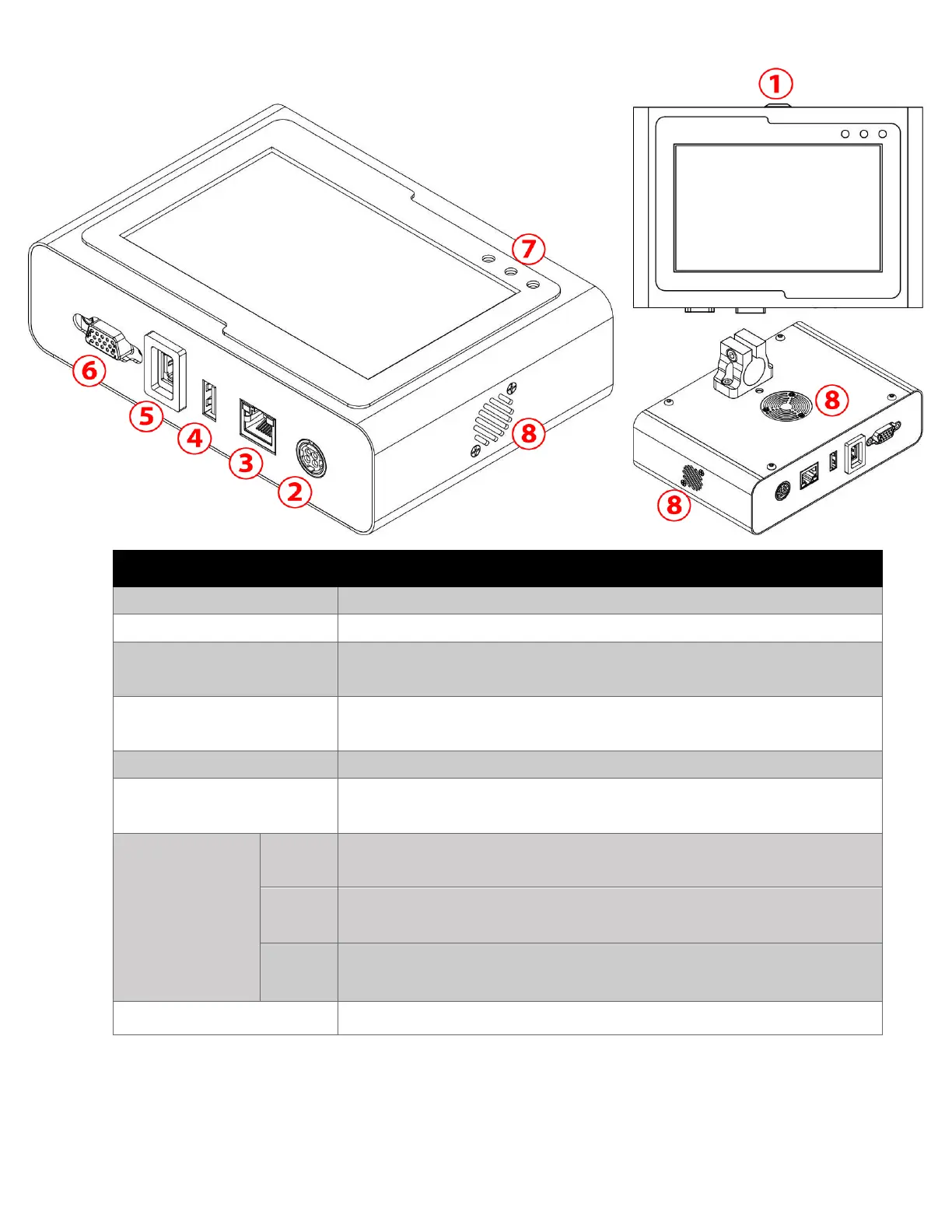
The printer’s power supply input: 24V – 2.5A.
Connect to a PC for POD data transfer.
Use to remote control.
To connect a Keyboard, Mouse, or memory device for
template and data transfer.
Connection socket for printhead.
Connect to External Sensor, External Encoder and Alarm
beacon.
Turn ON after you plug the power supply and switch button
power on controller.
Turn ON if having some errors / warnings / issues on the printhead
like no cartridge in slot, invalid cartridges,…
Turn ON after you press Print button on software and print data is sent
to controller without any issue.
Dust filter for FAN inside controller.



 To Next Page