GETTING STARTED
Make sure that the printer is installed according to the installation instructions:
•
Set the print direction.
•
Set the distance between the ink jet nozzles and the print surface (throw distance) to 1-3 mm.
•
Insert an ink cartridge in the printhead.
•
Connect the printhead cable, product detect sensor and encoder to the controller.
•
Plug the electrical power cable into an appropriate electrical power source.
•
Press the controller power button.
•
Set up the software (Design template, Resolution, Density and Print mode, etc).
OPERATION
How to design a template
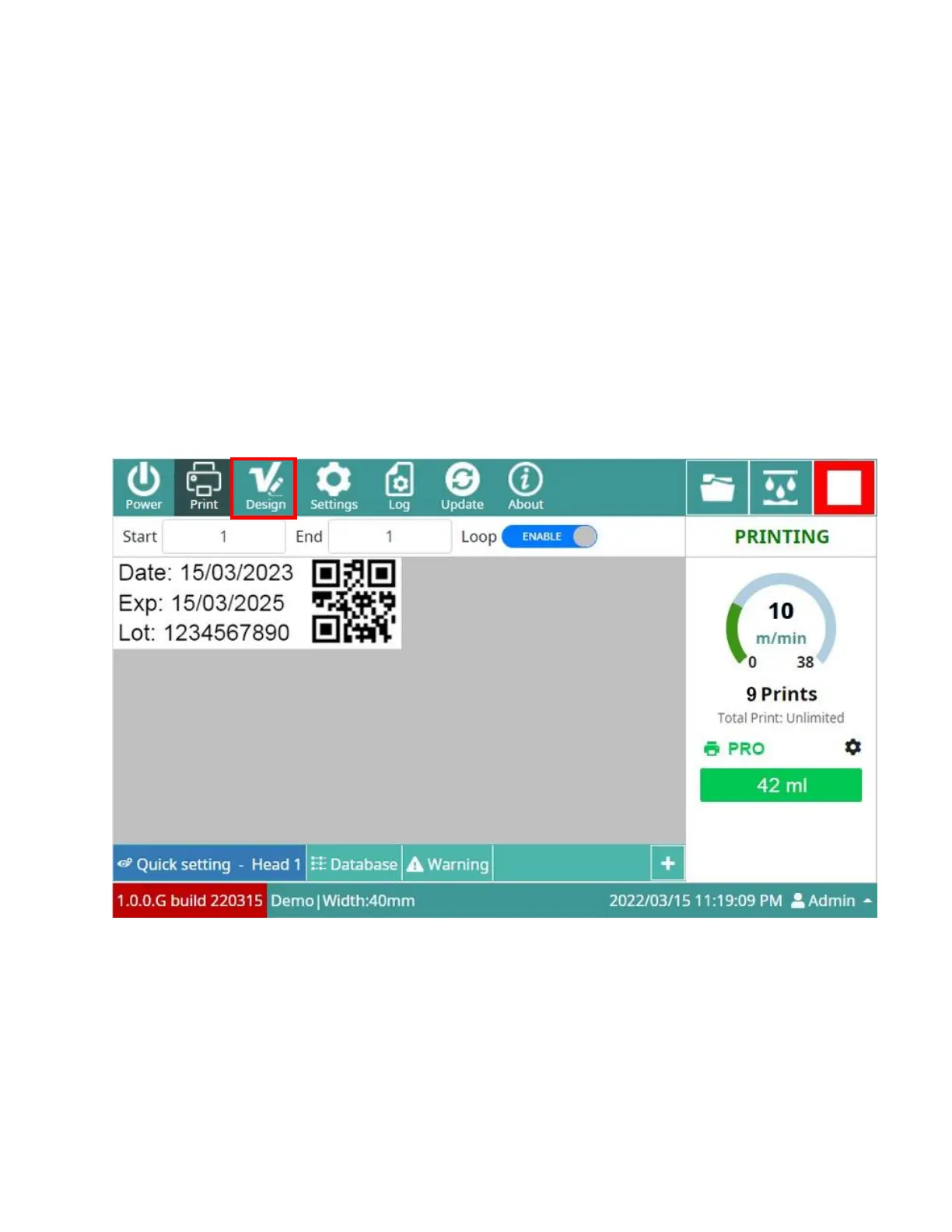
From the Main interface, click Design button to open the Design Jet interface.



 To Next Page