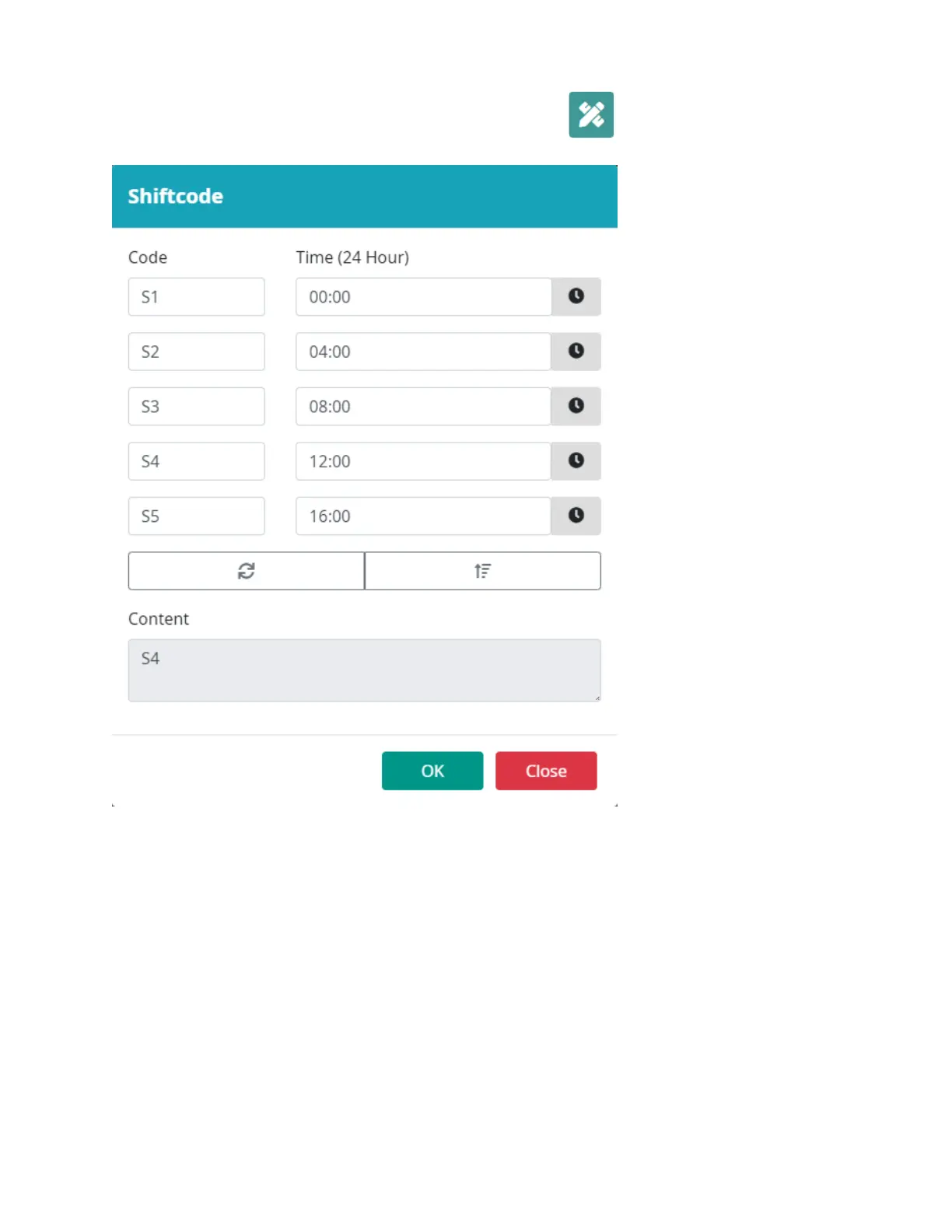
Add Shift Code object
To add a Shift code object, select the Object button: Select
Shift Code.
Input the Shift code object settings.
Select OK.
Select a location in the template to put the object.
Code: Enter the name of the shift. The shift name will be printed. Maximum field support is 5.
Time (24 Hour): Enter the start time of the shift.
Content: Display a preview of the object.



 To Next Page