Save template
After completed the template design, select Save button to save the template.
Delete template
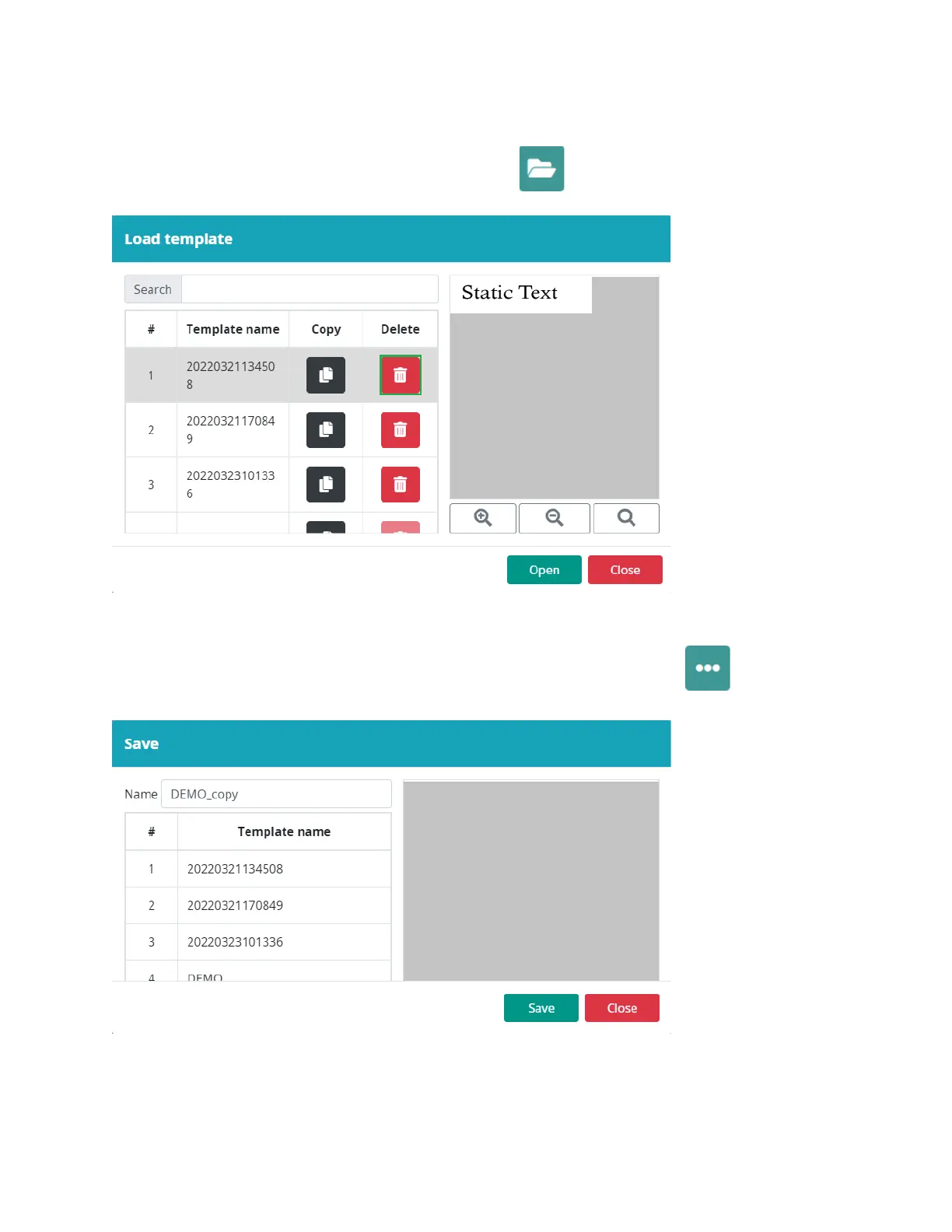
To delete a template, select the Open template button:
Select
the template and select Delete button.
Save As template
To save the template with a different name, select the More button: Select the
Save as button.
Enter a new name and select Save.



 To Next Page