MESSAGE_0, MESSAGE_1, MESSAGE_2, MESSAGE_3, MESSAGE_4
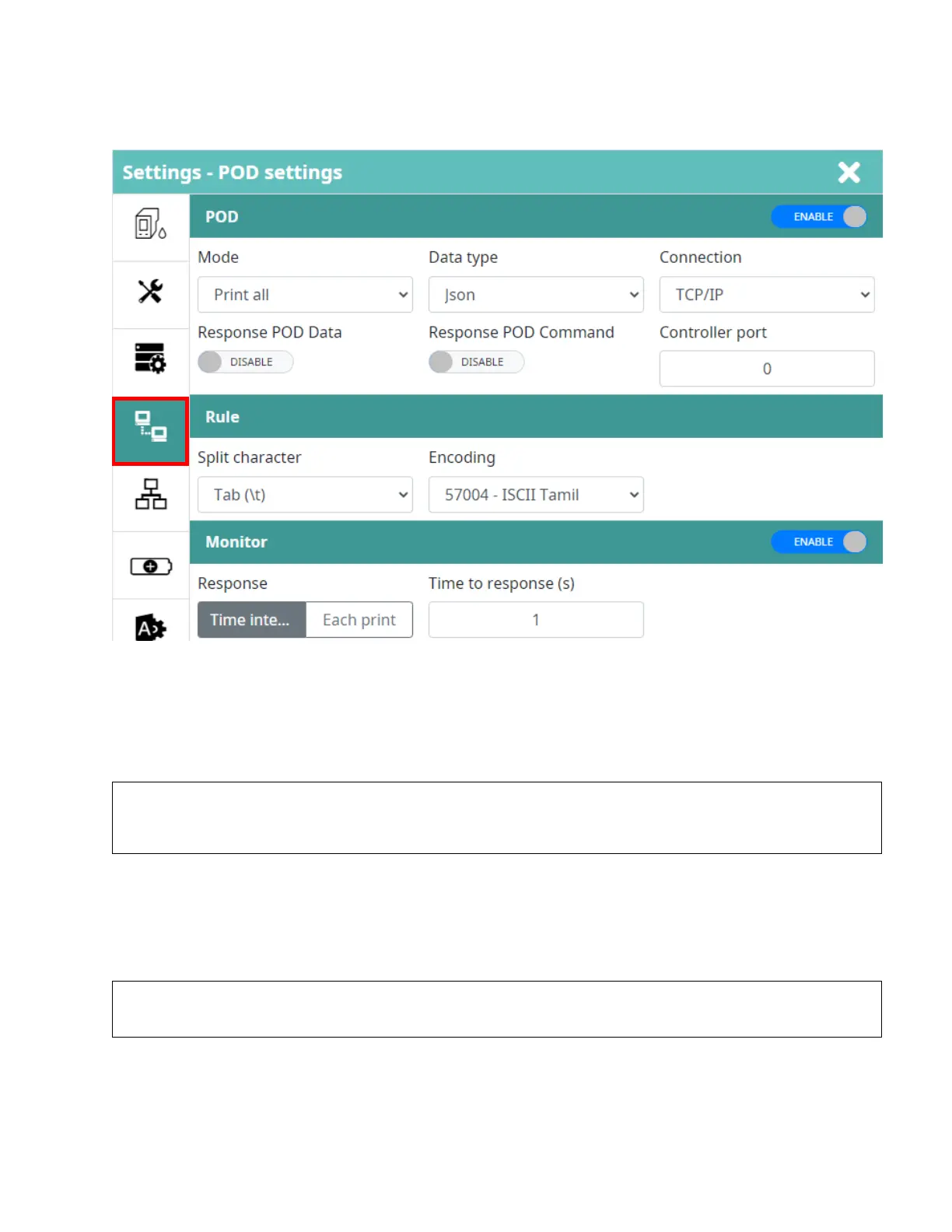
POD Settings
Allow to send or receive data / remote printer / get current status from 3
rd
party devices
(Desktop / Laptop / PLC / Mobile devices / …) via TCP/IP protocol, we call Sender.
Mode
Control the behavior action of software when it gets the data from sender.
Print all
Print all messages from the sender.
For example, if the printer receives 5 messages from the sender, the printing result will be:
After printing “MESSAGE_4” the printer will go to a “NO DATA” status and wait for new data. In
“NO DATA” status, if the sensor is triggered, the printer will stop and show an error.
Print last
Print only the last message from the sender.
For example, if the printer receives 5 messages from the sender, the printing result will be:
After printing “MESSAGE_4” the printer will go to a “NO DATA” status and wait for new data. In “NO DATA”
status, if the sensor is triggered, the printer will stop and show an error.



 To Next Page