Add a Boxlot object
To add a Boxlot object, select the Object button: Select
Boxlot.
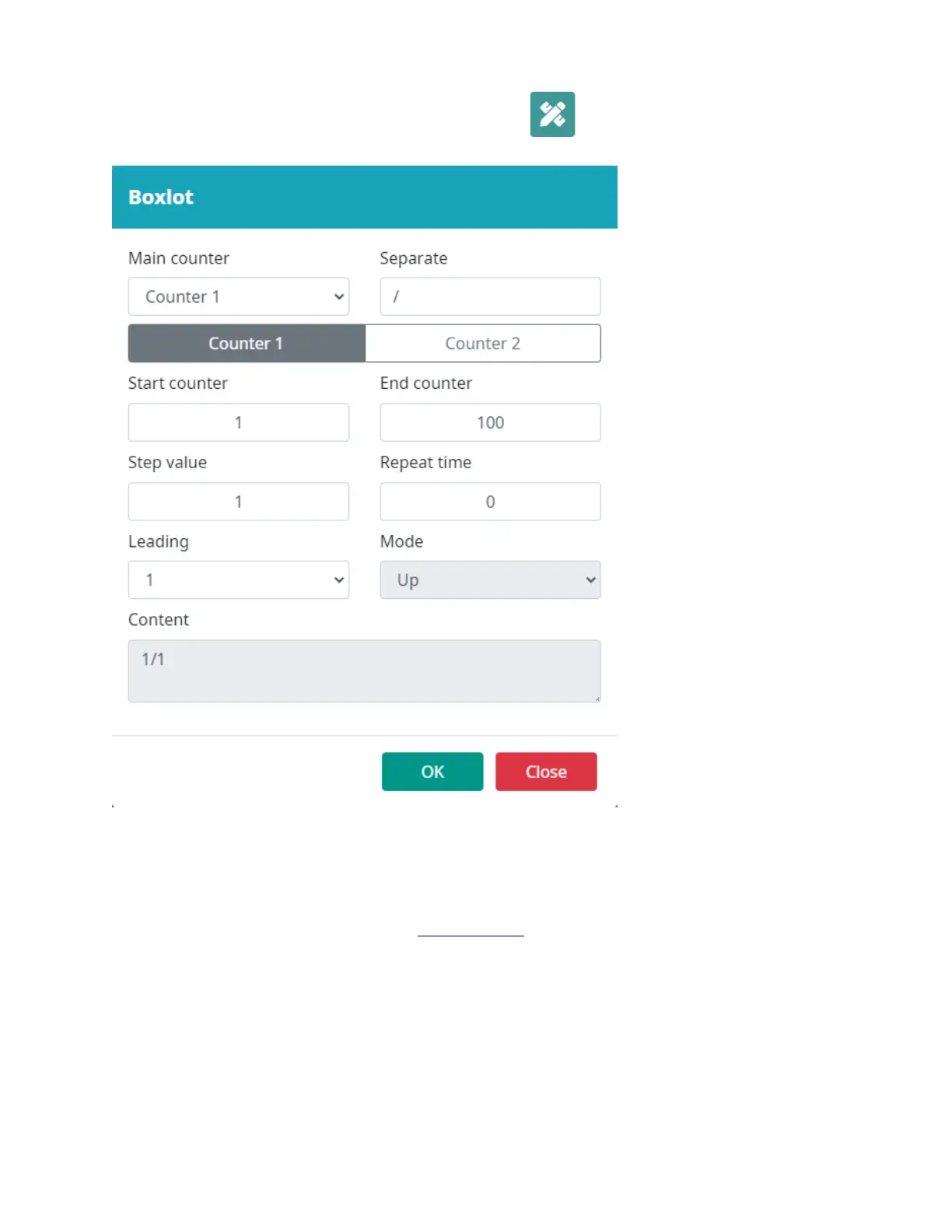
Input the Boxlot object settings.
Select a location in the template to put the object.
Is a dual counter. This is used to count the box and the products in the box.
Main counter: This counter will be printed first as the lot counter.
Separate: Separator between 2 counters.
The remaining settings are the same with Single Counter.



 To Next Page