Add a Barcode object
To add a Barcode object, select the Object button:
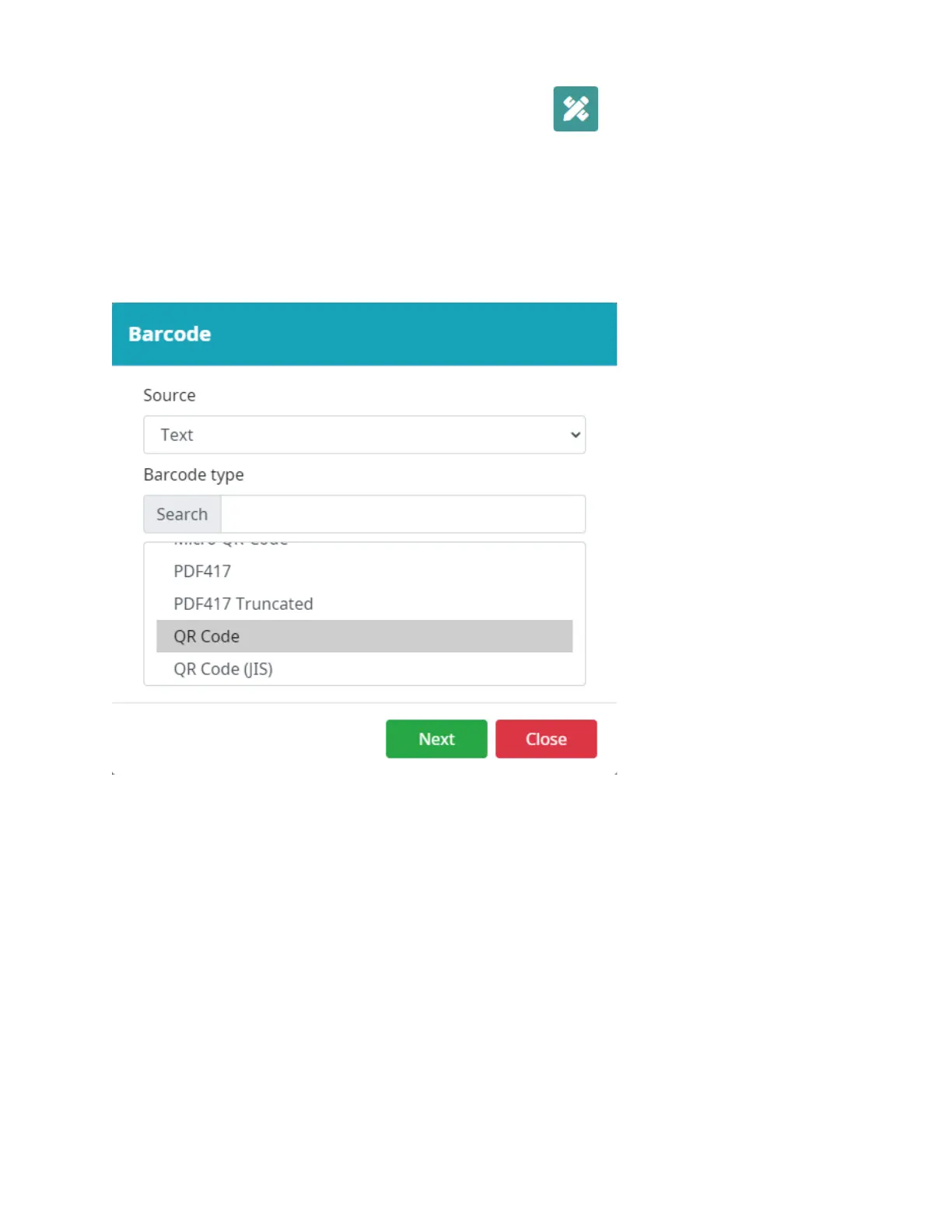
Select Barcode.
Choose the Source: Text, Counter, Datetime, Shiftcode, Boxlot and Database. Choose a Barcode
type: CODE 11, CODE 2OF5 STANDARD, CODE 2OF5 INTERLEAVED, CODE 2OF5 IATA, CODE 2OF5
MATRIX, CODE 2OF5 DATA LOGIC, CODE 2OF5 INDUSTRY, EAN8, EAN13, UPC12, UPCA, UPCE, CODE
39, CODE 39 EXTENDED, EAN UCC128, CODABAR 2, CODE 128, GS1 DATABAR EXPANDED, GS1
DATAMATRIX, UCC128, QRCODE, DATAMATRIX, GS1 DATABAR EXPANDED STACKED, GS1 128,
QRCODE 2005…
Select Next.
Enter the barcode data and select OK.
Select a location in the template to put the object.



 To Next Page