UPDATING INSTRUCTIONS
Software and firmware can be updated. Contact your supplier for the latest files.
Step 1:
• Put the update file onto the ROOT folder of a USB flash.
• Stop printing.
• Connect the USB flash to the controller.
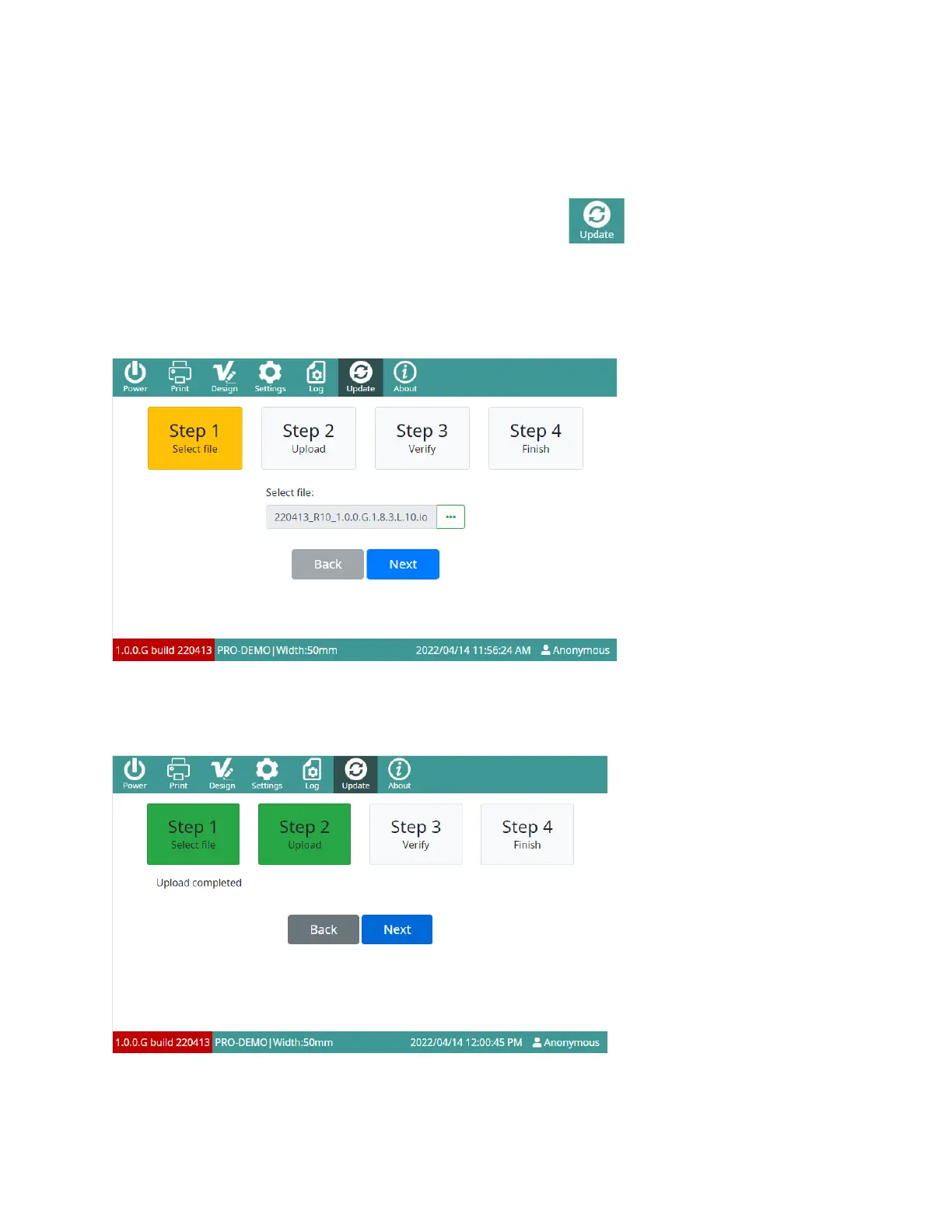
• On the main interface screen, select Update:
• Set USB list as the drive containing the update file.
• Select File and select the update file.
NOTES:
• Update files have an *.io extension.
• If the update file cannot be seen, select Refresh.
• Select Next.
• Do not remove the USB flash until the update is finished.
Step 2: The software will check the update file.



 To Next Page