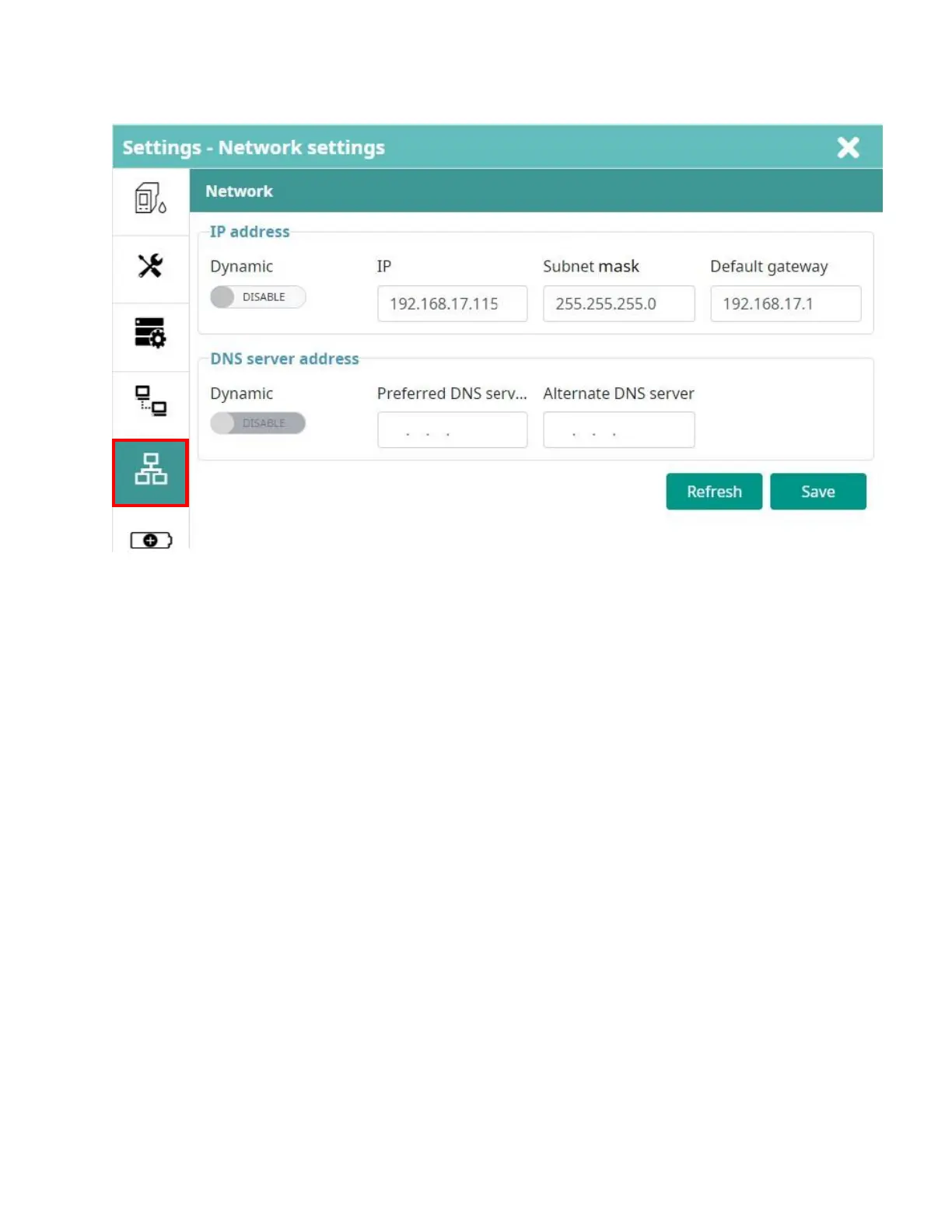
Network Settings
This function uses for remoting control printer via LAN cable.
Select Disable the button Dynamic to set Static IP for the controller.
• IP: IP address of the printer. It needs to be settings in the same class with the local network.
• Subnet mask: Default is 255.255.255.0.
• Default gateway: Default gateway of network.
Select ENABLE the button Dynamic, the printer will automatically obtain an IP address from the connected
Local Network.



 To Next Page