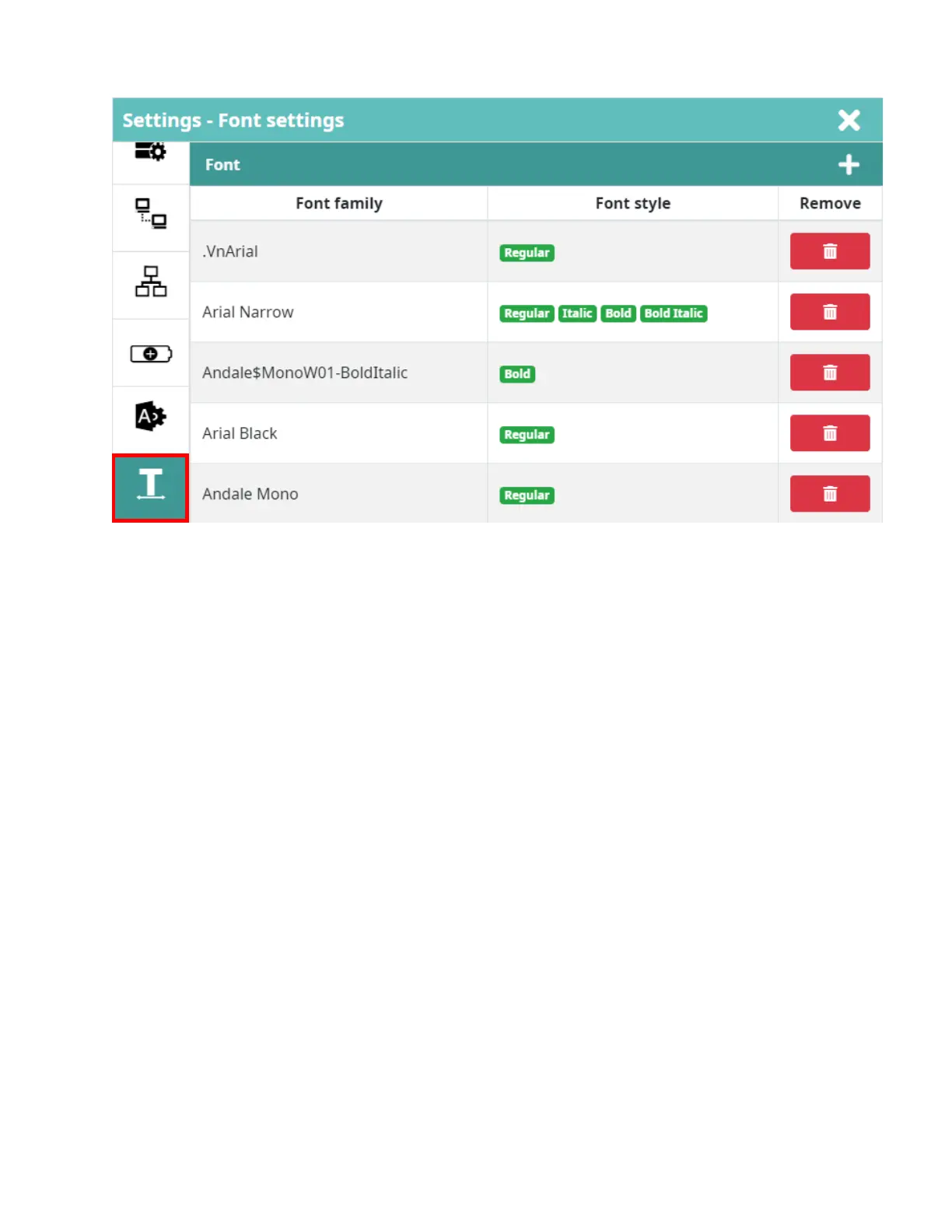
Font Settings
Display the supported fonts on the printer.
• Add font: Import the new font from the USB flash.
• Remove: Delete unused font out of printer system.
NOTES:
• To reduce the start up time, it is recommended to remove unused fonts.
• If the user wants to add a new font, they are solely responsible for licensing it. Pre-
installed fonts include:
• Liberation Mono (Regular/Bold/Italic/Bold Italic)
• Liberation Sans (Regular/Bold/Italic/Bold Italic)
• Noto Sans (Regular/Bold/Italic/Bold Italic)
• Noto Sans Arabic (Regular/Bold)
• Noto Sans Hebrew (Regular/Bold)
• Noto Sans JP (Regular/Bold)
• Noto Sans SC (Regular/Bold)
• Noto Sans TC (Regular/Bold)
• Noto Sans Thai (Regular/Bold)



 To Next Page