USER MANUAL V1.2 | Updated August 30, 2022
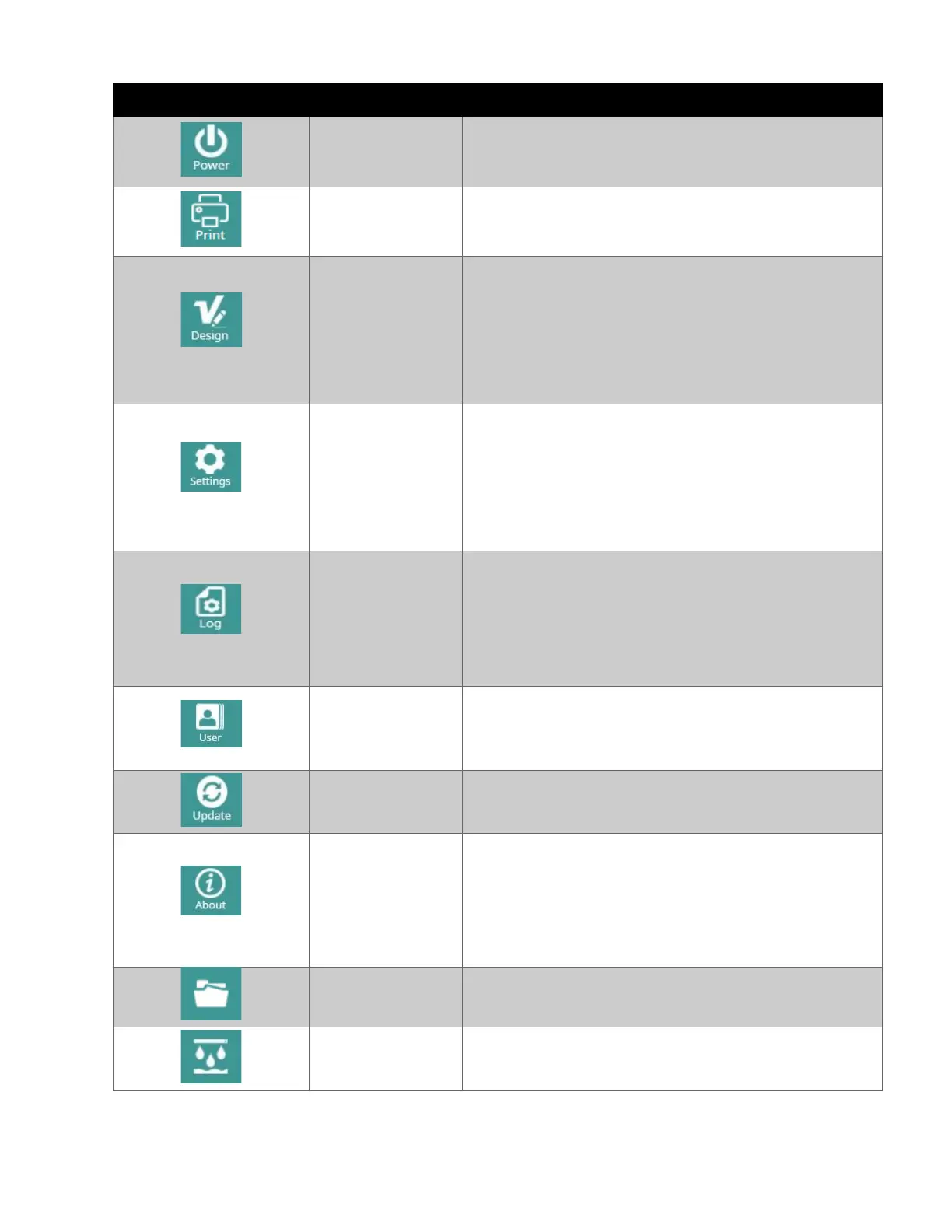
“Shutdown” or “Restart” the printer.
Show printing control screen (Main screen).
Open the template design tool:
•
Create a new template.
•
Modify a template.
•
Open a template.
•
Calculate ink cost.
Adjust printing parameters such as:
• Resolution.
• Speed.
• Print mode.
• Sensor mode.
• Etc,…
View all of tasks that you did with system. Statistic:
These two counters should be separated counted,
to record total printed quantity. Even the customer
resets counter 1,
the counter 2 will not be reset.
Control user login to operate the printer.
• User: Administrator
• Password: admin@2021
Use this button to update the Software/Firmware
version.
View some information related to:
• Software version.
• Kernel version.
• Memory available.
• Brand name and website address.
Open existing template is saved on
application folder.
This button will help the user push out the ink to
clean the printhead.



 To Next Page