Chapter 2 – Getting Started
Multi-Tech Systems, Inc. SMSFinder User Guide for System Administrators (Document S000451B) 14
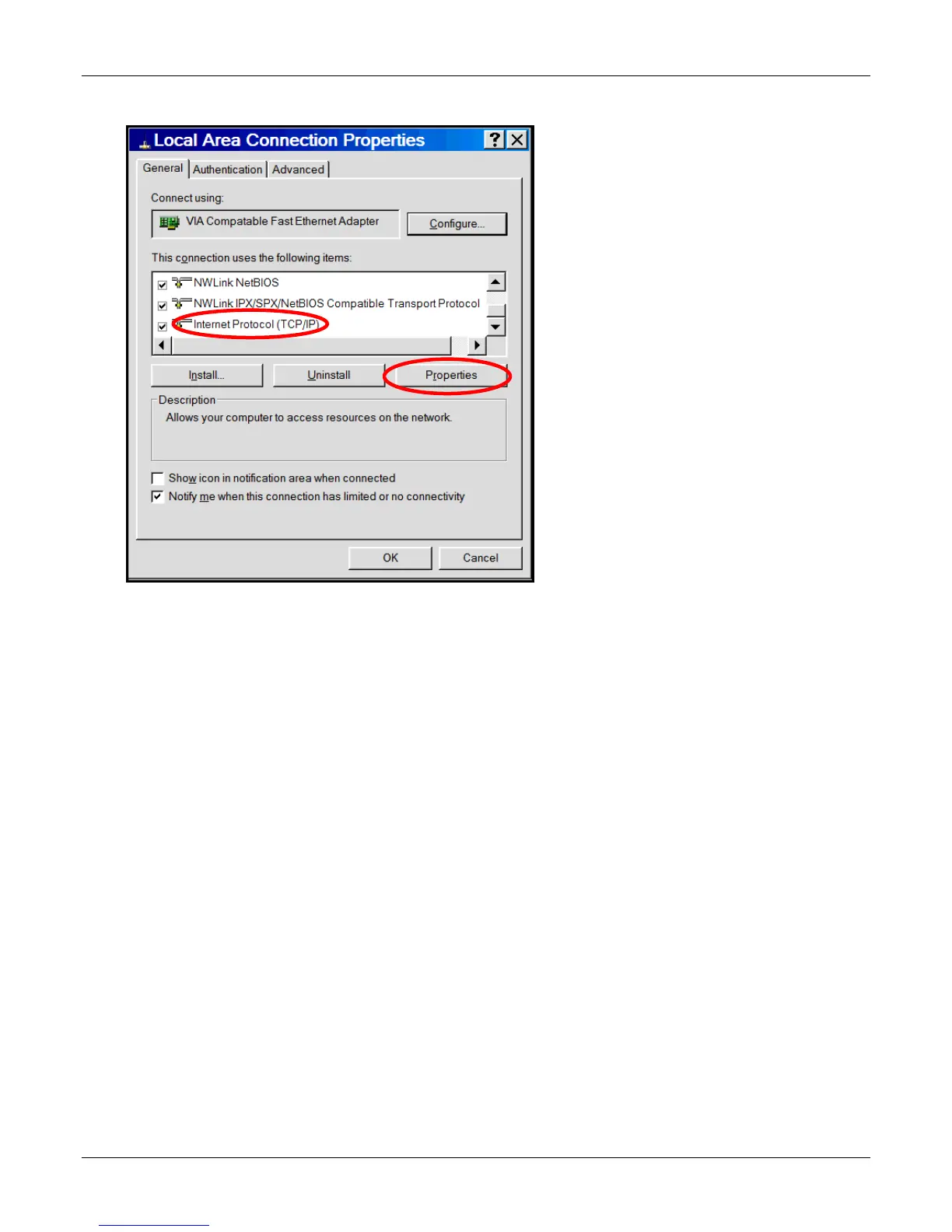
4. The Local Area Connection Properties dialog box displays.
• Select Internet Protocol [TCP/IP].
• Click the Properties button. The Internet Protocol (TCP/IP) Properties screen displays.



 To Next Page