Chapter 4 – Using the SMSFinder's Web Interface
Multi-Tech Systems, Inc. SMSFinder User Guide for System Administrators (Document S000451B) 34
SMS Services > Groups
SMS Services > Groups
Use this screen to create groups of customer/client names with their phone numbers.
The SMSFinder can hold up to 50 groups.
Groups allow you to send SMS messages to many individuals using only a group name.
For example, groups can be established based on a common functionality, a location, or an activity such as
an Administrators group, an Engineers group, a Building 201 group, a Basketball Team group, etc. Once
created, group names display on this screen where they can be edited and deleted.
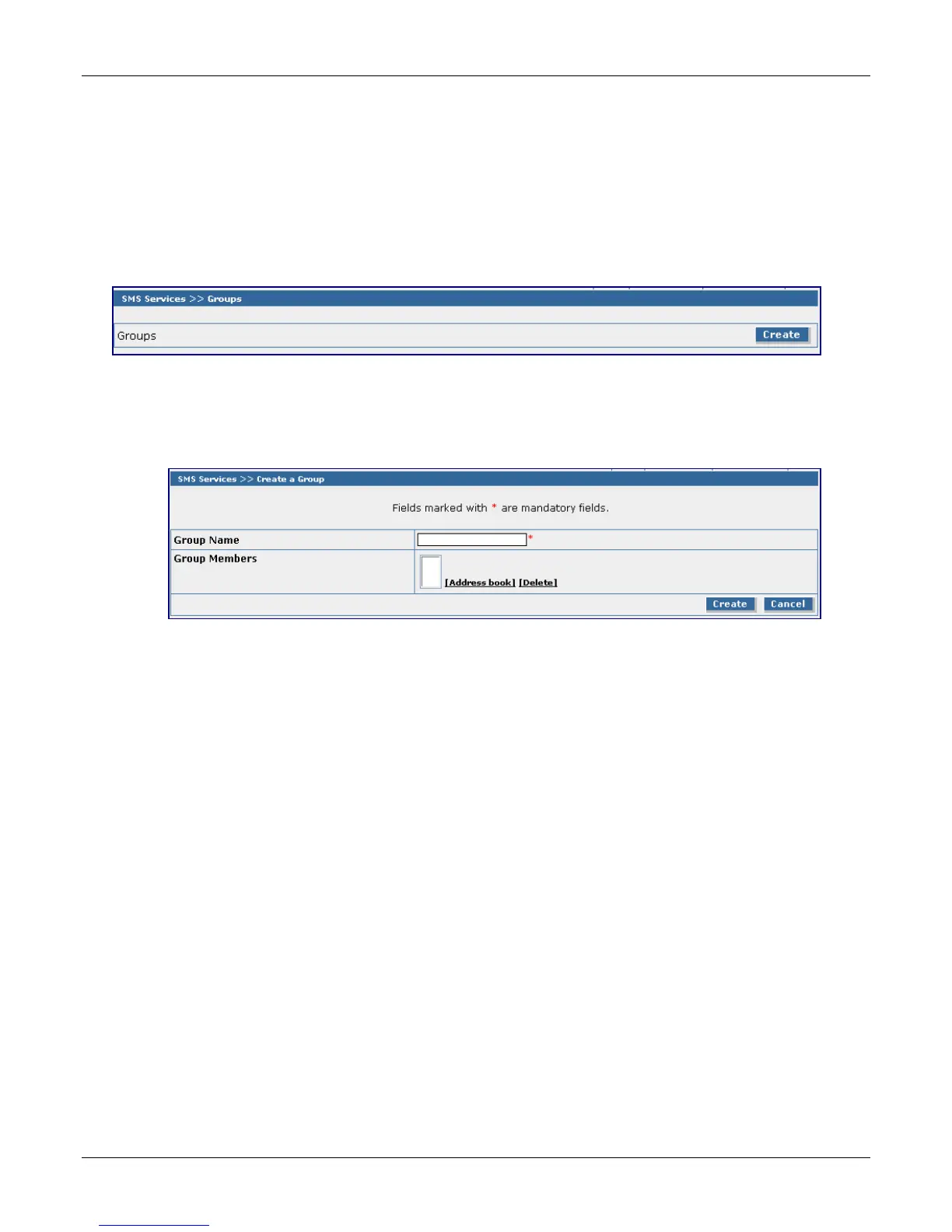
Groups
Click the Create button to display the Create a Group screen.
Create a Group
Note that fields marked with an asterisk are required.
Group Name
Enter a name for the group you would like to create. Maximum number of characters is 10. Group
names can be edited.
Group Members
Click Address Book to bring in the names of all individuals in your Address Book. All names will
display in this box.
Click Delete to remove the names of those you do not want in this group. If you want the entire
Address Book of names included in this group, simply check the Create button.
Create or Cancel
Once you have the group completed, click the Create button. If you want to start over, click the
Cancel button.



 To Next Page