Chapter 5 – The User Interface
Multi-Tech Systems, Inc. SMSFinder User Guide for System Administrators (Document S000451B) 52
Chapter 5 – The Non-
Administrative User Interface
Introduction
This chapter may be photocopied or printed separately and given to non-administrative users who have limited
access to the SMSFinder for sending SMS text messages and for monitoring SMS messages in the Inbox and
Outbox.
Users send SMS text messages from a networked PC. They login using the name and password created by the
administrator for each user and can send messages from the SMS Services > Send SMS screen.
This chapter covers the Web Interface available to non-administrative users
Note: Users are identified and setup by the Administrator on the SMS > Send SMS Users screen.
Web Interface Available to Non-
Administrative Users
The only screens available to users are the following SMS Services screens:
• Send SMS
• Inbox
• Outbox
How Non-Administrative Users Login
Note: Be sure that the SMSFinder is cabled and that the power is connected as shown in Chapter 2.
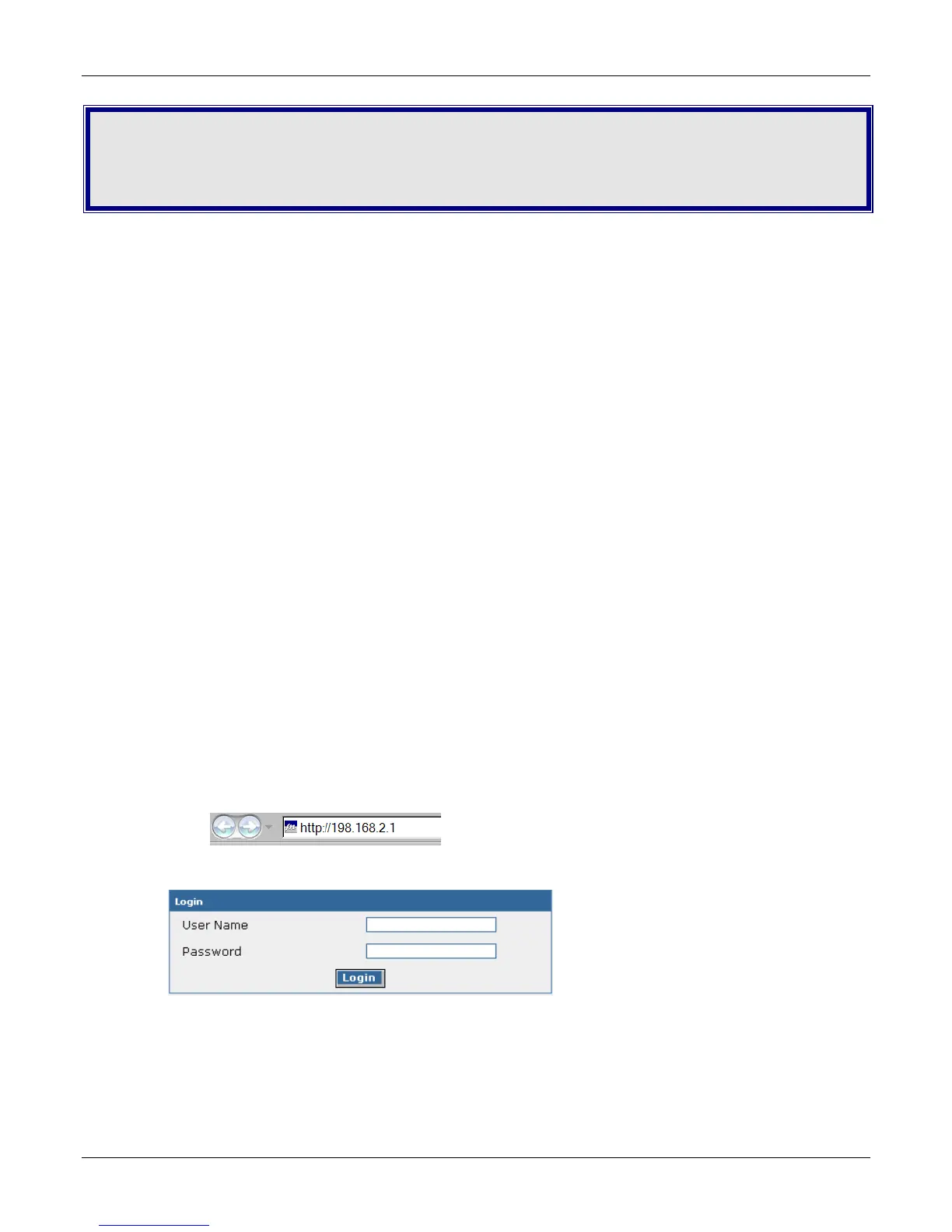
1. Open a Web browser on the PC.
2. Type the default gateway address line:
http://192.168.2.1
3. The Login screen for the SMSFinder displays.
• Users must type their names the way the administrator entered them on the SMS Services >
Send SMS Users screen.
• Users must type the passwords created for them by the administrator on the SMS Services >
Send SMS Users.
• Click Login.
• The SMS Services > Send SMS screen displays.



 To Next Page