Appendix A – Application Programming Interface (API)
Multi-Tech Systems, Inc. SMSFinder User Guide for System Administrators (Document S000451B) 66
3.2 TCP Send API
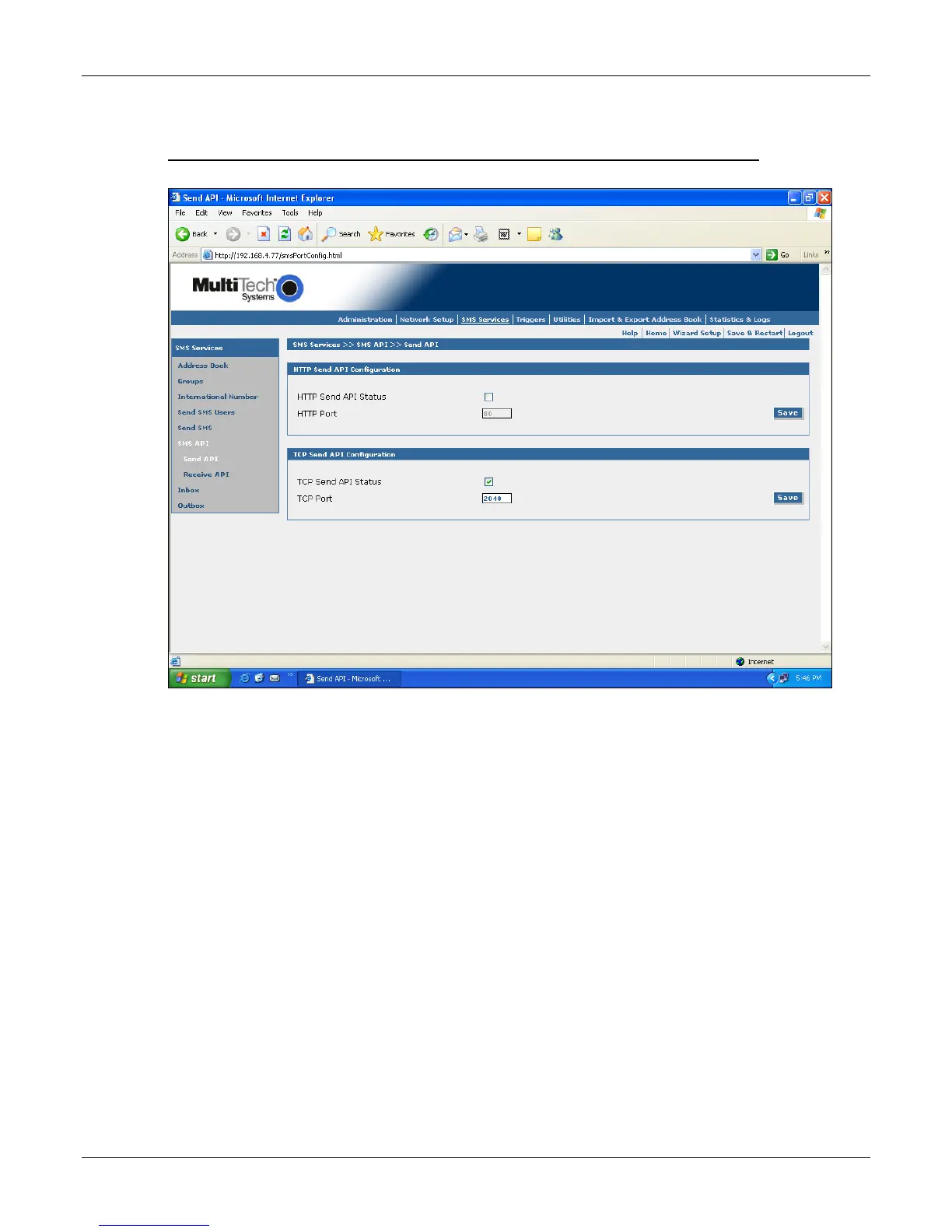
Configuration of the "TCP Send API" Using the SMSFinder Web Admin Interface
TCP Send API Status:
Enable “TCP Send API Status” to send SMS / query status using TCP API. By default, TCP Send API
is disabled.
TCP Port:
Configure the port to service the TCP Send API. Default is 2040
Note: SMSFinder can be accessed ONLY from the preconfigured allowed networks.
Example: To access the SMSFinder 204.26.122.125 from 125.63.78.44, you MUST add the network
125.63.78.0 to the following SMSFinder screen:
Admin Access >> Allowed Networks
• Initiate a raw TCP connection to the SMSFinder’s IP address over the "TCP Send API" port
• Issue send command to send SMS.
• Issue query command to query the status of send SMS.



 To Next Page