Chapter 2 – Getting Started
Multi-Tech Systems, Inc. SMSFinder User Guide for System Administrators (Document S000451B) 13
Establishing TCP/IP Communication
The following directions establish a TCP/IP connection at the workstation so the PC can communicate with the
SMSFinder. The following directions were written using a Windows 2000+ / XP operating system.
Setting a Fixed IP Address
1. Make the SMSFinder connections as described on the previous two pages.
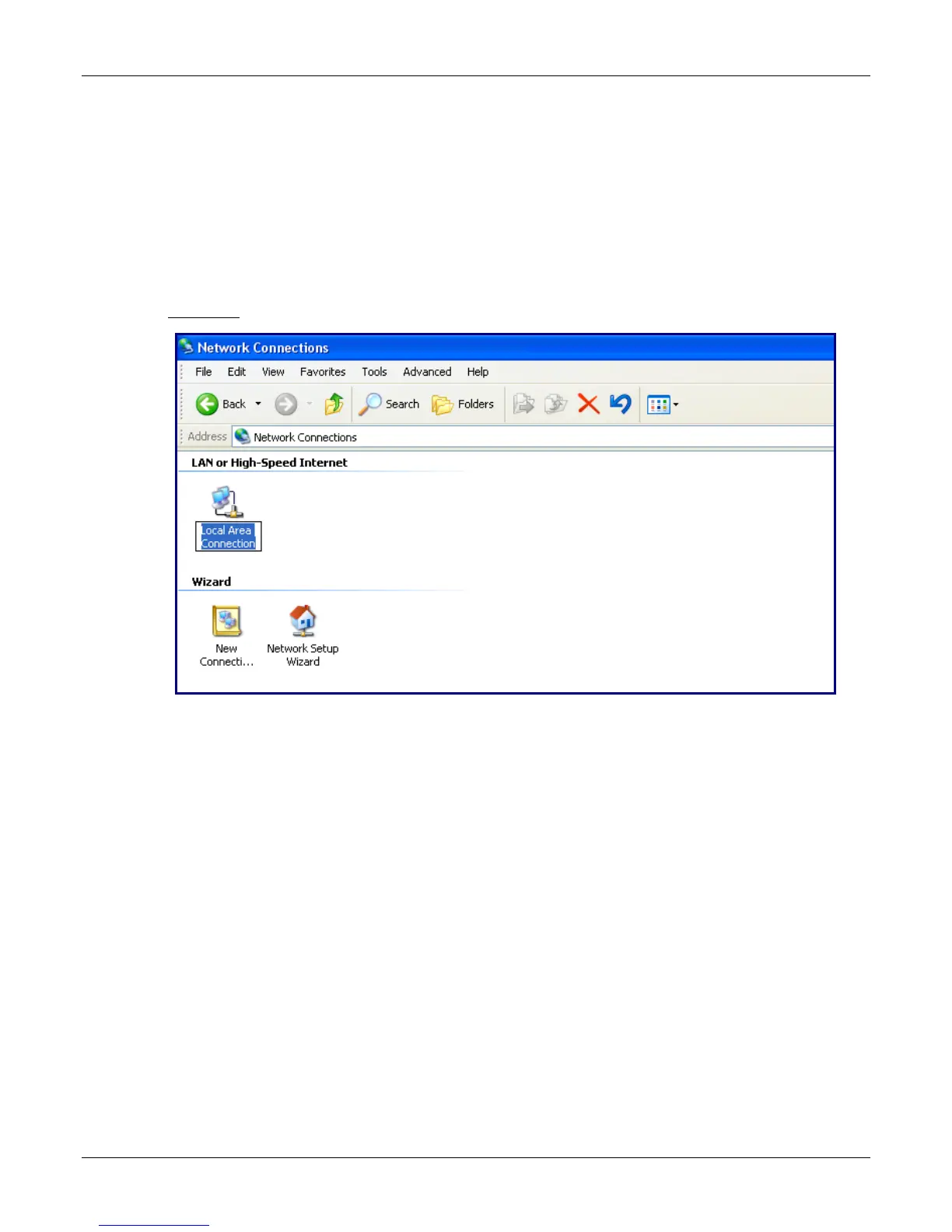
2. Click Start | Settings | Control Panel. Double-click the Network Connections icon.
3. The Network Connections screen displays.
Right-click
the Local Area Connection icon and choose Properties from the drop down list.



 To Next Page