Appendix A – Application Programming Interface (API)
Multi-Tech Systems, Inc. SMSFinder User Guide for System Administrators (Document S000451B) 67
3.2.1 TCP Send API Format
/sendmsg?user=admin&passwd=admin&cat=1&to="+919844895691"&ton=”Bob”&
group=”eng”&text=Here is the test message
3.2.2 TCP Query API Format
/querymsg?user=admin&passwd=admin&apimsgid=id
Notes:
• The TCP buffer should contain only this data in the given format to be parsed properly by
the TCP Server in the SMSFinder to send SMS / query status.
• SMS could be sent to different multiple recipients like name, number, group using the
same format. Enumeration and examples given in HTTP Send API section hold good.
• Response to TCP Send API, response to TCP Query API, Status Codes and Error Codes
are the same as given for HTTP Send API.
4. Receive SMS API
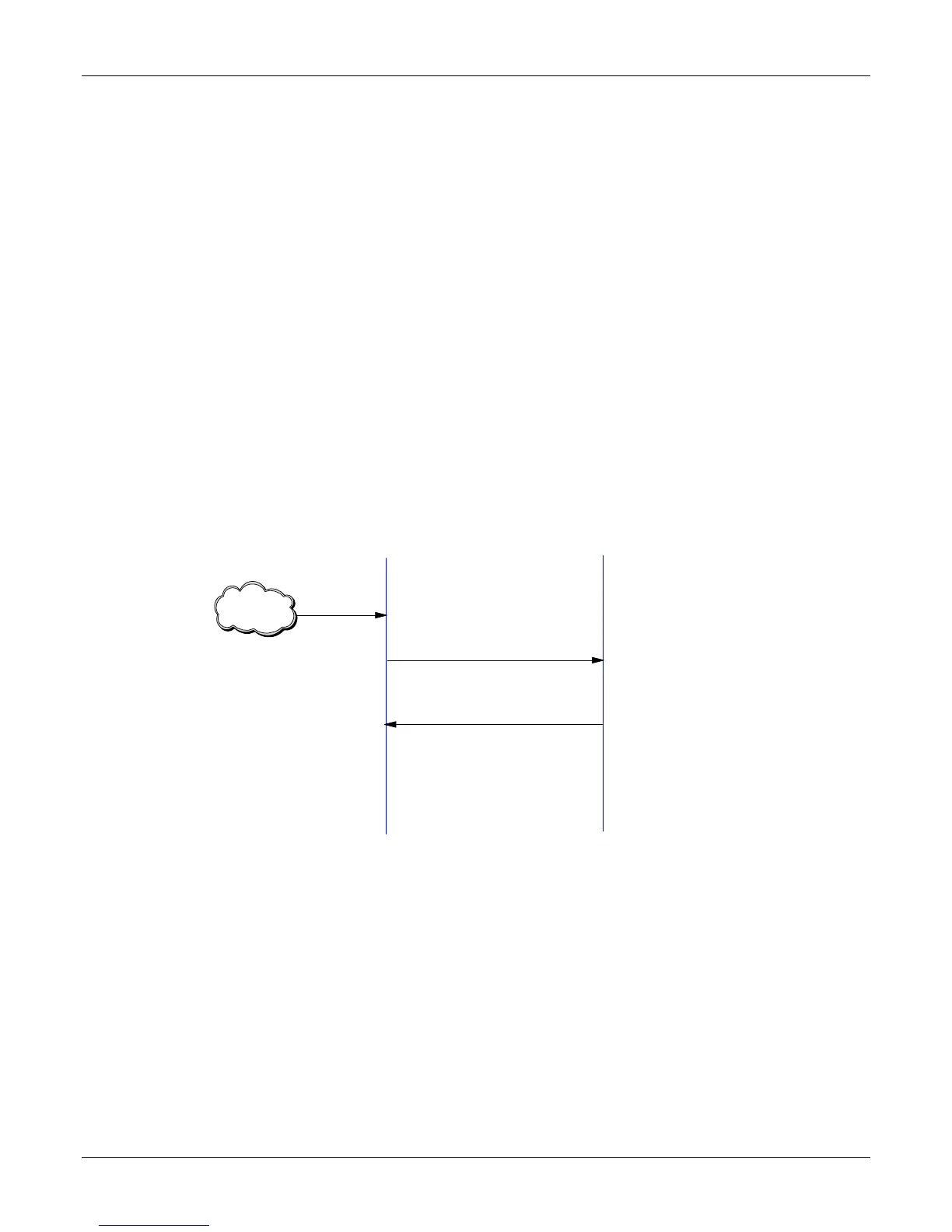
Receive API Request
OK
HTTP / TCP
Applicant
SMSFinder
SMS is
received
Mobile
network
• Upon receipt of an SMS message and based on the configuration, the SMSFinder uploads the
SMS to the HTTP or TCP server configured.
• If the post interval is more than zero seconds, the SMSFinder uploads the message
immediately upon receipt of it. If the post interval is non-zero, it waits for the configured post
interval, queues up the messages, and then uploads the messages accumulated for the
configured post interval.
• The SMSFinder will wait for an OK response from the server after sending the SMS to the
application via HTTP or TCP. The response timeout at the SMSFinder is 30 secs.



 To Next Page