Chapter 4 – Using the SMSFinder's Web Interface
Multi-Tech Systems, Inc. SMSFinder User Guide for System Administrators (Document S000451B) 23
Chapter 4 – Using the SMSFinder's
Web Interface
Now that you have completed the Wizard Setup, you can use the Web-based configuration and management
interface to set up other SMS features and parameters. This chapter takes you screen-by-screen through the
Web Interface.
Note: The antenna must be attached in order for the SMSFinder to be operational.
IMPORTANT Note About Save & Restart
When you have completed your SMSFinder settings, you must click the Save & Restart button
located at the top of the window under the menu bar. The system will save all the settings and give
you the option to restart your SMSFinder. Restarting is not required.
Administration
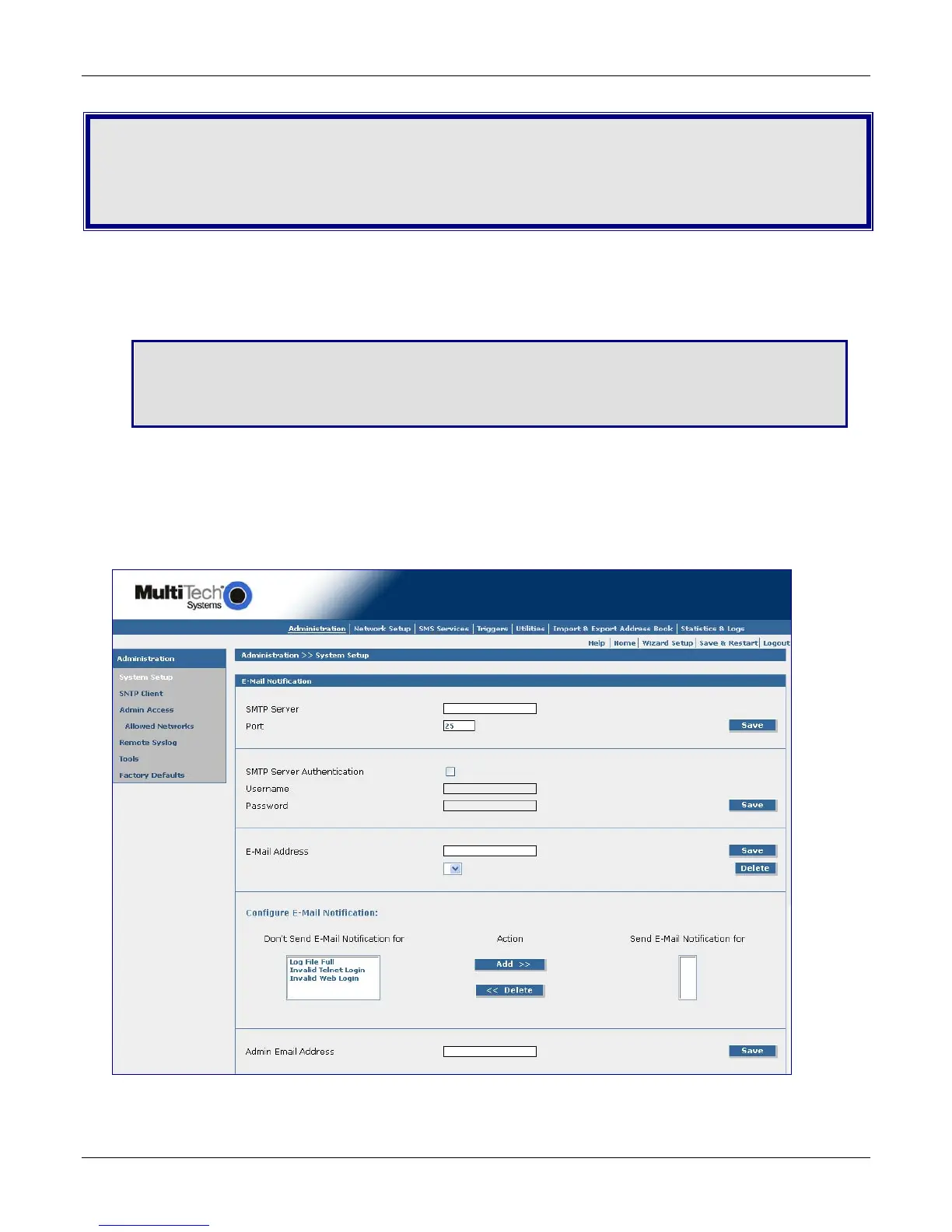
Administration > System Setup
On the System Setup screen, you can set up the e-mail address of the administrator to whom e-mails are
sent for event notification. The e-mail address must be entered in proper "user@domain" format.
A Note About E-Mail Notification
E-Mail notification is delivered through the Ethernet network with an Internet connection, not through the
wireless cellular connection.



 To Next Page