Chapter 1 – Introduction and Product Description
Multi-Tech Systems, Inc. SMSFinder User Guide for System Administrators (Document S000451B) 9
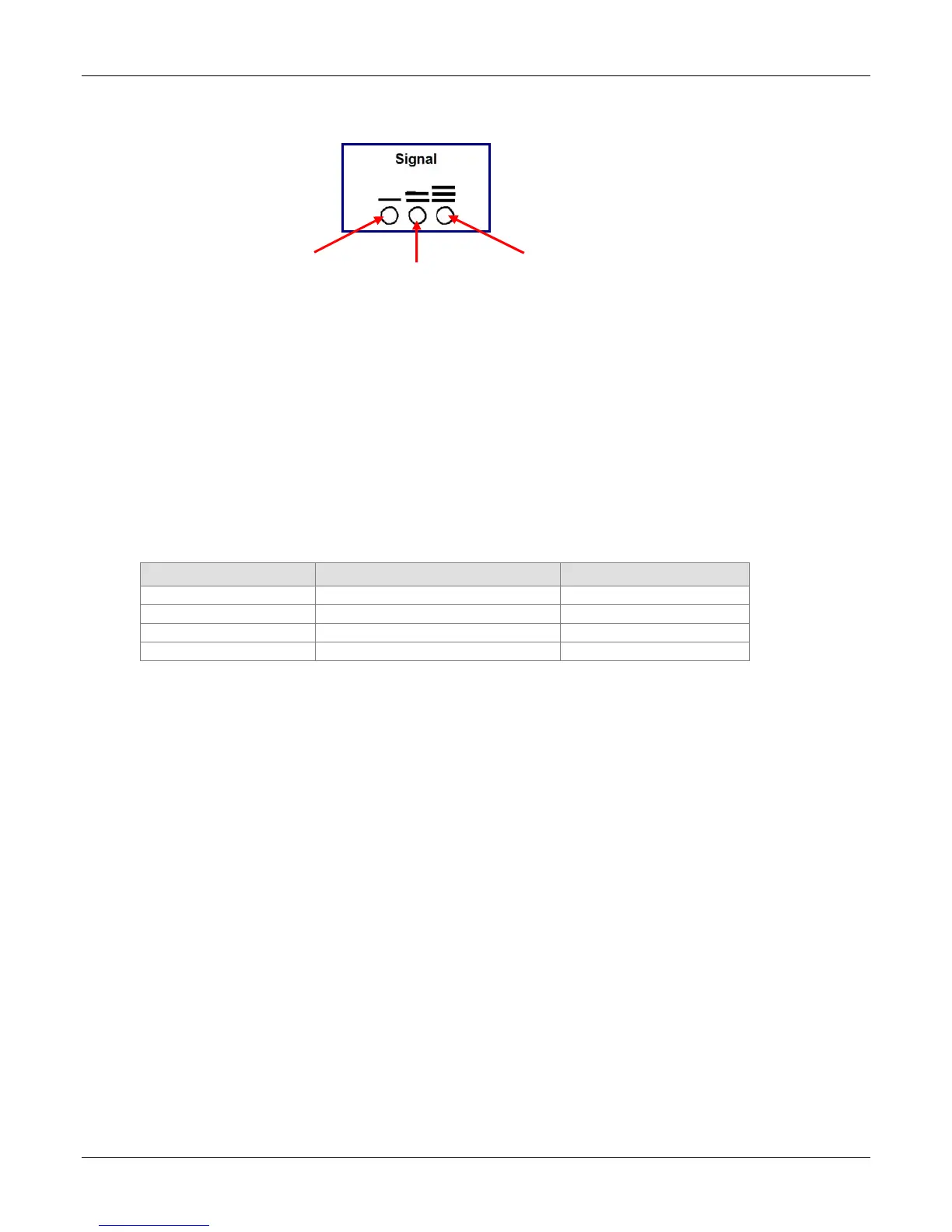
Signal Strength LEDs
1 Bar LED 2 Bar LED 3 Bar LED
Signal Strength LEDs on the Front Panel
Signal Strength
To View Strength
Signal strength can be viewed by using the following AT command: AT+CSQ. This command is the
default setting on the Network Setup > Cellular Modem screen.
AT Command Response Example
+CSQ: xx, 99 (For xx, see the values chart below)
Signal Strength LEDs Reference Table
The following table lists the meaning of the xx values in the signal strength response and explains how
they correspond to the number of LEDs lit for signal strength.
AT+CSQ xx Values Signal Strength LED Bars Signal Strength
0 to 6 No light Very weak signal
7 to 14 1 Bar LED is lit Weak signal
15 to 23 1 Bar and 2 Bar LEDs are lit Stronger signal
24 to 31 1 Bar, 2 Bar, 3 Bar LEDs are lit Strongest signal



 To Next Page