Chapter 3 – SMSFinder Basics and Setup Wizard
Multi-Tech Systems, Inc. SMSFinder User Guide for System Administrators (Document S000451B) 22
Configuring the SMSFinder Using the Wizard Setup
Admin Password – You should change the password immediately after initial installation and also
change it regularly thereafter for security purposes.
Old Password – Enter the existing password.
New Password – Enter new password of your choice.
Confirmation – Confirm your new password by re-entering it into this field.
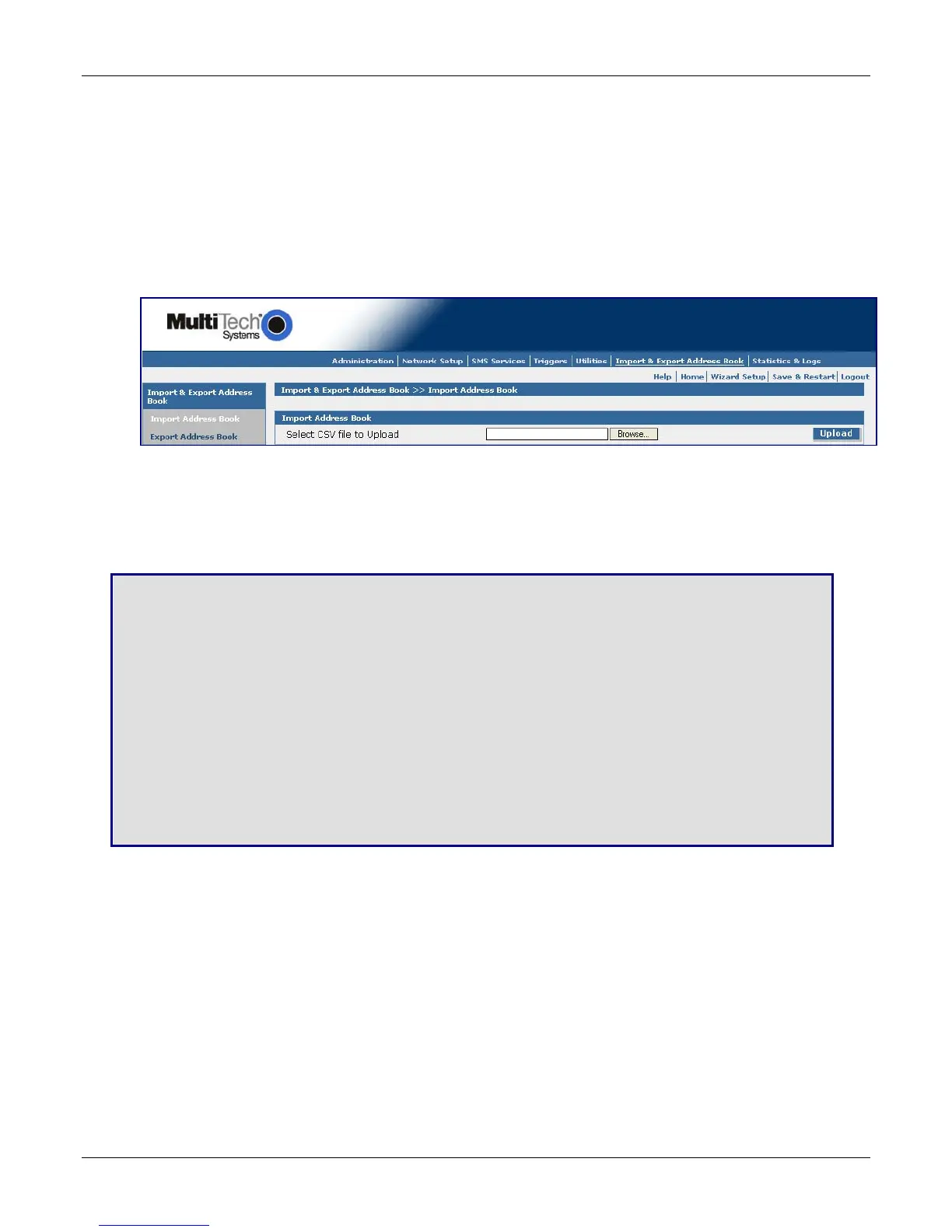
Import Address Book – Click the Import button. The Import Address Book screen displays.
Use this screen to set up senders and receivers of messages, as well as authentic users. Note: CSV
stands for comma separated values, a term that applies to the format of an address book.
Import Address Book
Select the CSV Format
Browse for the address file you want to use, and then click the Upload button once it is found.
Save & Restart
IMPORTANT Note About Save & Restart
When you have completed your SMSFinder settings and you are not going to enter any more data,
you must click the Save & Restart button located under the menu bar. The system will save the new
settings to the Flash Memory and give you the option to restart your SMSFinder. Saving to the Flash
Memory saves the new settings in the flash prom and prevents the settings from getting lost at the
next power up.
Note: The system will save the SMS settings every 8 hours automatically; however, it will not save the
system setting during this automatic save. The automatic saving of the SMS settings is helpful for
those times when the administrator does not have direct access to the Ethernet port.
Save
Click the Save button to save your system settings to the flash memory.
Restart is Optional
This is optional. You do not have to restart the SMSFinder after saving to the flash memory.



 To Next Page