Maintenance Manual – SC Cutting Plotter
38 AP-74030, Rev / B
Init1 (F3) initialises all user parameters to default
values.
Init2 (F4) initialises all adjustment values to default
values.
Caution :
After INIT, the following adjustments need to be performed
· X axis length adjustment (ADJ.08)
· Cutting Mat height adjustment (ADJ.-08)
· Pen force calibration (ADJ.-09)
· Sheet-off system adjustment (ADJ.09)
(Not for SC-550)
2) Sensor
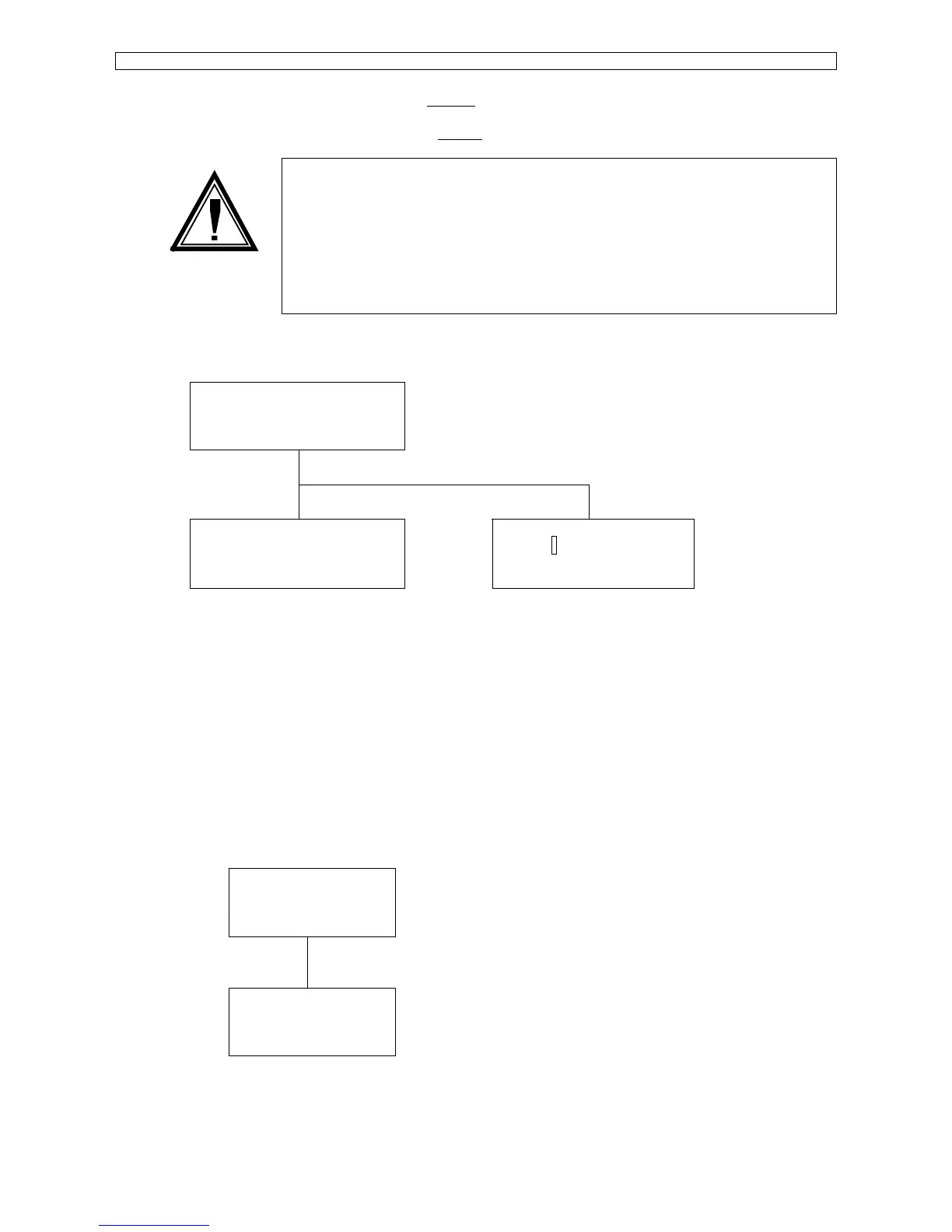
* Diagnostic-1 *
Memory Sensor
Press F4
Press F1/F3
Front : Open
Middle : Open
Rear : Open
Lever : Up
Cover : Closed
Y Org :
Sensors ‘Front’, Middle’ and ‘Rear’ are paper sensors located on the plotter bed.
‘Lever’ sensor detects if pressure rollers are UP/DOWN.
‘Cover’ sensor detects if safety cover is OPEN/CLOSED.
(Not for SC-550)
‘Y Org’ sensor is the sensor on the back of the penhead that detects the position of the pressure rollers.
5.3.2. Diagnost. 2
1) Panel test.
F3
* Diagnost-2 *
Panel Actuator
F4
Press F3
F1
LED and KEY test
< >
Key :
Press EXIT
F2
Pressing F1/F2 actuates the LED’s on the SC-keypad and shows the corresponding position on
the LCD.
Keys pressed on the SC-keypad are indicated on the LCD.









 To Next Page