Sec on 3 Ini al Startup
Carefully remove the contents of the shipping carton. Check the carton and instrument
for visible signs of damage. If damaged, immediately contact the carrier. Remove wrap-
pings and check for all items (refer to Sec on 2 Analyzer components).
Place the instrument on a level work surface where temperature and humidity are fairly
constant.
Sec on 3 Ini al Startup
6
nal von minden GmbH · Manual
Reac f Touch
Interfacing to a Computer
The instrument can send results to a computer via the serial port or the USB port located
Plugging Analyzer In
Plug the appropriate end of the power cord into the DC socket located on the back of
the analyzer. Plug the other end of the power cord into an AC electrical wall outlet.
Installing Ba eries (Op onal)
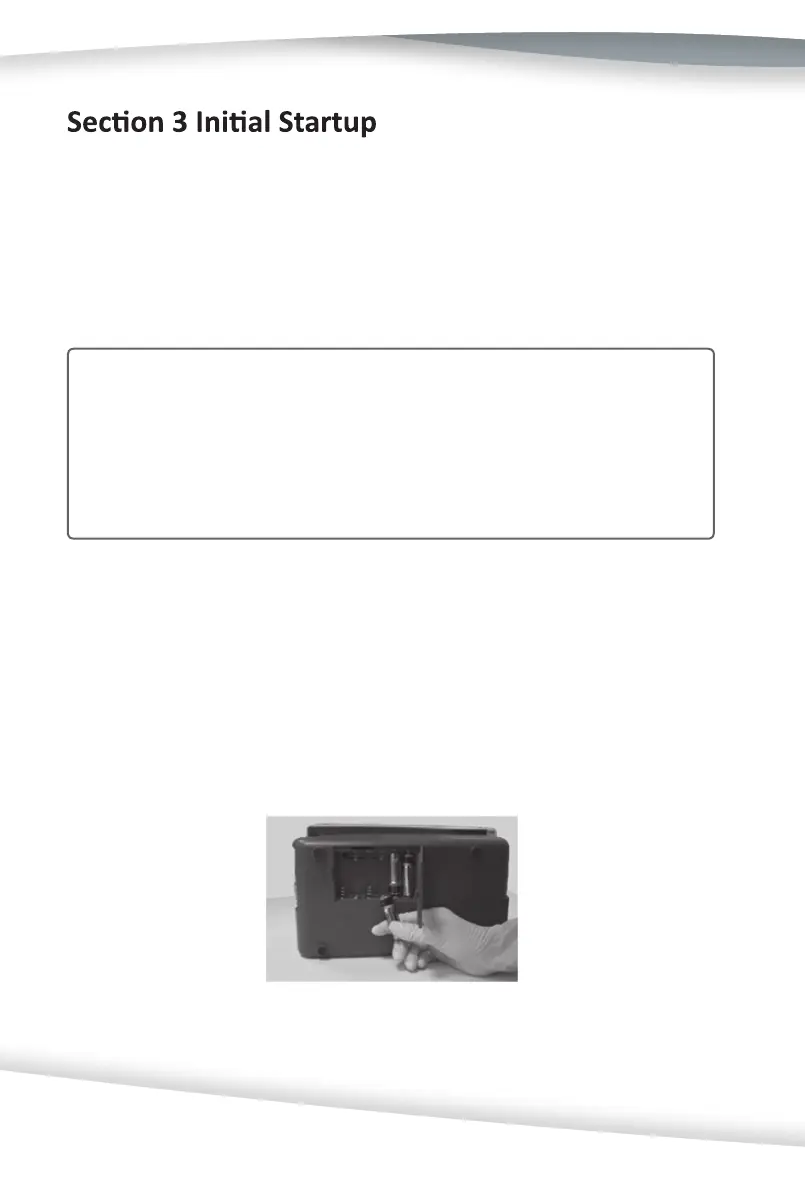
Place the analyzer on its side. Open the ba ery cover by sliding the tab away from the
cover. Place the 6 AA Alkaline ba eries into the analyzer. Close the ba ery cover and
turn the instrument back onto its base.
Cau on: Do not use the unit or the strips outside of the opera ng temperature
ranges listed below.
Analyzer: 0-40ºC (32-104ºF)
Strips: 15-30ºC (59-86ºF)
Do not place the analyzer outside or near windows, ovens, hot plates, or radiators.



 To Next Page