22
nal von minden GmbH · Manual
Reac f Touch
Press
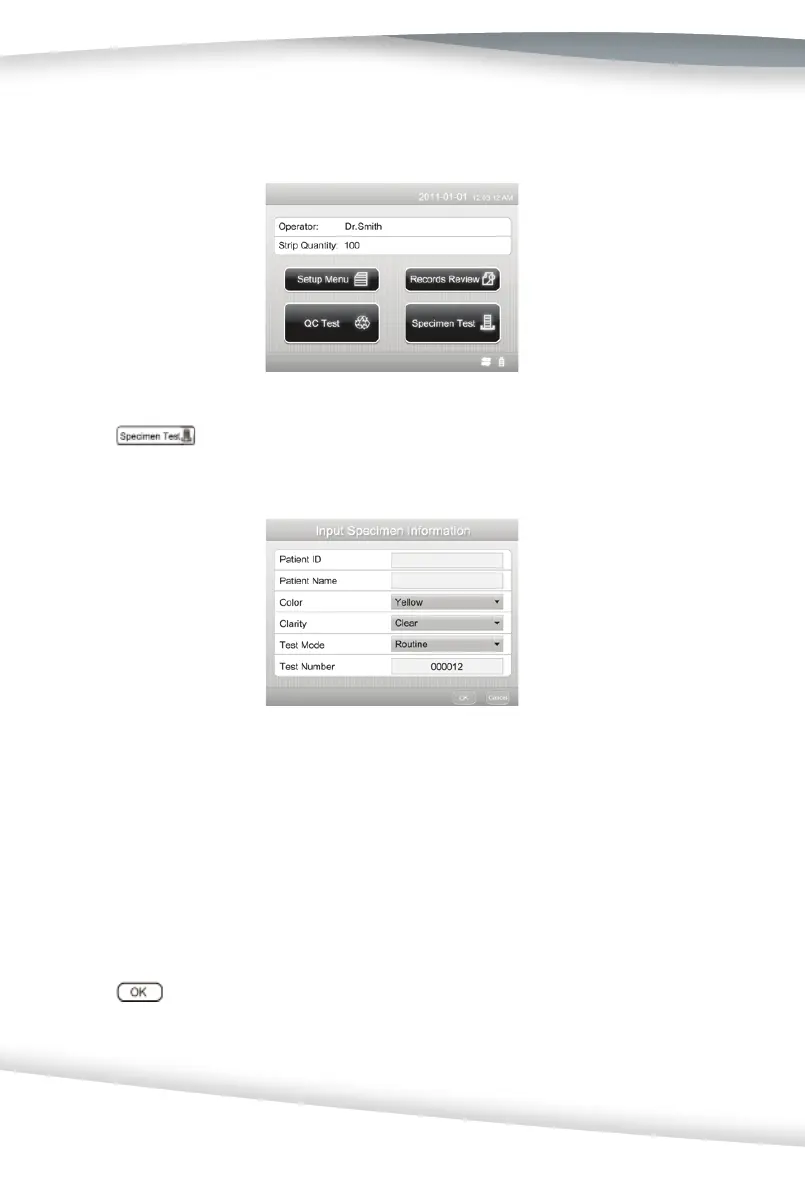
to conduct a urinalysis reagent strip test. The next screen that appe-
ars is Input Specimen Informa on.
Use the keyboard or the barcode reader to enter the Pa ent ID (Barcode ID). The pa-
ent name will be displayed if it has been entered. The maximum number of characters
that can be entered is 25.
Enter the urine Color and Clarity if the analyzer is not set to Determined by Analyzer.
Visually observe the specimen and select the appropriate Color and Clarity.
A er entering the Color and Clarity, check the Test Mode again.
Press
to begin strip analysis. The strip tes ng process is iden cal to a Quick Strip
Test (refer to Sec on 6 Specimen Test: Strip Test - Quick Test Mode).
Test results will be displayed on the screen and the printout will include the following
Tes ng is started from the ini al screen.



 To Next Page