40
nal von minden GmbH · Manual
Reac f Touch
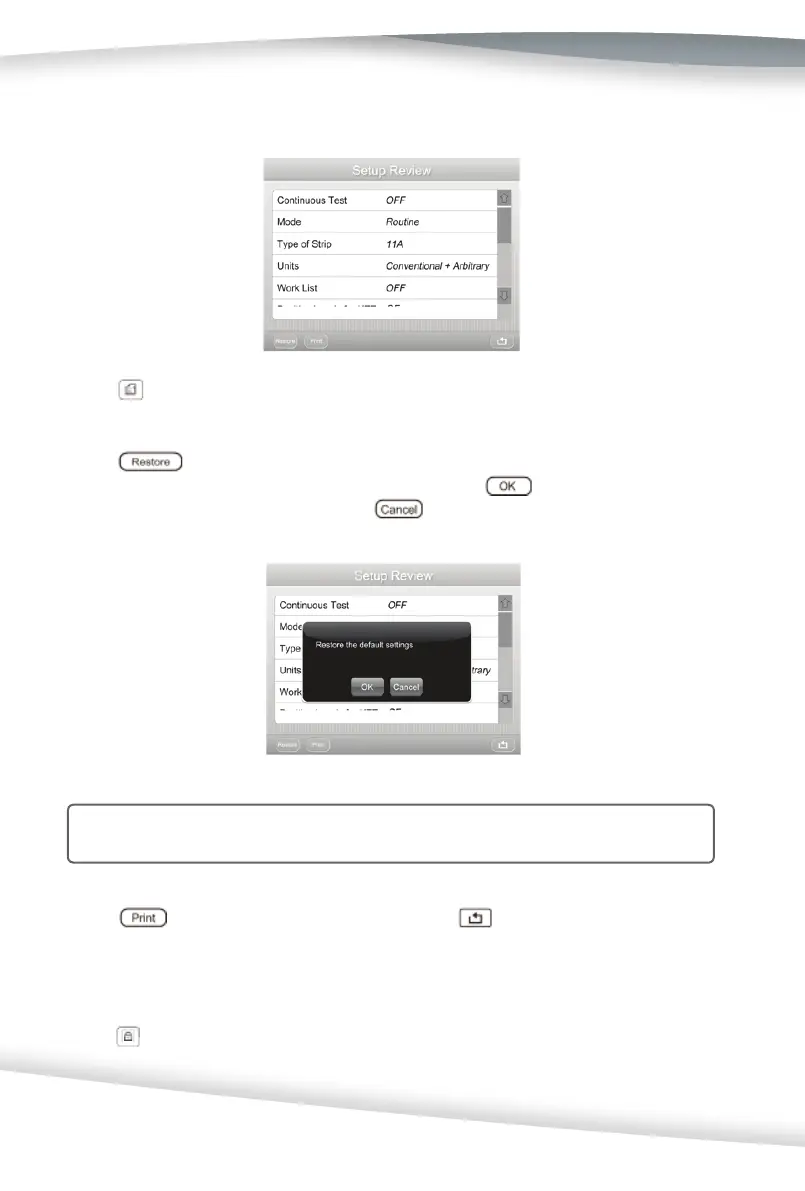
Setup Review
Press to display the analyzer’s current settings. Use the Scroll Arrows to view
the settings.
Press to return to manufacturer’s settings. A new window that reads,
Restore the Default settings? will be displayed. Press
to restore the settings
to the manufacturer’s settings or press
to maintain the current settings
without any changes.
Cau on: When the se ngs are restored, the previous se ngs will be deleted from
the memory.
Press to print the current settings. Select to return to the Setup
Menu screen.
Lockout
Press to display the Lockout op on screen used to confi gure the User Lockout and
QC Lockout op ons. Select to return to the Setup Menu screen.



 To Next Page