41
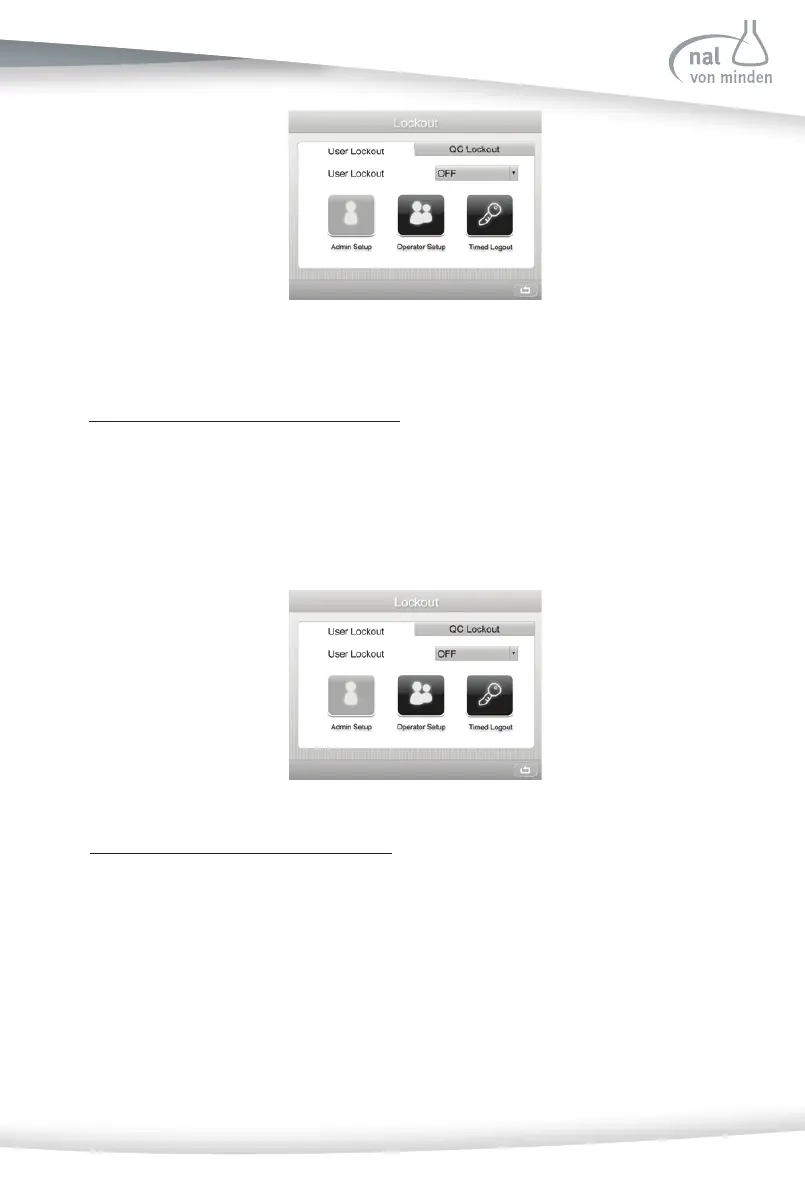
User Lockout
Press the User Lockout op on, to confi gure User Lockout features.
User Lockout Disabled (User Lockout OFF)
For ini al use, the User Lockout func on is disabled. In this case, the Operator Setup is
available to be set, while the Administrator Setup op on is not available to be set.
When the User Lockout is disabled, all users are allowed to perform tes ng and modify
all the se ngs.
User Lockout Enabled (User Lockout ON)
Change the User Lockout setup to ON. In this case, the Administrator Setup is available
to be set, while the Operator Setup op on is not available. User Logout will be enabled
and Operator Setup will be enabled a er se ng the Administrator informa on.
When the User Lockout is enabled, only the Administrator is allowed to modify all
the se ngs. Other operators are only allowed to perform tes ng and modify certain
se ngs, such as Con nuous test, test mode, etc. Operators gain access by entering their
ID. And a User Login screen will be shown before the ini al screen when the analyzer is
turned on.



 To Next Page