51
Search by
Select the Search by op on and press the Drop-Down Arrow to change the se ngs to
Test Number, Date, Time, Pa ent ID, Pa ent name, or Operator.
Search rela on
Select the Search rela on op on and press the Drop-Down Arrow to change the set-
ngs to “=,” ”>,” “<,” or “like.”
Keyword
Select the Keyword op on to be able to input a keyword to search by.
Enter the keyword. Press
to confi rm. Press to delete any changes.
A er that, press
to exit to the Records Review screen or press to con-
fi rm the input. A er confi rming, the analyzer will search for the keyword in the memory
and then display the relevant data on the screen. If no results are found for this data, the
LCD will display a prompt reading, Record not found.
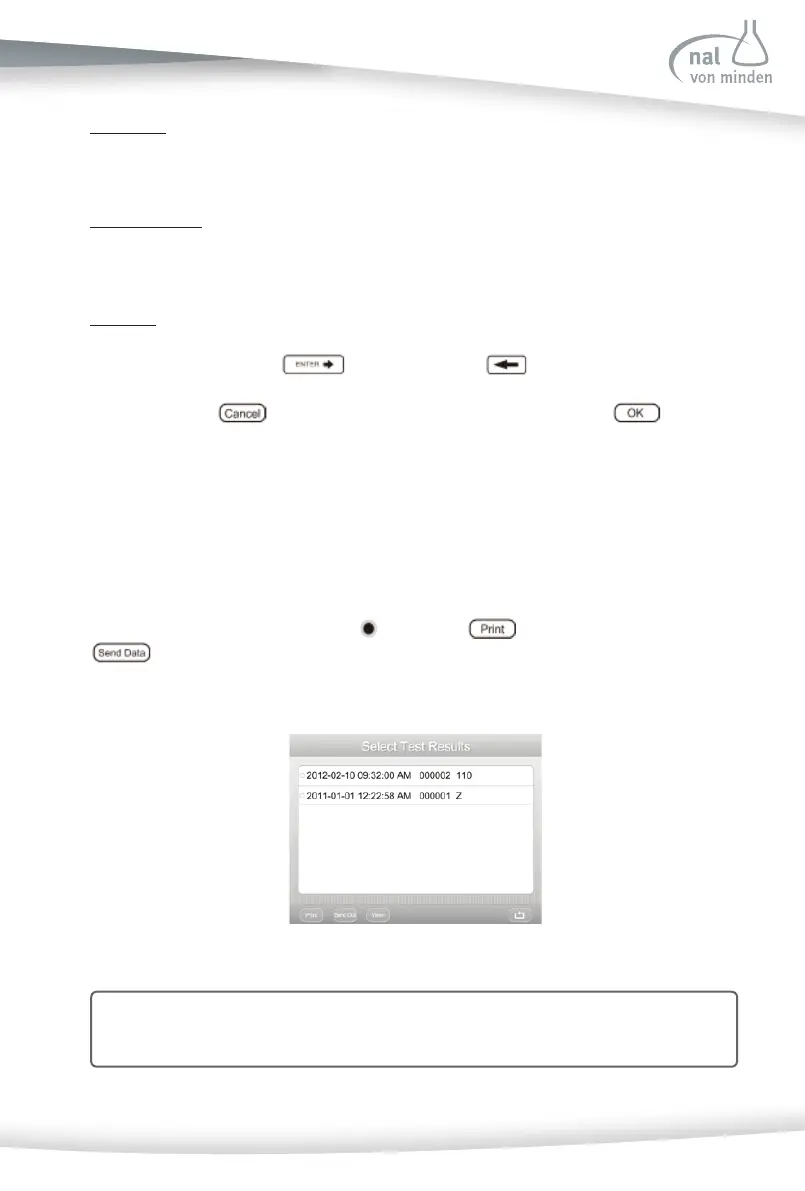
Review All Data
The test results are in chronological order. The most recent test result is displayed at the
top of the screen. Use the up and down arrow keys to scroll through the list of pa ent
tests. Choose the data marked with
and press to print the data chosen or
to transfer the data to a computer (if a computer has been connected to the
analyzer).
Note: Refer to Sec on 7 Analyzer Setup: Analyzer Confi gura on for instruc ons on
how to automa cally send results to a computer.



 To Next Page