23
Note: For more instruc ons on how to enable the Work List, please refer to Sec on
7 Analyzer Setup: Test Se ngs: Work List.
Press to print the Work List.
Press
to delete the selected specimen informa on.
informa on: Pa ent ID or name, Type of Strip, Serial number, Strip lot, Strip Expira on,
Test Date and Time, Operator, Test Number, Color, Clarity, and Results.
Strip Test - Customized Test
Customized Test allows the user the op on of selec ng one or more items from Full
Test. The procedure for entering the Operator and Pa ent data and the strip tes ng
process is iden cal to the Full Test.
Strip Test - Work List
Con nuous Test OFF
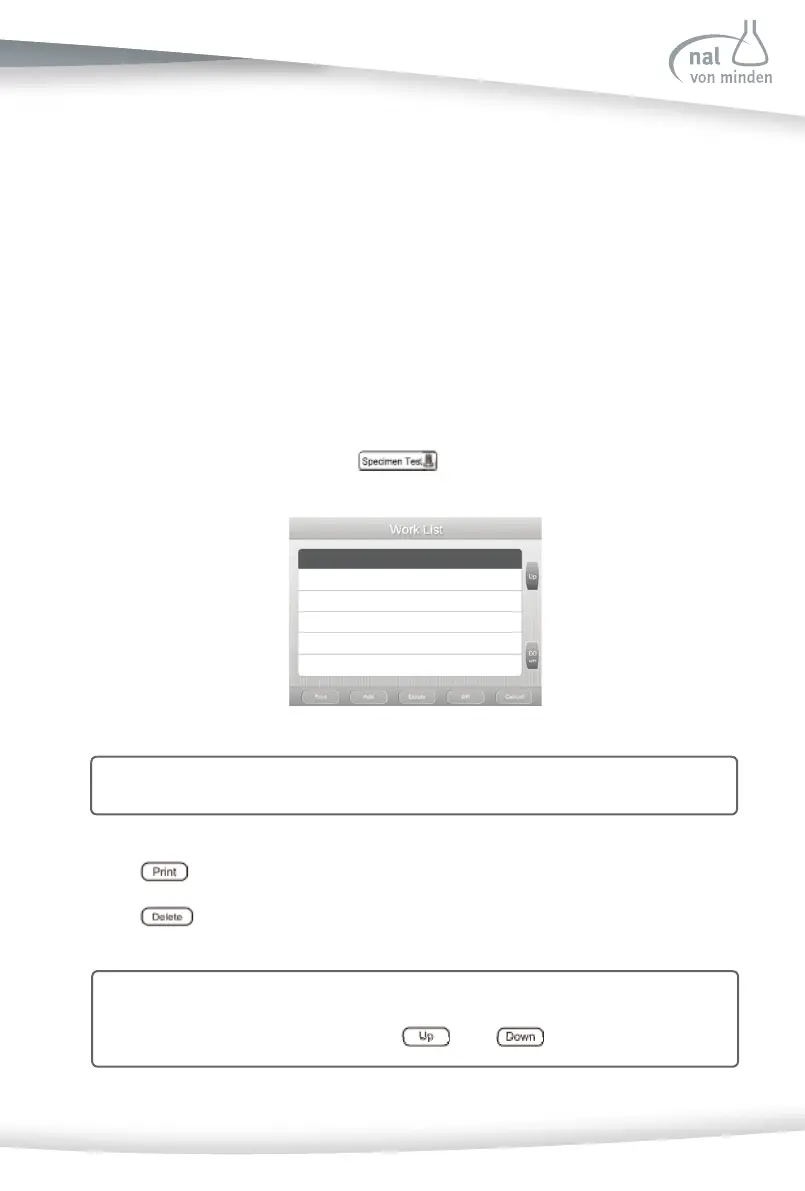
The Work List is useful for large amounts of specimen. If the Work List is enabled prior
to star ng the specimen test, press
to enter the Work List screen.
Note: Generally, the sequence of the specimen informa on is according to the test
number, and STAT mode is prior to Rou ne Mode. If necessary, you can rear-
range the sequence by pressing
and .



 To Next Page