24
nal von minden GmbH · Manual
Reac f Touch
Press
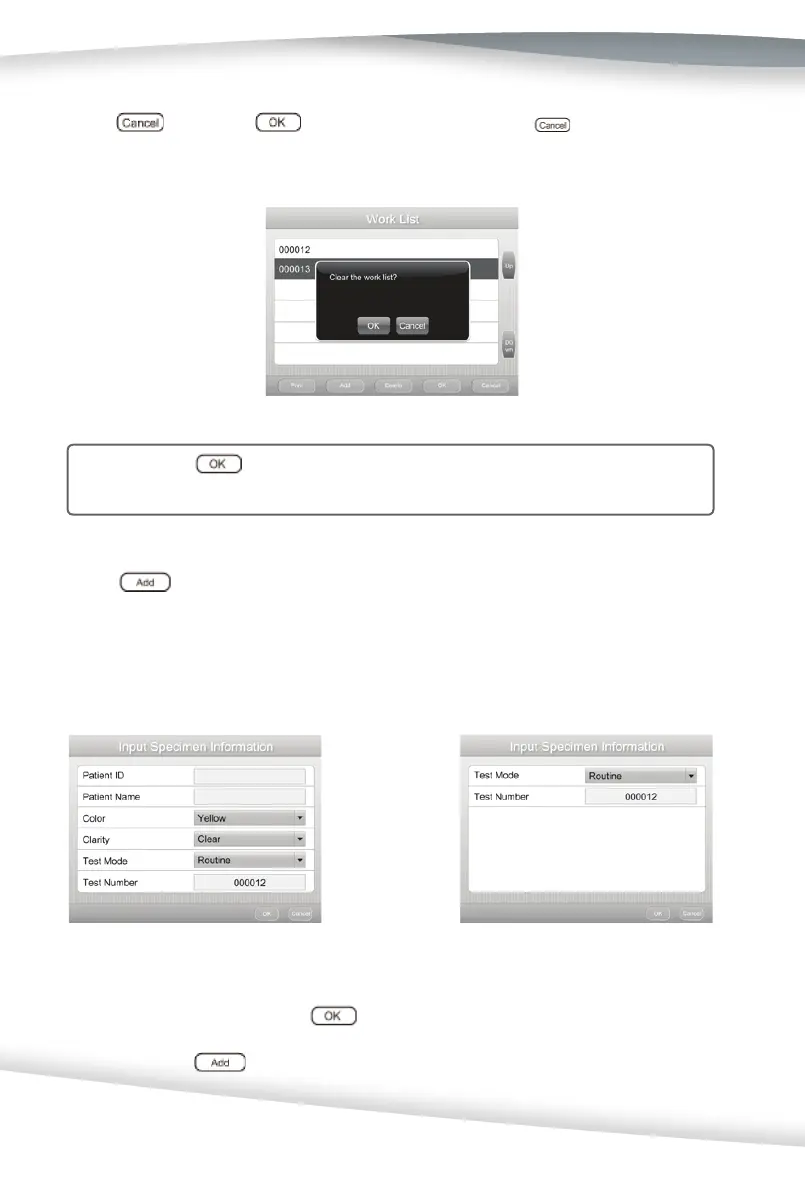
then press to exit the Work List, or press to return to the
Work List.
Cau on: If
is pressed, Work List and all informa on entered in the Work
List will be deleted.
Press to enter the Input Specimen Information screen. The detailed
information in this screen is different for Full Test, Quick Test, and Customized Test
mode.
For Full Test: For Quick Test:
Enter the informa on and press
to return to the Work List screen. New speci-
men informa on will be displayed and the Pa ent ID will appear behind the test number.
Repeat pressing
to input more specimen informa on.



 To Next Page